

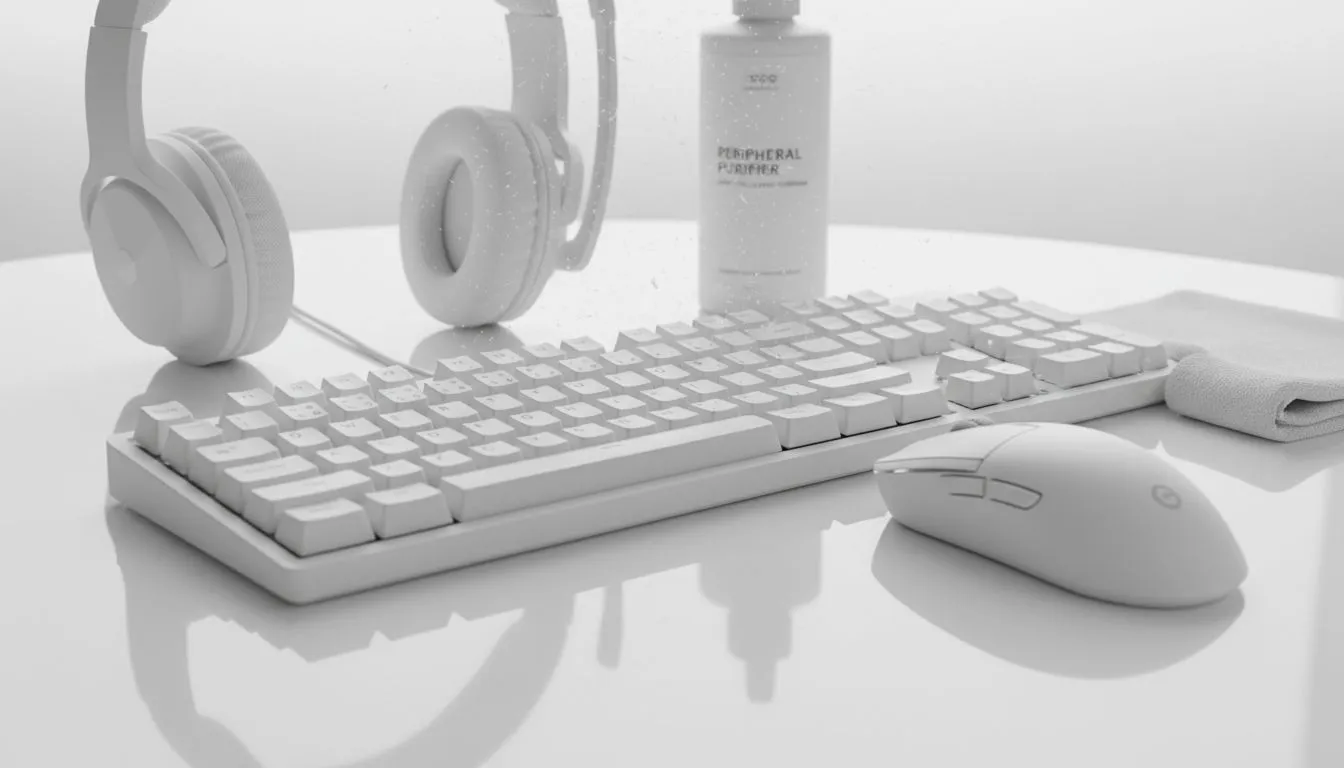
There is nothing quite like the crisp, futuristic aesthetic of an all-white battlestation. It looks premium, clean, and stands out in a sea of standard black plastic. But living in South Africa brings challenges; dust is inevitable, and the harsh sun loves to turn pristine gear into a sad shade of beige. Here is how to clean white peripherals without yellowing and keep your setup looking showroom fresh. ✨
Understanding the Enemy: Why White Tech Turns Yellow
Before you start scrubbing, you need to know why your gear changes colour. Most gaming peripherals are made from ABS plastic, which contains bromine to act as a flame retardant. When exposed to UV light (sunlight) and heat, this chemical reacts and causes that dreaded yellow tint.
Furthermore, the natural oils from your hands are a major culprit. You are constantly gripping your gaming mouse during clutch moments or resting your palms on your gaming keyboard. Over time, these oils degrade the top layer of the plastic, trapping dirt and accelerating discoloration. Even console players aren't safe; those white gaming controllers can look grimy very quickly after a few intense weekends of FIFA or Call of Duty.
The Safe Cleaning Routine 🧼
To clean white peripherals without yellowing, you need to be gentle but consistent. Avoid harsh bleach, as it can actually weaken the plastic over time.
- Disconnect Everything: Safety first. Unplug your devices.
- The Magic Mix: Use a mixture of warm water and mild dish soap, or Isopropyl alcohol (70% or higher) for tougher grime.
- Wipe Down: Use a microfiber cloth. Do not use paper towels as they leave lint behind.
While you are in cleaning mode, don't ignore the rest of your setup. Your headsets often feature white leatherette pads that absorb sweat and makeup—give them a gentle wipe. Dust also loves to settle in the mesh of microphones, which can actually impact your audio quality if left unchecked.
Finally, give your PC monitors some love. White monitor bezels show dust instantly. A quick wipe with a dedicated screen cleaner ensures your display looks as good as the games you are playing.
Prevention Protocol 🛡️
Keep a pack of alcohol-free wet wipes near your desk. Giving your mouse and keyboard a quick wipe-down every Friday prevents oil buildup from hardening. Also, try to keep your white gear out of direct sunlight to slow down the chemical yellowing process significantly.
Reversing the Damage: The Hydrogen Peroxide Method
If your gear is already yellow, simple soap won't fix it. You might need to try "Retrobrighting." This involves coating the plastic in 12% hydrogen peroxide cream (hair developer volume 40) and exposing it to UV light. In South Africa, our strong sun works perfectly for this, but be careful not to melt your keycaps in the heat!
If the plastic is too brittle or too far gone, it might be time to retire the component. You could pivot to upgrading internal components that stay safe from the sun, like adding faster solid state drives to your rig. However, if you are a content creator, aesthetics matter. keeping your gear bright is vital for your on-camera streaming essentials, ensuring your production value looks as high as your skill level. 🚀
Time to Refresh Your Setup? Sometimes, no amount of scrubbing can save a worn-out peripheral. If you are ready to upgrade to the latest pristine white tech, or switch to a darker theme that hides the grime, we have you covered. Shop our full range of Gaming Peripherals and build the battlestation of your dreams today.











