

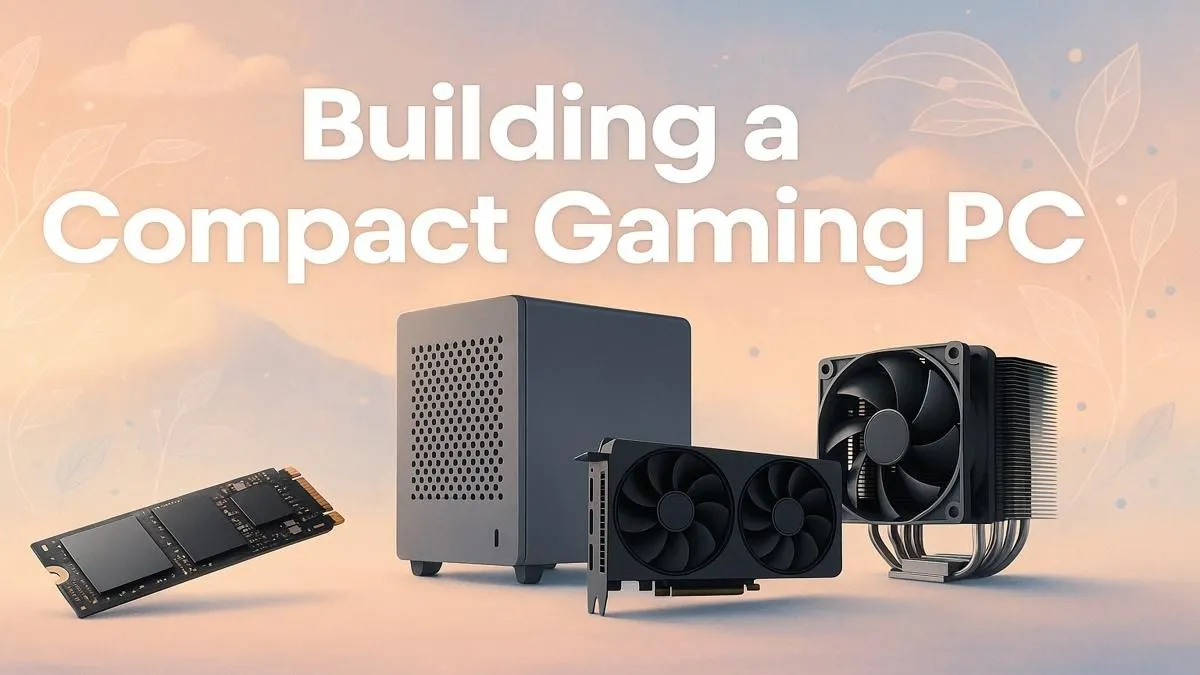
Tired of that massive tower taking up half your desk… and your room? For many South African gamers, space is a premium. A powerful PC shouldn't demand a huge footprint. This is where the magic of a compact gaming PC build comes in. It’s about crafting a small, sleek machine that still packs a serious punch for everything from Warzone to Starfield. This guide will walk you through building your own pint-sized powerhouse. 🚀
Why Go Compact? The Small Form Factor Advantage
A compact gaming PC build isn't just about saving space. It's a statement. These small form factor (SFF) rigs are portable enough for a weekend LAN party, look incredible on a minimalist desk, and are often surprisingly power-efficient. While they require careful planning, the result is a clean, powerful setup that defies its size. Plus, building one yourself is an incredibly rewarding tech project, and you can start with some surprisingly affordable budget gaming PCs as a baseline for your parts list.
Your Compact Gaming PC Build Blueprint: Key Components
Building a small PC is like a game of Tetris. Every component must fit perfectly. Here’s what you need to focus on.
1. The Case: Your Build's Foundation
This is the most important choice. SFF cases are measured in litres, and anything under 20L is generally considered compact. Look for a Mini-ITX case that balances size with decent airflow and GPU clearance. Read reviews and watch build videos to understand its quirks before you buy.
2. The Motherboard & RAM
You'll almost certainly need a Mini-ITX motherboard. They are tiny but feature-packed. For RAM, standard-height sticks are usually fine, but always double-check clearance if you're using a large air cooler. Opt for M.2 SSDs that mount directly to the motherboard to eliminate drive cages and extra cables.
3. The Graphics Card: Measure Thrice, Buy Once
Your GPU is likely the biggest and hottest component. In a compact gaming PC build, its dimensions are critical. Check the case's maximum supported GPU length, height, and width (often measured in "slots"). A powerful two-slot card is often the sweet spot for many gaming PCs under R20k, offering fantastic performance without the bulk of a triple-slot monster.
4. CPU & Cooler: Keeping Things Chill ❄️
A powerful CPU needs a capable cooler, which can be tricky in a tight space.
- Low-Profile Air Coolers: These are specifically designed for SFF builds and are great for mid-range CPUs.
- All-in-One (AIO) Liquid Coolers: A 120mm or 240mm AIO can offer superior cooling for high-end CPUs, like those found in high-performance PCs over R20k, provided your case has the radiator mounts.
Check Your Clearances! 🔧
you buy a single part, use a tool like PCPartPicker to check for compatibility issues. But for SFF builds, go one step further: manually check the manufacturer's spec sheet for your case, CPU cooler, and GPU. Confirm the maximum cooler height and GPU length. A millimetre can be the difference between a perfect fit and a part that just won't go in.
5. Power Supply (PSU): SFX is Your Friend
Forget standard ATX power supplies; they're too big. You'll need an SFX or SFX-L PSU. These are tiny, fully modular power supplies designed for compact builds. Ensure it has enough wattage for your components, especially your GPU.
The Assembly: Putting It All Together
Building a compact PC requires patience. The general order is similar to a standard build, but the environment is much less forgiving.
- Prep Your Workspace: Get all your tools, parts, and a clear, well-lit surface.
- Build the Motherboard Core: Install the CPU, M.2 drive, and RAM onto the motherboard before putting it in the case. It's much easier this way.
- Test Bench: If you can, connect the core components (mobo, CPU, RAM, GPU, PSU) outside the case and ensure it POSTs (boots to BIOS). This saves you the headache of debugging inside a cramped chassis.
- Case Installation: Carefully install the motherboard and PSU. This is where cable management becomes crucial. Route cables thoughtfully as you go; there's no room to hide a mess later. Poor airflow from cluttered cables can cripple your performance.
- GPU Installation: The final boss. This is often the last major component to go in.
Once it's all together, the feeling of powering on that tiny, quiet, and powerful machine is unbeatable. And if you managed to check out the latest gaming PC deals, the victory is even sweeter.
Feeling Overwhelmed? There's an Easier Way ✨
Let's be honest: a compact gaming PC build can be tricky, especially for a first-timer. The tight spaces and specific component requirements demand precision and research. If the thought of routing tiny cables and checking clearances sounds more like a chore than a challenge, there's a brilliant alternative. You can get all the benefits of a compact rig without any of the building stress when you explore our range of pre-built PCs, which are assembled and tested by experts.
Ready to Create Your Masterpiece? Building a compact gaming PC is a rewarding challenge. If you're ready to pick your parts and start your journey, our powerful and easy-to-use tool is the perfect place to begin. Design your dream rig with the Evetech PC Builder and bring your ultimate compact build to life.











