

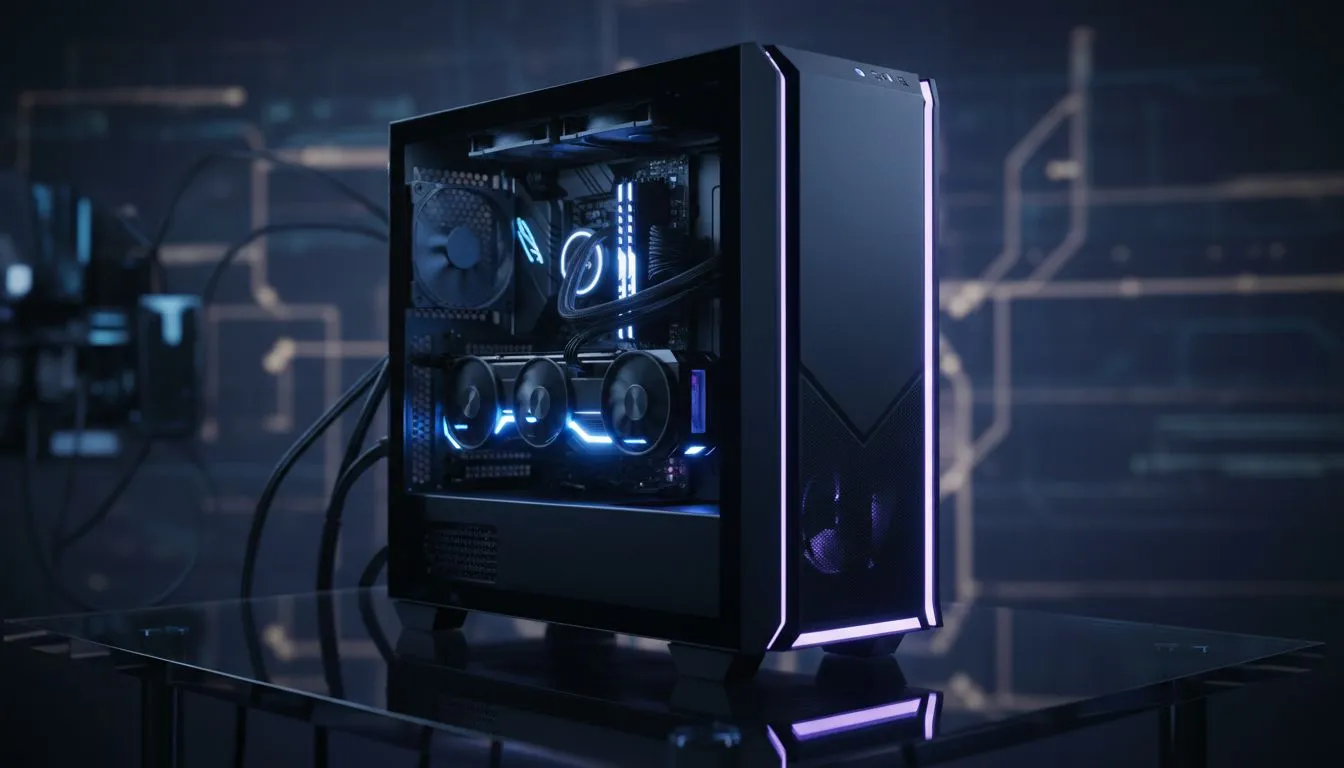
Ready for a tiny powerhouse? 🔧
If you want desktop-level frame rates without a full tower taking over your desk or student room, a compact gaming PC build in a Micro-ATX case is the fastest route to high performance and tidy cable management. South African gamers can squeeze strong GPUs, proper cooling, and sleek aesthetics into a small footprint — and still save space for a bigger monitor. ⚡
Small case, big decisions
Choosing components for a compact Micro-ATX layout is about compatibility and airflow. Start with a case that balances space and cooling. Evetech's range of computer cases is a good place to browse options and sizes before you commit. For a broad look at form factors and styles, check the latest case selection on Evetech. (See full case line-up here: shop computer cases.)
Motherboard and CPU fitment
Micro-ATX boards give you enough PCIe lanes for a single GPU and often two M.2 slots. Pair a Ryzen 5 or Intel Core i5 with a compact air cooler or a low-profile AIO to avoid GPU clearance issues. For specific case dimensions and cooler compatibility, look at dedicated manufacturer pages; Fractal Design lists clear internal specs for its compact models — handy when checking compatibility. Learn more from the official Fractal listings: Fractal Design cases at Evetech.
GPU, thermals and cable routing
GPUs dictate case choice more than anything. Some micro-ATX enclosures accept full-length cards; others cap to 280mm. If you plan a high-end GPU, verify the maximum GPU length on the case product page. For airflow, prioritise front-panel ventilation and a rear exhaust fan. Gamdias builds often mix aggressive looks with practical airflow paths — see options and specs on their Evetech collection to match style and clearance. Explore the Gamdias range here: Gamdias cases at Evetech.
Storage and power
NVMe drives are perfect for compact builds: tiny, fast, and heat-managed with small heatsinks. Choose a quality SFX or compact ATX PSU with a high 80 Plus rating for efficiency and lower heat output. If budget's a concern, Gamdias models under set budgets offer entry-level case builds that still support NVMe and standard GPUs; you can filter those under price caps like R1500 to find affordable options. Check budget picks here: Gamdias under R1500.
Compact Build Tip ⚡
When building in a Micro-ATX case, assemble your cooling and PSU first. Install the PSU, route primary cables, then mount the motherboard. It reduces cable congestion and gives clearer access to screw points and fan brackets.
Real-world build advice and pitfalls
Keep an eye on clearance numbers: GPU length, CPU cooler height, and GPU-to-drive spacing. Consider semi-modular PSUs to reduce unused cables inside tight spaces. If you plan to upgrade the GPU later, design with a little future clearance in mind. Many South African builders favour local retailers like Evetech for warranty and parts availability when swapping components.
Final checklist before you buy
- Confirm GPU length and cooler height on the case page.
- Pick a PSU with the right connectors and headroom.
- Use at least two case fans for positive pressure.
- Keep cable ties and a spare SATA cable handy for neat routing.
Ready to Find Your Perfect Match? The Mac vs Windows debate is complex, but for maximum power, choice, and value in South Africa, Windows is hard to beat. Explore our massive range of laptop specials and find the perfect machine to conquer your world.











