

Why Your New PC Might Lack Traditional Audio Ports
So you’ve just unboxed a shiny new rig from Evetech, but there’s a snag... your trusty old analog speakers have nowhere to plug in. Modern hardware often ditches the 3.5mm jack for a cleaner, digital-first aesthetic. Fortunately, learning how to connect analog speakers to PC without audio ports is a quick fix that won't break the bank. You don't need a degree in electrical engineering to get your sound back.
The USB Sound Card Solution
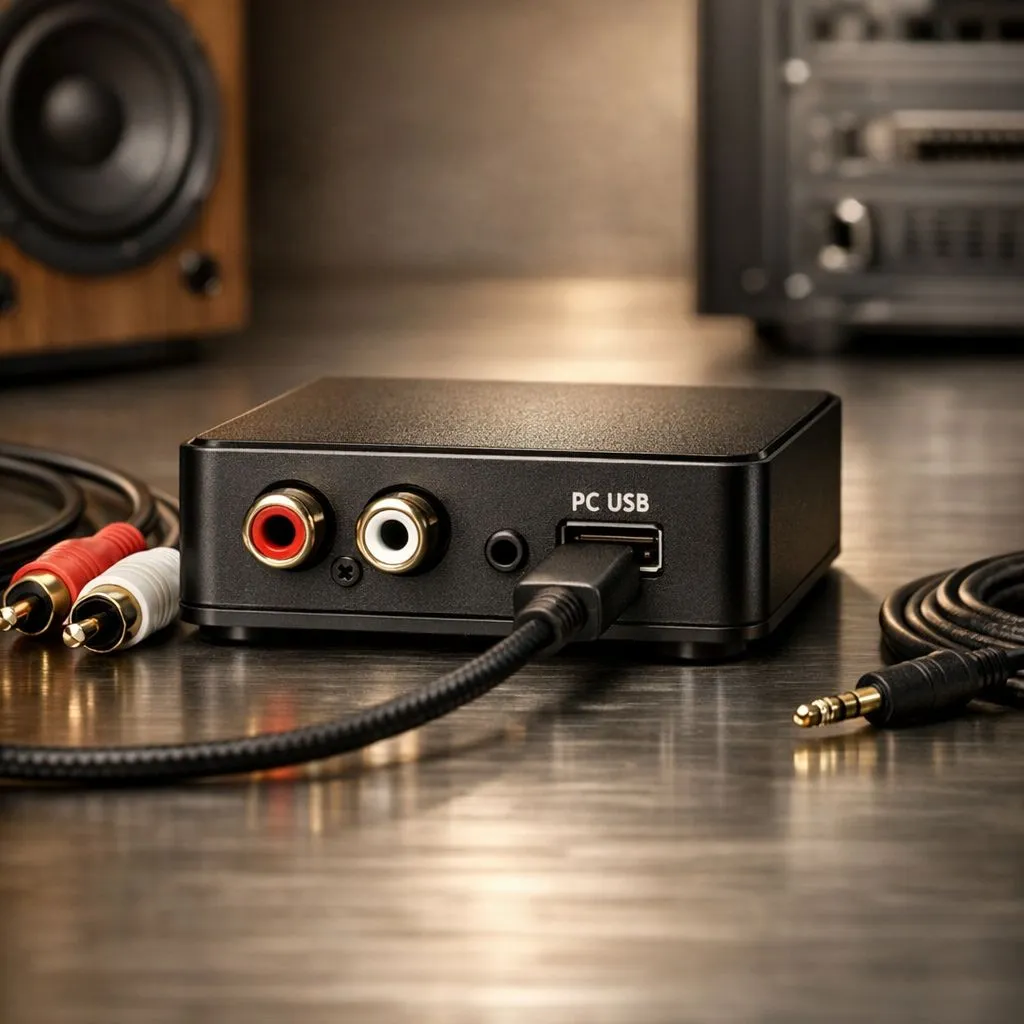
The most straightforward way to bridge the gap is a USB to 3.5mm adapter. These tiny devices act as an external sound card, converting the digital signal from your USB port into an analog signal your speakers can understand. When browsing for new gaming accessories, you will find these adapters are incredibly affordable, often costing less than a takeaway lunch in Jozi.
Most of these units are "plug and play," meaning Windows will recognise them instantly without needing manual driver installations. It is the perfect way to keep using those high-quality legacy speakers that still pack a punch.
Audio Quality Pro Tip ⚡
If you are using a USB DAC to connect your speakers, make sure to go into your Windows Sound Settings and set the 'Default Format' to the highest bit rate available. This ensures you are getting the full fidelity your analog speakers were designed to deliver, rather than the compressed standard output.
Elevate Your Audio with an External DAC
If you are an audiophile, a simple adapter might not cut it. You might want to optimise your audio path by using a Dedicated Analog Converter (DAC). These devices sit between your PC and your speakers, providing a much cleaner signal than the integrated chips found on most motherboards. Keep an eye on our gaming accessories deals to find external DACs and sound cards that can drive even the most demanding analog setups.
Wireless Bridges and Bluetooth Adapters
Another clever way to connect analog speakers to PC without audio ports is to go wireless. By plugging a Bluetooth receiver into your speakers' input jack, you can stream audio directly from your PC’s built-in Bluetooth. This removes cable clutter entirely, which is a massive win for those trying to achieve a "clean" desk setup. Whether you are building a budget setup or a high-end battlestation, having the right essential gaming gear ensures you never have to sacrifice sound quality for modern compatibility.
Ready to Get the Best Sound Possible? Don't let a missing port stop the music. Whether you need a quick adapter or a full audio overhaul, we have the tech to keep you immersed in the action. Explore our massive range of audio accessories and find the perfect solution to power your speakers today.











