

Best Intel GPU Under R3000 in SA 2026
Top Intel GPU Under R3000 picks evaluated on performance, value & SA availability with current Rand pricing from Evetech.
Read moreControl case fans in BIOS with simple PWM fan curves to keep your PC quiet for daily use. Step-by-step BIOS settings, temp targets, and quick fixes make tuning easy. 🛠️🔇
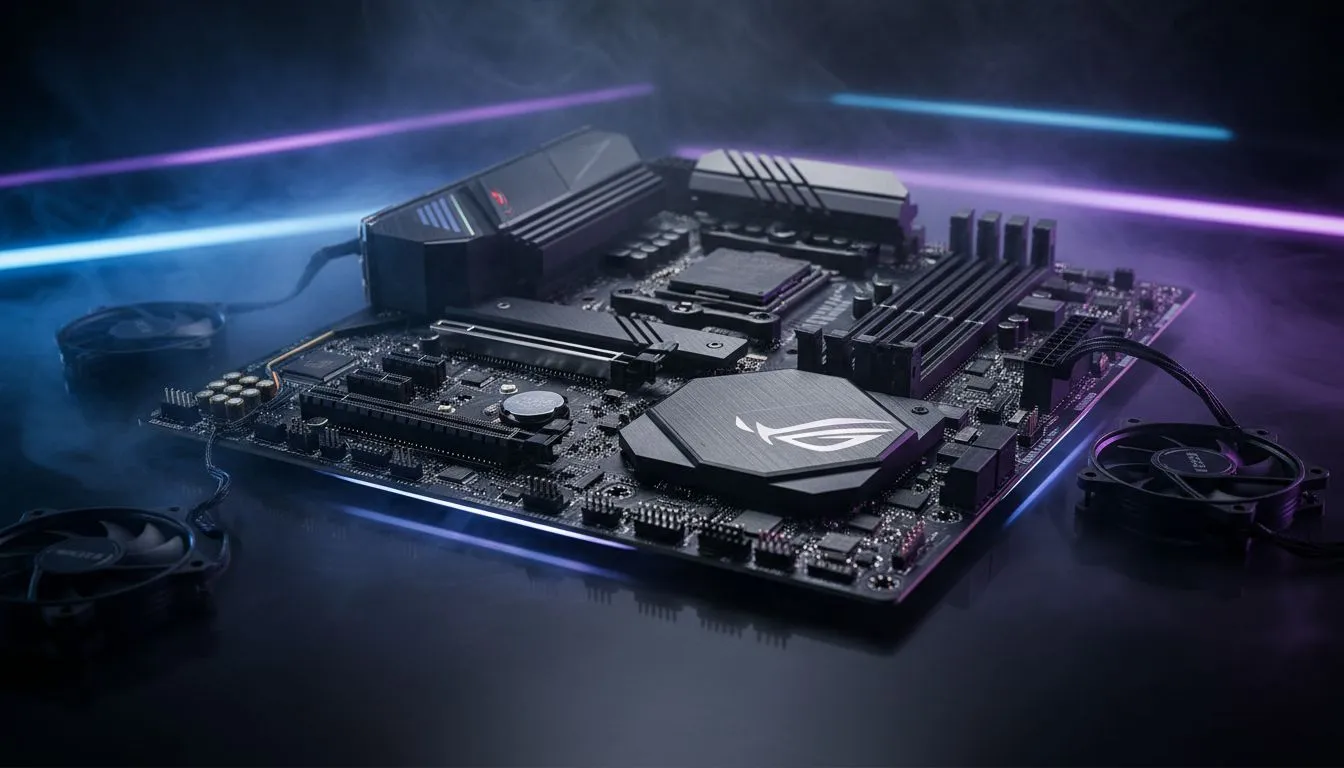
Nothing ruins a late-night session like a PC that sounds like a jet engine. If your fans spin at max speed for no reason... it is time to take charge. Learning how to control case fans in BIOS is the best way to balance noise and heat. By setting custom PWM fan curves... you can ensure your South African gaming rig stays whisper-quiet during light tasks. 🔧
Before you dive into the settings... you need to know your hardware. Most modern case fans use either DC or PWM (Pulse Width Modulation) connectors. PWM is superior because it allows for precise speed adjustments without changing voltage. This precision is vital for creating a silent profile. If you have high-end CORSAIR fans... they likely support 4-pin PWM control for ultimate flexibility.
To enter your BIOS, restart your PC and repeatedly tap the 'Delete' or 'F2' key before the Windows logo appears. Once inside, look for 'Hardware Monitor' or 'Fan Control' settings to start tweaking your curves.
A fan curve is a simple graph. It maps fan speed percentage against CPU or system temperature. For quiet use... keep your fans at a low 20% to 30% speed while your PC is idling. As temperatures rise during a heavy match... the curve should ramp up gradually. This prevents sudden noise spikes that can be very distracting.
If you are using high-performance cpu coolers... you can afford to keep the fans lower for longer. This is especially true if you have invested in a Liquid Cooler (AIO). The thermal mass of the liquid handles small heat spikes... so your fans don't need to scream every time you open a browser tab.
Many gamers love the look of RGB lighting. However... remember that lighting and motor speed are separate. You can have a brilliant light show while maintaining total silence. For those who prefer a stealthier look... choosing fans with None for lighting effects can often save a few Rands while focusing purely on airflow performance. 🚀
Your choice of chassis dictates how hard your fans have to work. Well-designed computer cases offer better natural airflow. This means you can run your fans at lower RPMs. We often recommend Gamdias gaming cases for their excellent mesh fronts. Similarly... the latest Evetech gaming cases are built with South African summer temperatures in mind. They provide the space needed for air to move freely without restriction. ✨
Ready to Silence Your Rig? Finding the right balance between cooling and noise is the key to a premium gaming experience. Whether you need a new chassis or high-static pressure fans... we have the gear for you. Explore our massive range of PC components and build a PC that performs as good as it looks.
Enter BIOS, find Fan or Hardware Monitor, choose PWM mode, and edit BIOS fan curve settings to map temps to fan speeds.
A PWM fan curve maps CPU/GPU temps to fan duty cycles; learn how to set PWM fan curve to cut noise while keeping temps safe.
Look for fan headers, fan control mode, and motherboard PWM fan settings to adjust ramp points and reduce noise.
Yes. Build a quiet PWM fan profile with lower idle speeds and gentle ramps for daily use to create a quiet PWM fan profile.
Yes. ASUS and Gigabyte use different menus; check asus bios fan control or gigabyte fan curve bios guides for exact steps.
Aim for conservative targets: low idle speeds under 45°C, moderate ramps at 55–70°C. Use set fan speed by temperature to balance noise and cooling.
Reset to default, reapply BIOS fan curve settings, check header mode (PWM/DC) and use fan curve troubleshooting bios tips to isolate the issue.
Top Intel GPU Under R3000 picks evaluated on performance, value & SA availability with current Rand pricing from Evetech.
Read more
Top AMD GPU Under R5000 picks evaluated on performance, value & SA availability with current Rand pricing from Evetech.
Read more
Top RTX 4090 Under R5000 picks evaluated on performance, value & SA availability with current Rand pricing from Evetech.
Read more
Top Samsung GPU Under R15000 picks evaluated on performance, value & SA availability with current Rand pricing from Evetech.
Read more
Top RTX 4060 Laptop Under R30,000 picks evaluated on performance, value & SA availability with current Rand pricing from Evetech.
Read more
Snapdragon X2 NPU Explained: How 80 TOPS Changes. Plain-English explanation of what it means, why it matters & how it affects your buying decisions in SA.

HBM? High Bandwidth Memory Used in GPUs and AI. Plain-English explanation of what it means, why it matters & how it affects your buying decisions in SA.

How much should you spend on sim racing accessories in South Africa for a realistic setup? We break down budgets by quality tiers, so you buy smart gear and avoid overspending 🎮💸

G-Sync and FreeSync? Variable Refresh Rate. Plain-English explanation of what it means, why it matters & how it affects your buying decisions in SA.

AMD Laptop: Value. SA-focused analysis with local pricing data, real-world insights & actionable buying advice.

How MacBook Neo Handles 30+ Chrome Tabs with Only. SA-focused analysis with local pricing data, real-world insights & actionable buying advice.

Why Apple Put 8GB RAM in MacBook Neo: The A18 Pro. SA-focused analysis with local pricing data, real-world insights & actionable buying advice.

Upgrade your work laptop with a New Motherboard. Step-by-step instructions with SA-specific tips, common pitfalls to avoid & expert recommendations.

Glorious Keyboard Switches Explained: Which. Plain-English explanation of what it means, why it matters & how it affects your buying decisions in SA.

Winter Keyboard Buying Guide. Everything you need to know with SA pricing, step-by-step instructions & expert recommendations.

Keyboard Buying Guide. Everything you need to know with SA pricing, step-by-step instructions & expert recommendations.

LGBTQ+ Gamers Keyboard Guide: January Edition. Everything you need to know with SA pricing, step-by-step instructions & expert recommendations.