

Building a custom rig in South Africa means balancing extreme summer heat with your hard-earned rands. If you want maximum airflow without sacrificing aesthetics, the Cooler Master TD500 Mesh is a phenomenal choice. This Cooler Master TD500 build guide will walk you through the ultimate parts list and essential assembly tips... helping you construct a visual masterpiece that stays incredibly cool under pressure. 🚀
Why the TD500 Dominates the Mid-Tower Market
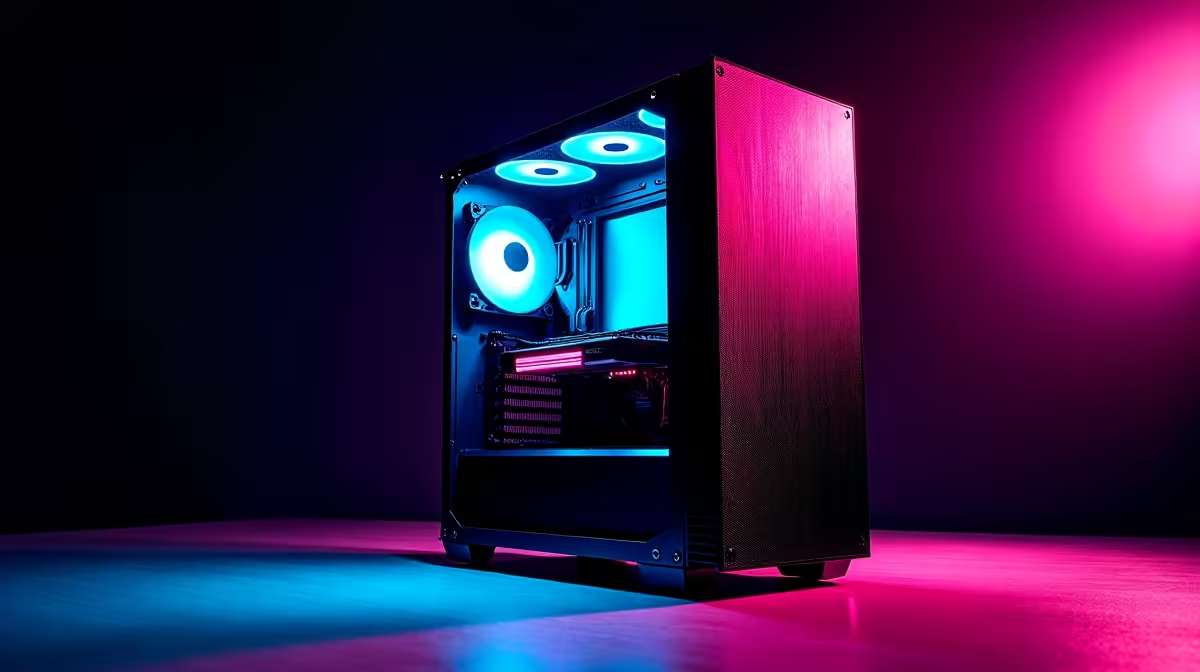
The Cooler Master TD500 features a striking polygonal mesh front panel. This design does not just look incredible... it provides massive airflow to your core components. It comes standard with three 120mm ARGB fans, giving you a massive head start on cooling right out of the box.
If sourcing individual components feels overwhelming, you do not have to stress. You can easily find the best gaming PC deals that feature this exact chassis fully assembled, cable-managed, and ready to plug in.
Crafting Your Perfect Parts List
To make the most of this Cooler Master TD500 build guide, you need hardware that matches the aesthetic and thermal potential of the case.
Motherboard & Processor: An ATX motherboard fills the internal space perfectly. Pair it with a modern Ryzen 7 or Intel Core i7 processor for a rig that handles both heavy multitasking and premium gaming.
Cooling Solutions: The TD500 supports up to a 360mm radiator on the top or front. To keep your thermals perfectly balanced during intensive gaming sessions, we highly recommend investing in one of the top-tier CPU coolers available right now. A robust liquid cooler will complement the front intake fans beautifully... ensuring your frame rates stay high when the South African summer peaks.
Graphics Card: With an impressive 410mm of clearance, you can fit almost any massive modern GPU. Just make sure to support it properly to prevent GPU sag over time.
If you want elite performance without the assembly sweat... exploring our extensive pre-built PC deals is a brilliant way to get a perfectly balanced TD500 rig delivered straight to your door.
Pro Assembly Tips for a Clean Build 🔧
Putting the pieces together is where the magic happens. The TD500 is very builder-friendly, but a few tricks will elevate your final result.
First, route your front panel cables before installing the power supply. Selecting a fully modular power supply is a massive advantage here. You only plug in the cables you actually need... significantly reducing clutter under the PSU shroud.
Cable Management Pro Tip ⚡
Always install your CPU power cable at the top left of the motherboard before securing the motherboard to the standoffs. The TD500 has a dedicated routing hole there, but it gets very tight once a top radiator or large air cooler is installed.
Next, synchronise your colours. The included ARGB controller makes it simple to match your fans with your motherboard software. A unified colour scheme instantly makes your build look premium and intentional.
Remember to stretch your budget smartly. Keep a close watch on our weekly specials to grab high-speed RAM and NVMe storage at unbeatable ZAR prices.
Of course, a massive desktop is not for everyone. If you travel often or face frequent power cuts, browsing the latest notebooks for sale in South Africa might offer the perfect mobile alternative to a heavy desktop rig.
For those committed to the desktop master race, the TD500 remains a legendary canvas for your next project. ✨
Ready to Build Your Dream Rig? Crafting the perfect PC requires the best components at the best prices. Whether you are building from scratch or looking for a massive upgrade, Evetech has everything you need to dominate the game. Explore our massive range of PC components and start your custom build journey today.











