

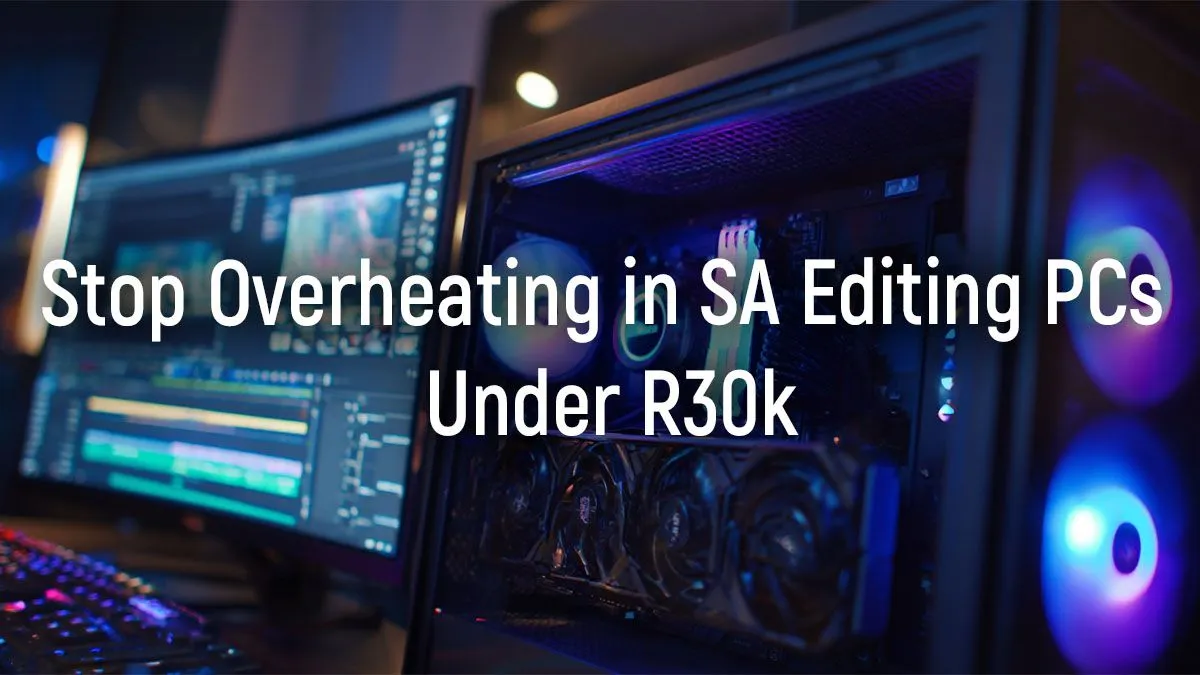
Rendering a 4K timeline on deadline and your PC sounds like a jet engine taking off... just before the whole system grinds to a halt. We’ve all been there. A hot PC isn't just loud; it's a performance killer. But building a powerful, cool-running editing PC under R30k in South Africa is more than possible. It just requires smart choices, not a blank cheque. Let's dive into how you can keep your new rig frosty and fast. ❄️
Why Cooling is Non-Negotiable for Your Editing PC
When you're pushing your computer with heavy tasks like video rendering, colour grading, or running complex Adobe After Effects compositions, your CPU and GPU generate a massive amount of heat. If that heat isn't efficiently removed, your components will automatically slow down to protect themselves. This is called thermal throttling.
Suddenly, your buttery-smooth 4K playback starts stuttering, and render times double. Consistent high temperatures can also shorten the lifespan of your valuable components. Investing in good cooling for your editing PC build isn't a luxury; it's essential for unlocking the full performance you paid for.
Core Components for a Balanced Editing PC Under R30k
Hitting that R30,000 sweet spot is about balance. You need a CPU that can encode video quickly and a GPU that can handle real-time effects, all without blowing the budget.
CPU & GPU: The Power Couple
For a modern editing PC under R30k, a great starting point is a processor like an Intel Core i5 or AMD Ryzen 5. These chips offer an excellent blend of multi-core performance for rendering and strong single-core speed for snappy timeline navigation. Pair this with a capable graphics card like an NVIDIA GeForce RTX 3050 or RTX 4060, which provides dedicated hardware for accelerating video encoding and GPU-heavy effects in DaVinci Resolve or Premiere Pro. While some great budget-friendly gaming PCs make excellent editing rigs, ensuring the CPU/GPU combo is right for your workflow is key.
RAM & Storage: The Unsung Heroes
For video editing, 16GB of RAM is the absolute minimum, but 32GB is the recommended target for a smooth 4K workflow. More important, however, is storage speed. An NVMe M.2 SSD is a must-have for your operating system, applications, and active project files. It makes everything from booting up to scrubbing through complex timelines feel instantaneous. You can always add a larger, slower hard drive for archiving old projects.
Pro Tip: Plan Your Airflow 🌬️
Before buying fans, look at your case. Most cases benefit from a "front-to-back" airflow pattern. Install fans at the front to pull cool air in (intake) over your components, and one at the back and top to push hot air out (exhaust). This simple setup creates a wind tunnel that dramatically improves cooling efficiency.
Master the Chill: Smart Cooling Choices for Your Build
With your core components selected, it's time to focus on keeping them cool. This is where you can make a huge difference in performance and noise levels for your R30k editing build.
The chassis you choose is your first line of defence. Look for a case with a mesh front panel, as this allows for much better airflow than a solid front. Good cable management options are also crucial, as tidy cables prevent blockages and help air move freely. You can find excellent chassis options in builds across different price points, from affordable options under R20k to more premium rigs.
For the CPU, a high-quality air cooler is often the most reliable and cost-effective solution for a build in this price range. While liquid coolers look great, a beefy tower air cooler can deliver similar performance with fewer points of failure. This focus on reliable performance is a hallmark of many powerful PCs over R20k that are built to last.
Pre-Built vs. DIY: The Smartest Path to Your New Rig
Building a PC yourself can be a rewarding experience, but it also comes with risks... compatibility issues, troubleshooting, and managing multiple warranties can be a headache.
For creative professionals on a deadline, a pre-built system is often the smarter choice. You get a professionally assembled and cable-managed machine that's tested and backed by a single, comprehensive warranty. This peace of mind is invaluable. Many of the best gaming PC deals are configured with excellent cooling and powerful components that make them perfect for video editing right out of the box. Exploring Evetech's wide array of pre-built PC deals gives you a performance-guaranteed machine, letting you focus on creating, not troubleshooting. ✨
Ready to Create Without Limits? A hot, slow PC shouldn't kill your creative flow. A cool, quiet, and powerful editing rig is within your reach. Explore our massive range of Custom and Pre-Built PCs and find the perfect machine to bring your vision to life.











