

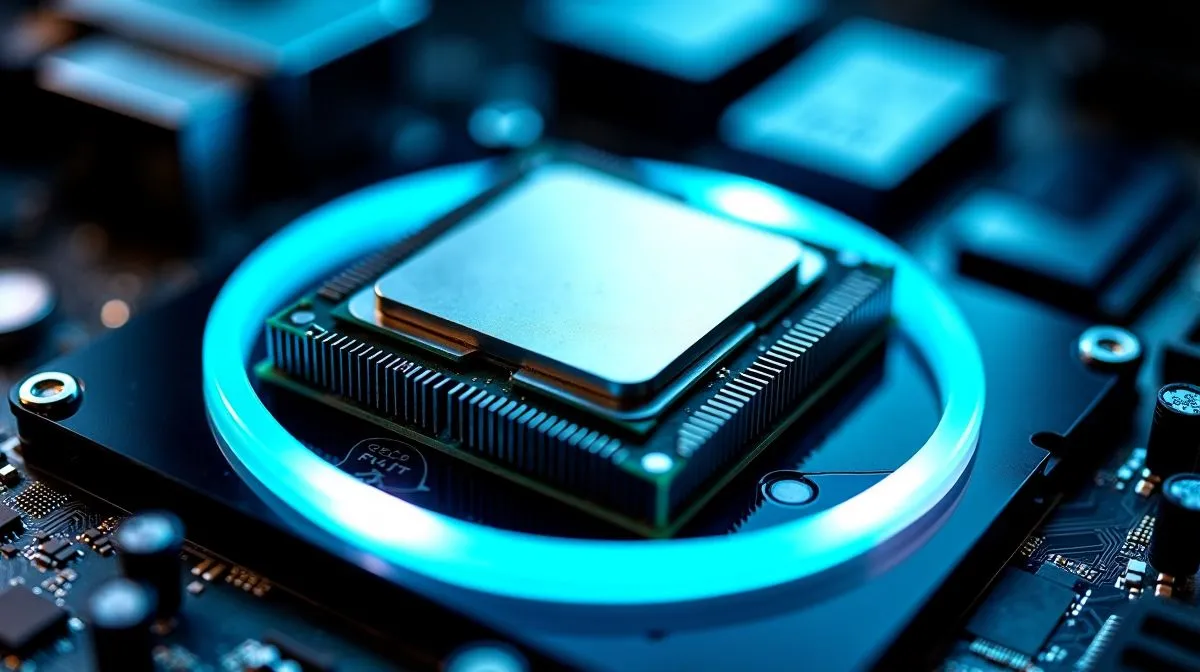
Why your CPU feels hotter after fitting a new cooler
South African builders expect cooler temps right after swapping coolers. Instead some rigs spike under load. Before you panic, check mounting, paste amount, fan orientation and airflow. Small mistakes in mounting and paste application often cause the biggest headaches. Read on for clear steps, quick fixes and links to compatible parts so you can get back to fragging without a thermal mystery. 🔧
Common mounting and paste mistakes that raise temps
Bad contact between the heatsink and CPU integrated heat spreader is the usual suspect. Over‑tightening one corner, forgetting a backplate, or misaligning standoffs produces uneven pressure. Too much thermal paste acts like an insulator; too little leaves gaps. Using paste meant for exotic setups or spreading it by hand can make matters worse. For a broad range of coolers and mounting options, start with Evetech’s CPU coolers selection.
Air cooler quirks and fan orientation
Air cooler fans must move air through the case, not recirculate it. Intake and exhaust balance matters. A compact cooler with a 120mm fan can be ideal in small South African cases where space is tight — check our slim 120mm fan options to match your chassis. If you’re fitting a Deepcool model, review the mounting kit details before purchase to avoid surprises. For general air cooler variety and layouts, explore the air cooler category.
Step‑by‑step fixes you can try today
- Shut down, unplug, and ground yourself.
- Remove the cooler, wipe both surfaces with 90%+ isopropyl alcohol.
- Apply a pea‑sized dot of paste in the centre of the CPU.
- Seat the cooler and tighten screws in a precise cross pattern to distribute pressure.
- Reconnect fans ensuring airflow points to your case exhaust and run a stress test. If you want options from other trusted brands, we list Einarex models and accessories that fit common sockets.
Thermal Paste Tip ⚡
When applying paste, less is almost always more. A pea‑sized drop typically spreads correctly under pressure. Avoid hand‑spreading; let the mounting do the work.
When to replace the cooler or get professional help ✨
If remounting and correct paste still leave high temps, investigate the pump on AIOs, check for damaged CPU pins, or test with a known good cooler. If you’re unsure about warranty implications, consult the seller before disassembly. Comparing replacement cooler prices in ZAR helps decide whether a new cooler is smarter than a repair.
Quick checklist and monitoring advice
- Clean surfaces with IPA and a lint‑free cloth.
- Use the cross‑tighten method for screws.
- Confirm fan direction and case airflow.
- Monitor temps for 20–30 minutes under load using reliable software.
Need a specific cooler or mounting bracket? Browse the compact air cooler choices that match tight builds, or check Deepcool and Einarex ranges to find the right fit for your socket and budget. 🚀
Ready to Find Your Perfect Match? The Mac vs Windows debate is complex, but for maximum power, choice, and value in South Africa, Windows is hard to beat. Explore our massive range of laptop specials and find the perfect machine to conquer your world.











