

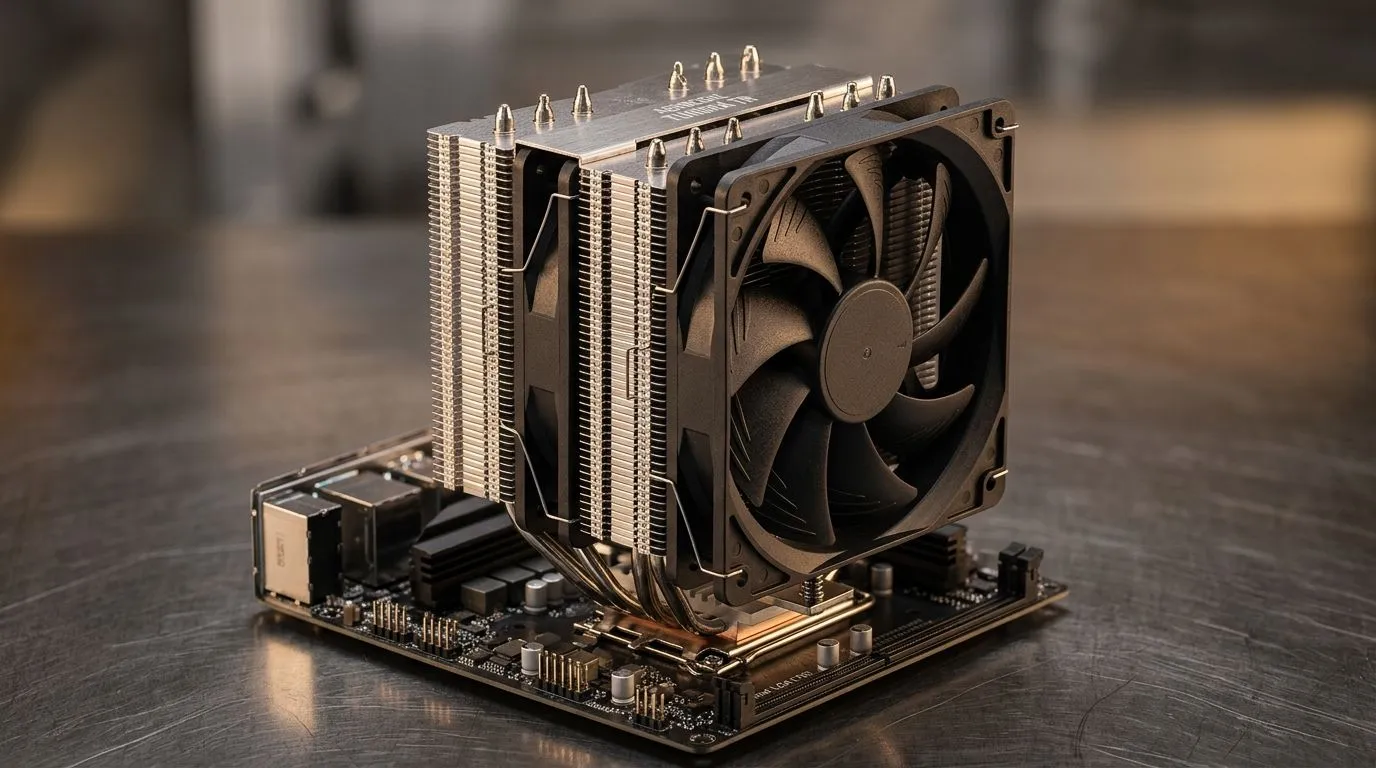
CPU Overheating With High Airflow Cooler: Spot the real causes (and fix them fast) 🔧
If your CPU is throttling even with a high airflow air cooler, you’re not alone. In SA builds, it often happens during summer sessions, dusty cases, or when paste and mounting aren’t quite right. The tricky part? “More airflow” doesn’t automatically mean “lower temps”… not if the heat can’t transfer properly. Let’s break down CPU overheating with high airflow cooler: causes and fixes you can apply today, without guessing.
CPU Overheating With High Airflow Cooler: Common root causes (even with strong fans) ⚡
1) Bad mounting pressure or uneven contact
A cooler that feels tight can still be off by a millimetre. If the base isn’t making full contact, the CPU heat can’t move into the heatsink efficiently, so temps jump fast.
What to do: remove the cooler, clean off old thermal paste, and re-mount evenly. Don’t overtighten in a “gorilla grip” way; tighten in a cross pattern if your mount allows it.
2) Incorrect thermal paste amount
Too little paste leaves gaps. Too much paste can insulate instead of conduct. Most users should aim for a small, pea-sized dot, or follow your cooler’s instructions.
3) Fan direction… and dust doing the rest
High airflow can backfire if the fan is exhausting while your case needs intake. Also, dust filters clog quickly in dusty South African environments, especially near roads and open windows.
Quick check: after 30 minutes of gaming, do you see a steady exhaust flow out the rear/top? If not, your airflow setup needs correction.
4) Case airflow not matching the cooler’s strength
A top-tier cooler can still overheat if the rest of the case restricts intake. GPU heat can also raise the overall air temperature around the CPU.
5) BIOS settings or power limits pushing extra heat
Some systems run higher voltage or allow boost behaviour that produces more heat. Light tuning in BIOS can help.
Productivity Pro Tip ⚡
On Windows, check for throttling by monitoring CPU clocks and temperatures during a short stress test (like Cinebench or your usual game). If the temp spikes then clocks drop sharply, you likely have a mounting paste or airflow issue, not a “slow cooler” problem.
CPU Overheating With High Airflow Cooler: Fixes that usually work 🔥
Step 1: Confirm airflow layout (intake vs exhaust)
Try this baseline:
- Front/side: intake
- Rear/top: exhaust Then adjust based on your case design. If you add fans, add them as a matched airflow direction, not random.
Step 2: Re-seat the cooler properly
Clean:
- CPU heat spreader
- cooler contact plate Apply fresh paste, re-seat, and tighten consistently. This is the most common “mystery” fix when temps are worse than expected.
Step 3: Improve intake air quality
If your intake has a clogged filter, clean it. If your case can take a 120mm fan in a better location, do that. For options that are specifically designed as air coolers, browse Evetech’s CPU cooler selection here: Find air CPU coolers at Evetech
If you want a narrower match, this filter view helps too: Air cooler options (filtered)
Need 120mm fan configurations for your case layout? 120mm air cooler picks
Brand-focused shopping can also make the decision simpler. For Deepcool models: Deepcool air coolers
Or if you’re considering EINAREX: Adjustable air cooling with EINAREX
Step 4: Re-check BIOS and fan curves
Set your fan curve to ramp earlier under load. If your board supports it, enable a balanced profile and avoid extreme auto-boost behaviour until stability is confirmed.
CPU Overheating With High Airflow Cooler: When to worry (and when to stop chasing it) ✨
If temps still spike after re-seating and airflow fixes, check:
- Cooler compatibility and supported CPU socket
- Cooler backplate alignment
- Case vents being blocked by cables
- Whether your CPU cooler is rated for your CPU’s TDP class
Also, if your idle temps are already high, the issue is likely contact or paste, not only fan behaviour.
The goal isn’t “lower numbers at all costs”. It’s stable boost while gaming, minimal throttling, and quiet thermals that don’t ruin your sessions.
Ready to Find Your Perfect Match? The Mac vs Windows debate is complex, but for maximum power, choice, and value in South Africa, Windows is hard to beat. Explore our massive range of laptop specials and find the perfect machine to conquer your world.








