

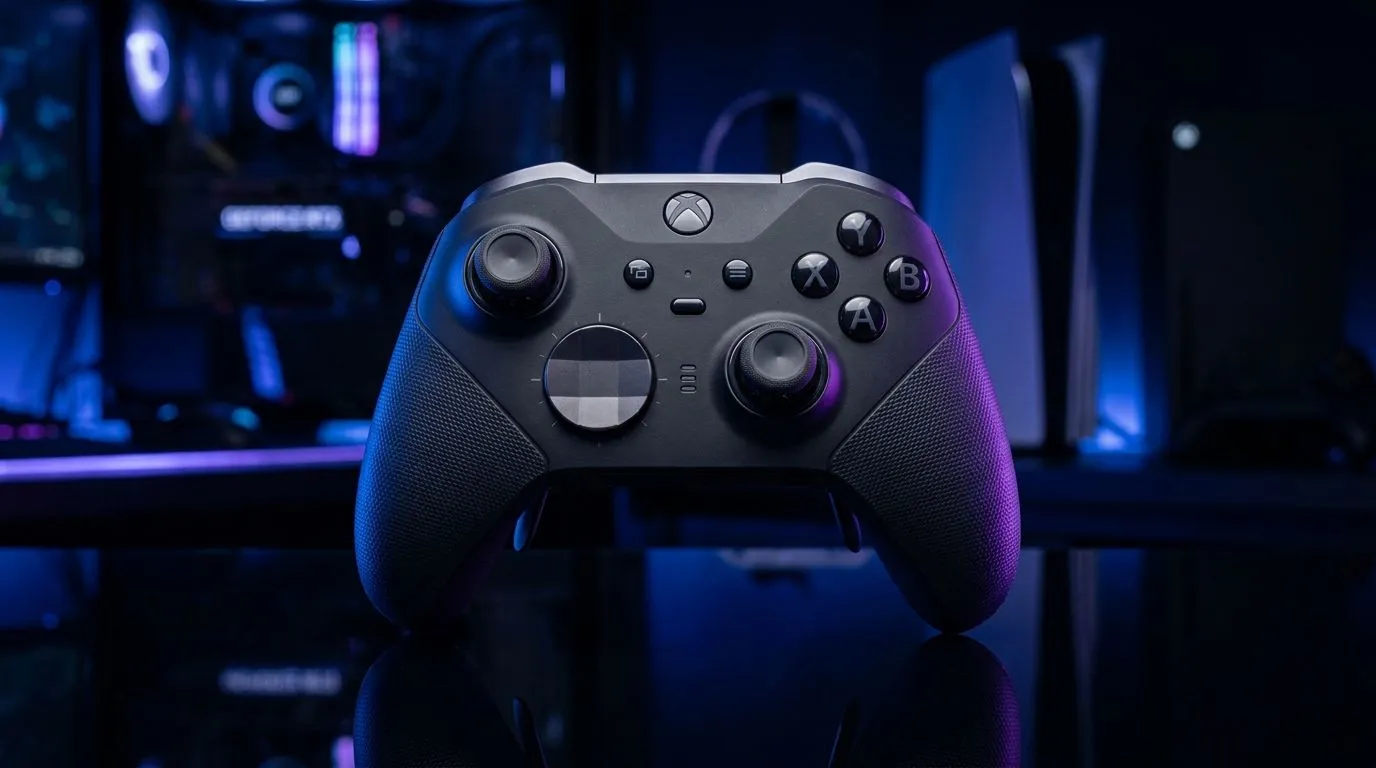
Cross-Platform Controllers for Hybrid Gamers: Which to Buy? (and why it matters in SA)
If you game on a PC at home, then jump onto console (or even handheld) after work… you’re not alone. In South Africa, hybrid gamers want one controller that just works, across platforms, without constant re-pairing and driver drama. 🎮
The right choice saves money, frustration, and time. It also improves your aim consistency. So let’s break down what to look for, which features actually matter, and where to buy with confidence.
Cross-Platform Controllers for Hybrid Gamers: Key buying factors you shouldn’t skip
Hybrid setups usually fail for one of three reasons: connectivity, remapping, or latency… not “brand” alone. Here’s how to think about it:
Connectivity: wired, wireless, and “it still connects?”
Start with the basics. Wired USB is the most reliable path for PC. For wireless, look for controllers that support consistent low-latency connection methods (often via USB dongle for PC). If you already know your platforms (PC + PlayStation or PC + Xbox), choose a controller built for that ecosystem.
If you switch between devices often, prioritise easy pairing. The best experience feels like plugging in and continuing, not starting a mini troubleshooting session.
Button mapping and profiles
For players who jump between genres, remapping helps. Racing and shooters can feel completely different. Profiles let you keep your layout per game or per platform. This is especially useful if you use a controller on PC that also supports custom configurations.
Compatibility and “it works on PC” reality checks
When you’re buying locally, you want clear product listings. Evetech’s controller category pages make it easier to compare options without guessing specs.
- Browse Evetech’s gaming controller selection here: buy gaming controllers at Evetech
- If you’re specifically looking at Razer, narrow it down here: buy Razer gaming controllers
Cross-Platform Controllers for Hybrid Gamers: Smart picks for different play styles
Let’s map controller choices to real player habits.
For competitive aim and tournament-style reliability
If you want a pad that feels consistent and focused for FPS and tight movement, the Razer Wolverine V3 Tournament Edition is a strong example of a “serious” controller category. You can check the exact listing (and available stock options) here: Razer Wolverine V3 Tournament Edition 8K at Evetech
For “I just need it to work” hybrid casual-to-ranked
If you’re rotating between platforms but still care about comfort and quick setup, shop by controller type and platform support first. Evetech’s controller hub makes it easy to filter choices before you commit.
Cross-Platform Controllers for Hybrid Gamers: Setup tips that improve consistency (not gimmicks) 🔧
Good controllers can still feel off if your setup is messy. These steps help quickly.
Productivity Pro Tip ⚡
On Windows, set up your controller profiles per game inside the game’s own settings (or its official input menu) before you adjust sensitivity. Then keep your controller mapping consistent across sessions. This reduces muscle-memory drift when you switch between hybrid platforms.
Test latency the practical way
You don’t need lab equipment. Just play the same short routine on each platform: a movement drill, then a target practice round. If aim “feels floaty” on one setup, it’s usually wireless mode, an overloaded connection, or a mismatch in in-game response settings.
Check comfort for long sessions
Ergonomics matters more than most people admit. If your grip shifts during intense matches, your inputs will drift. Look for a controller that matches your hand size and play style.
Cross-Platform Controllers for Hybrid Gamers: Quick decision guide ✅ 🚀
Use this simple checklist:
- One PC only (plus occasional console): prioritise stable wireless or easy cable use.
- Frequent device switching: prioritise profiles and quick pairing.
- Competitive FPS: prioritise consistency and modern connectivity options.
- Budget-conscious buyers in SA: compare similar features across controllers first, then pick the best value.
Cross-Platform Controllers for Hybrid Gamers: Ready to buy with confidence?
If you want the easiest path to a controller that suits your hybrid routine, start with the curated options on Evetech and decide based on connectivity, mapping, and comfort.
Ready to Find Your Perfect Match? The Mac vs Windows debate is complex, but for maximum power, choice, and value in South Africa, Windows is hard to beat. Explore our massive range of laptop specials and find the perfect machine to conquer your world.











