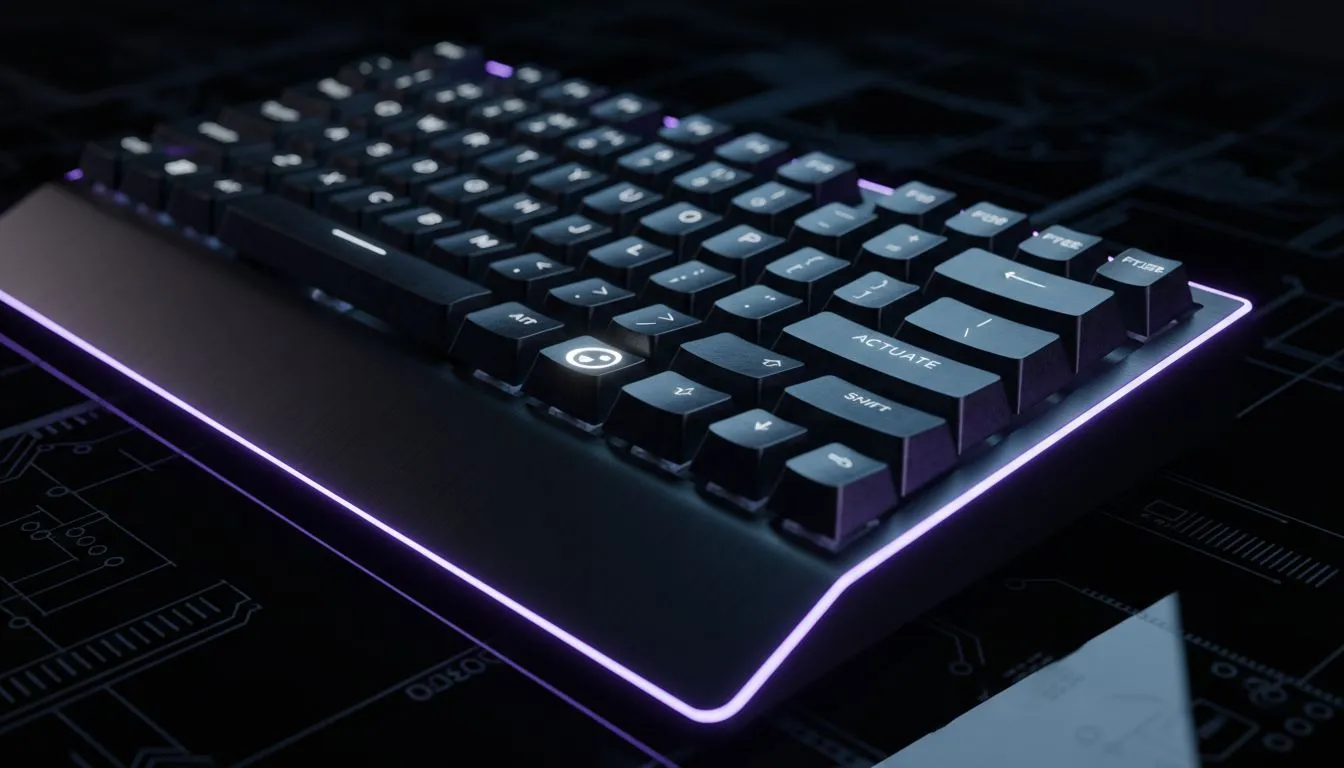
Custom Actuation Point Keyboard: Setup for Analog Gaming — Why you should care 🔧
If you want smoother strafing, hair‑thin throttle control, or analog walking in shooters, setting a custom actuation point gives you an edge. This guide shows South African gamers how to set up a custom actuation point keyboard for analog gaming, with practical steps, local buying options, and quick tips to avoid common pitfalls. Read on to get your inputs feeling like extensions of your hands. 🚀
Custom Actuation Point Keyboard: Setup for Analog Gaming — What to expect
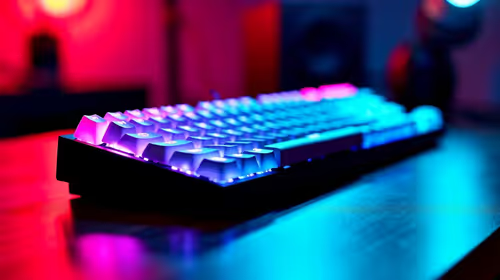
Analog-capable keyboards change how keys behave, acting more like sticks than on/off switches. You’ll adjust travel and trigger distance so a half-press can equal a softly held key in-game. Many modern keyboards and firmwares support per-key actuation; check product pages for support and compatibility before you buy. For a quick browse of current models and deals, see our curated selection of keyboard deals at Evetech. (browse keyboards)
https://www.evetech.co.za/best-gaming-keyboard-deals/x/055.aspx
Custom Actuation Point Keyboard: Setup for Analog Gaming — Step-by-step setup ⚡
- Firmware and software first. Install the vendor software or QMK/VIA if your board supports it.
- Calibrate your actuation: start with a conservative mid-point, then reduce travel in small increments while testing in-game.
- Map analog behaviour to in-game inputs. Many titles accept simulated axis inputs; others need middleware or third-party apps.
- Profile per-game. Save profiles for FPS, driving sims, and platformers so you switch instantly.
If you’re after budget options to try analog control without breaking the bank, check our cheapest gaming keyboard selections for wired and wireless options: wired keyboards and wireless keyboards respectively.
https://www.evetech.co.za/components/buy-cheapest-gaming-keyboard-in-south-africa-52.aspx?attributes-connectivity=Wired
https://www.evetech.co.za/components/buy-cheapest-gaming-keyboard-in-south-africa-52.aspx?attributes-connectivity=Wireless
Hardware choices and micro-story
I helped a mate tune a board for a racing sim: moving the actuation from 2.0mm to 1.2mm made throttle response smoother and lap times more consistent. The trick was small steps and lots of test laps. If you want both work and play flexibility, keyboard+mouse combos can be a cost-efficient way to upgrade your input stack.
https://www.evetech.co.za/buy-keyboard-mouse-combo/x/1583.aspx
Productivity Pro Tip ⚡
On Windows, use the PowerToys FancyZones utility to create custom snap layouts for your windows. It's a lifesaver for managing multiple apps on an ultrawide monitor, letting you organise your timeline, preview window, and asset folders perfectly for video editing.
Custom Actuation Point Keyboard: Setup for Analog Gaming — Buying locally and final checks ✨
Before you checkout, confirm return policies and firmware support on the product page. If you want to test different switch types or analog modules, look through our full list of affordable keyboards to experiment on a budget. Shopping locally means faster returns and ZAR checkout — great when you’re chasing a weekend tune session.
https://www.evetech.co.za/components/buy-cheapest-gaming-keyboard-in-south-africa-52.aspx
Final tips and nudges
Start conservatively, log your changes, and always test in the same map or track to make meaningful comparisons. Want to try before you commit? Browse our deals and combos to find a model that supports custom actuation and analog firmware. Happy tuning — feel the difference when each press becomes intentional.
Ready to Find Your Perfect Match? The Mac vs Windows debate is complex, but for maximum power, choice, and value in South Africa, Windows is hard to beat. Explore our massive range of laptop specials and find the perfect machine to conquer your world.