

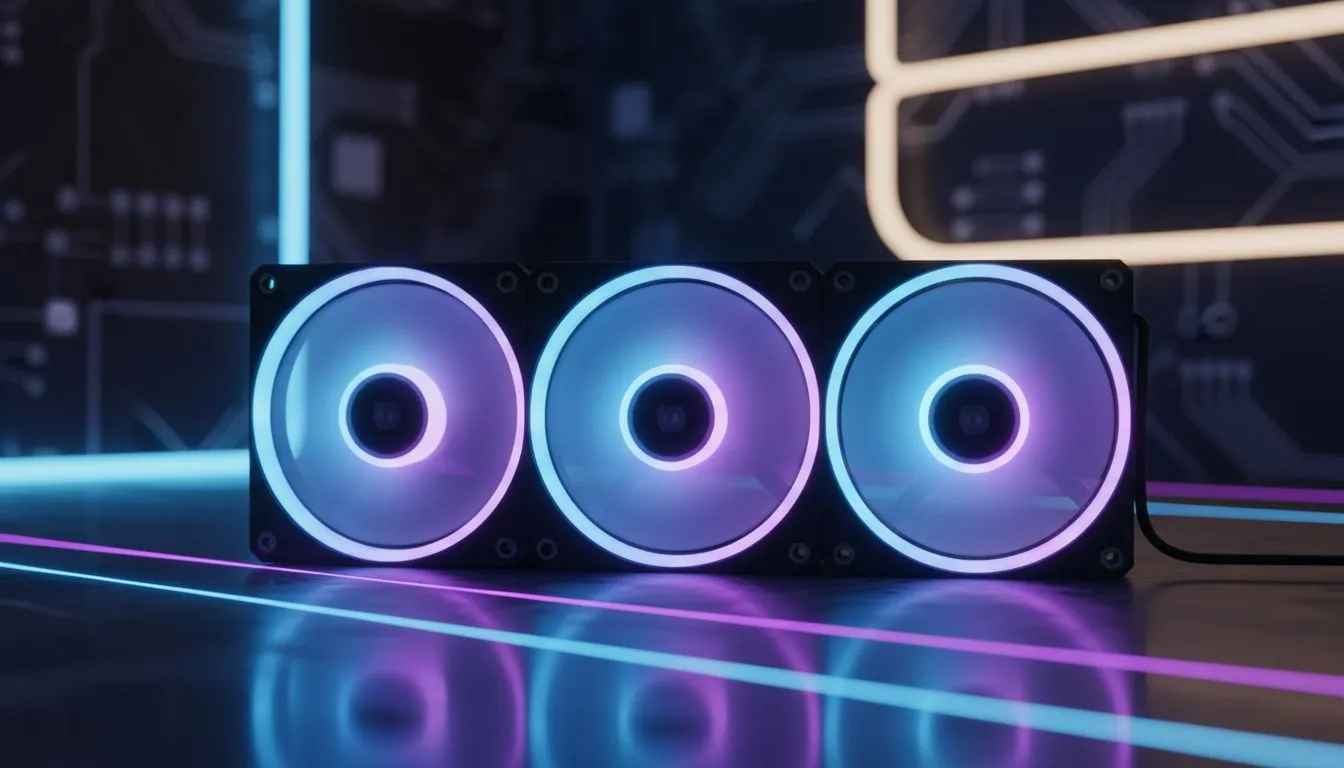
Nothing kills the vibe of a R30,000 custom build like a "spaghetti monster" of wires. You’ve spent hours picking the perfect parts, but now you’re staring at a dozen tiny headers. This is where Daisy Chain ARGB Fans save your sanity. By linking fans together, you cut down on cable clutter while keeping your lighting perfectly synced. Let’s clean up your rig. 🔧
Why Daisy Chain ARGB Fans Are Essential for Modern Builds
The traditional way of connecting fans involved running two separate cables for every single unit... one for power and one for the Addressable RGB (ARGB) signal. If you have six fans, that is twelve cables to hide behind your motherboard tray. It is a nightmare for airflow and even worse for your patience.
When you choose to use Daisy Chain ARGB Fans, you are essentially "piggybacking" the connection from one fan to the next. This means only one set of cables actually needs to reach your motherboard or controller. If you are browsing the massive selection of case fans at Evetech, looking for this specific feature will save you hours of frustration during the assembly process.
Cable Management Pro Tip ⚡
Always plan your fan orientation before clicking the daisy chain connectors together. Ensure the "male" and "female" ends are facing the right direction to reach your hub or motherboard header without stretching the wires too thin. Using small cable ties to secure the excess slack between fans will keep the back of your case looking as clean as the front.
Achieving the Perfect Aesthetic with RGB Lighting
For many South African gamers, the look of the PC is just as important as the frame rate. Using fans with vibrant RGB lighting effects allows you to customise your setup to match your mood or your favourite game’s colour palette.
However, some builders prefer a more understated look. If you are building a professional workstation or a sleeper build, you might opt for stealthy fans with no lighting that focus purely on static pressure and silence. The beauty of daisy-chaining is that it works for PWM power cables just as well as it does for lighting. 🚀
Matching Your Case with the Right Fan Size
Before you start connecting your Daisy Chain ARGB Fans, you need to ensure they actually fit your chassis. Most modern mid-tower cases in South Africa use standard 120mm mounts for the front and rear. If you have a larger full-tower or specific radiator mounts, you might need the larger 140mm slots to move more air at lower noise levels.
Top Brands for Seamless ARGB Connectivity
Not all daisy-chain systems are created equal. Some brands use proprietary connectors, while others use standard 3-pin ARGB headers. If you want a premium, software-controlled experience, the high-end CORSAIR iCUE systems offer incredible customisation... though they often require their own dedicated hub. ⚡
For those looking for great value and performance without the proprietary headache, Deepcool offers fantastic options that use standard headers, making them compatible with almost any modern motherboard from ASUS, MSI, or Gigabyte. By linking these fans together, you ensure that every LED in your system pulses in perfect harmony, creating a professional finish that looks like it was built by a pro. ✨
Ready to Clean Up Your Build? Don't let messy cables ruin your aesthetic. Whether you need high-airflow 140mm units or the latest synced lighting kits, we have the stock to level up your rig. Explore our massive range of case fans and start your cleanest build yet today.











