

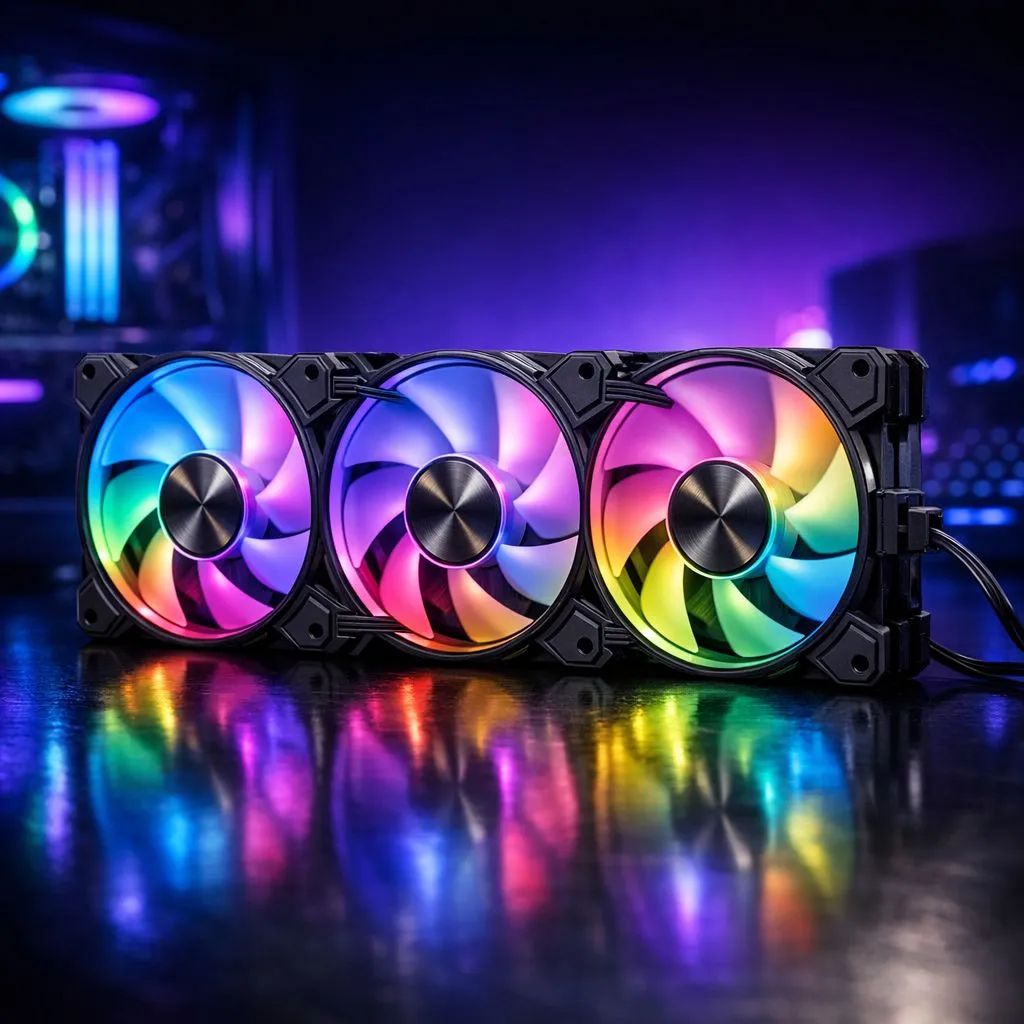
How Daisy Chain Fan Connections Simplify Your Build
Wrestling with a "spaghetti monster" of cables behind your motherboard tray is a rite of passage for many South African builders. We all want that pristine, Instagram-ready interior. If you are tired of cable clutter, the daisy chain fan connection is the solution. This method simplifies your wiring, allowing you to focus on performance and aesthetics without the headache of managing dozens of individual wires.
Daisy chaining allows you to link multiple fans together in a series. Instead of every fan needing its own dedicated header on the motherboard, they connect to each other. You only need one cable running back to the board or controller. This is essential when installing multiple high-quality case fans in a modern chassis. 🔧
It works similarly to a string of festive lights. By using a daisy chain fan connection, you drastically reduce the number of cables visible through your side panel. This creates a cleaner look and improves airflow by removing physical obstructions. Most standard 120mm fans now offer some form of daisy-chaining capability to help builders stay organised.
Build Lab Pro Tip ⚡
Always check your motherboard fan header's total amperage. Most headers support 1.0A. If three fans pull 0.3A each, you are safe... but adding a fourth might risk a blown header. Use a dedicated hub for high-fan-count builds to protect your hardware.
Aesthetic Benefits and Performance Gains
South African gamers love a build that pops. If you are running vibrant RGB lighting, daisy chaining is even more beneficial. Managing both power and lighting cables for six fans can be a nightmare. Modern premium CORSAIR fans often use proprietary connectors to handle both signals through a single link... reducing your cable count by half. 🚀
Beyond looks, a daisy chain fan connection helps with cable routing in tight spaces. If you are building in a compact case, every millimetre counts. By reducing the cable bulk, you ensure that cool air reaches your GPU and CPU without getting trapped in a mesh of wires. This is vital for maintaining stable clock speeds during those long summer gaming sessions in Gauteng or Durban.
Choosing the Best Fans for Your Setup
Not all fans are created equal. You should look for brands that prioritise easy connectivity. For example, Deepcool's innovative cooling solutions often feature clever interlocking mechanisms or short cables designed for series connection. This makes the assembly process much faster for first-time builders. ✨
If you have a larger chassis, you might prefer larger 140mm fans to move more air at lower noise levels. Even if you prefer a stealthy look with non-LED fans, daisy chaining still offers the benefit of a tidy rear compartment. It makes future upgrades or cleaning much easier when you do not have to unplug a dozen tiny connectors. ⚡
Ready to Clean Up Your Build? A tidy PC is a happy PC. Whether you want the glow of RGB or the silence of high-performance blades, we have the cooling solutions to fit your budget. Explore our massive range of case fans and start your journey toward the perfect, clutter-free setup today.











