

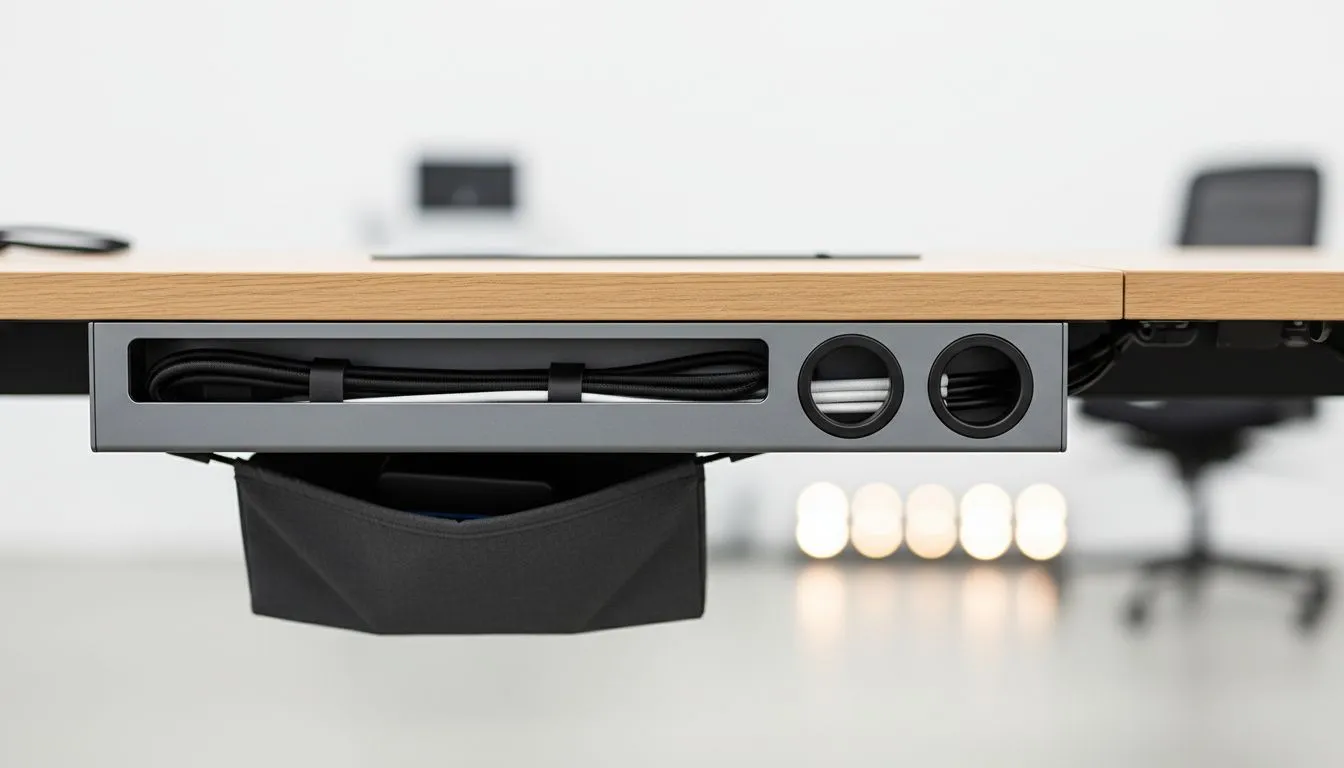
Let’s be honest. Your high-end rig looks incredible, but the mess of wires underneath is a literal trip hazard. In South Africa, we take pride in our battle stations. But a "spaghetti monster" of power cables and DisplayPort leads ruins the vibe. Mastering Desk Cable Management: Cable Trays, Grommets & Storage Guide principles will transform your space from a cluttered workshop into a professional-grade gaming hub. 🔧
Why Cable Trays are Essential for Modern Setups
The first rule of a clean build is simple... get everything off the floor. Dust is the silent killer of PC components in South Africa. When your cables rest on the carpet, they become magnets for pet hair and debris. A sturdy cable tray acts as a suspended gutter for your power bricks and extension leads.
When you browse for a new gaming desk, look for models that support under-desk mounting. These trays allow you to tuck away heavy power strips. This keeps your feet free and your airflow unobstructed. It also makes cleaning much easier. You can simply sweep or vacuum under your desk without tangling your toes in a web of copper and plastic.
Mastering Desk Grommets and Surface Storage
Grommets are those circular plastic inserts often found in the corners of your desk. Many gamers ignore them, but they are vital for a clean aesthetic. Instead of running your keyboard and mouse wires over the front edge, feed them directly through the grommet.
Premium brands like AutoFull often include pre-drilled holes specifically for this purpose. If your desk lacks them, you can easily add one with a standard hole saw. Once your cables are below the surface, use adhesive clips to route them along the underside of the wood. This ensures that even if someone looks under your desk, they see organised lines rather than chaos. ✨
The Label Strategy ⚡
Use a simple label maker or even masking tape to mark both ends of every cable. When you need to unplug a monitor for a LAN or troubleshooting, you won't have to play "follow the wire" through a dark corner of your room. It saves time and prevents accidental shutdowns of the wrong device.
Advanced Storage and Routing Strategies
For those with multiple monitors and peripheral-heavy setups, basic ties aren't enough. You need a dedicated storage strategy. Velcro ties are far superior to plastic zip ties... they are reusable and won't cut into your cable insulation.
High-performance desks from Arozzi frequently feature full-surface mousepads that hide additional routing channels. This allows you to keep your desktop completely clear of visible wires. Remember to leave a bit of "slack" in your cables, especially if you use a monitor arm. You don't want to snap a connector just because you decided to rotate your screen to portrait mode for a coding session. 🚀
Long-term Maintenance and Safety
Cable management isn't a "set and forget" task. Every time you add a new peripheral, the ecosystem changes. Poorly managed cables can actually be a fire hazard if they are tightly coiled and generate heat. This is especially true for high-draw items like your PC power supply and UPS.
Choosing a reliable frame from Nitro provides the structural integrity needed to support heavy trays and multiple monitor mounts. By investing a few hours into your Desk Cable Management: Cable Trays, Grommets & Storage Guide implementation, you protect your hardware. You also create a mental space that is ready for focus, whether you are grinding ranked matches or finishing a work project.
Ready to Level Up Your Setup? A clean desk is the foundation of a legendary gaming experience. From ergonomic designs to built-in cable solutions, we have the gear to help you build the ultimate battle station. Explore our massive range of gaming desks and find the perfect match for your home today.











