

Master the Glow: Why Lighting Matters for Your Stream
You have the high-refresh monitor and the mechanical keyboard. But your stream looks like it was filmed in a dark cave during load shedding. Improving your streaming setup does not require a Hollywood budget. With clever DIY stream lighting, you can turn a dull bedroom into a professional studio. Let’s look at how to improve your streaming backdrop without spending a fortune.
The Core Principles of DIY Stream Lighting
Most local streamers start with a single ceiling light. This creates harsh shadows under your eyes. It makes you look tired... even if you just finished a Monster Energy. The secret is diffusion. If you are using a standard desk lamp, tape a piece of white baking paper over the bulb. This softens the light across your face.
Before you invest in high-end kits, it is worth browsing essential gaming gear to see what fits your current desk layout. You want two light sources in front of you at 45-degree angles. This fills in the shadows and makes your webcam sensor work much less.
Pro Lighting Hack ⚡
Use your secondary monitor as a softbox. Open a blank Notepad window, maximise it, and turn the brightness to 100%. If you position it correctly, the white glow provides a perfect, soft fill light for your face during night-time sessions.
Crafting an Engaging Streaming Backdrop
Your backdrop tells your story. A blank white wall is boring... but a messy bed is worse. You can improve your streaming backdrop by adding depth. Place a small lamp with a warm-coloured bulb behind you. This separates you from the wall and creates a 3D effect.
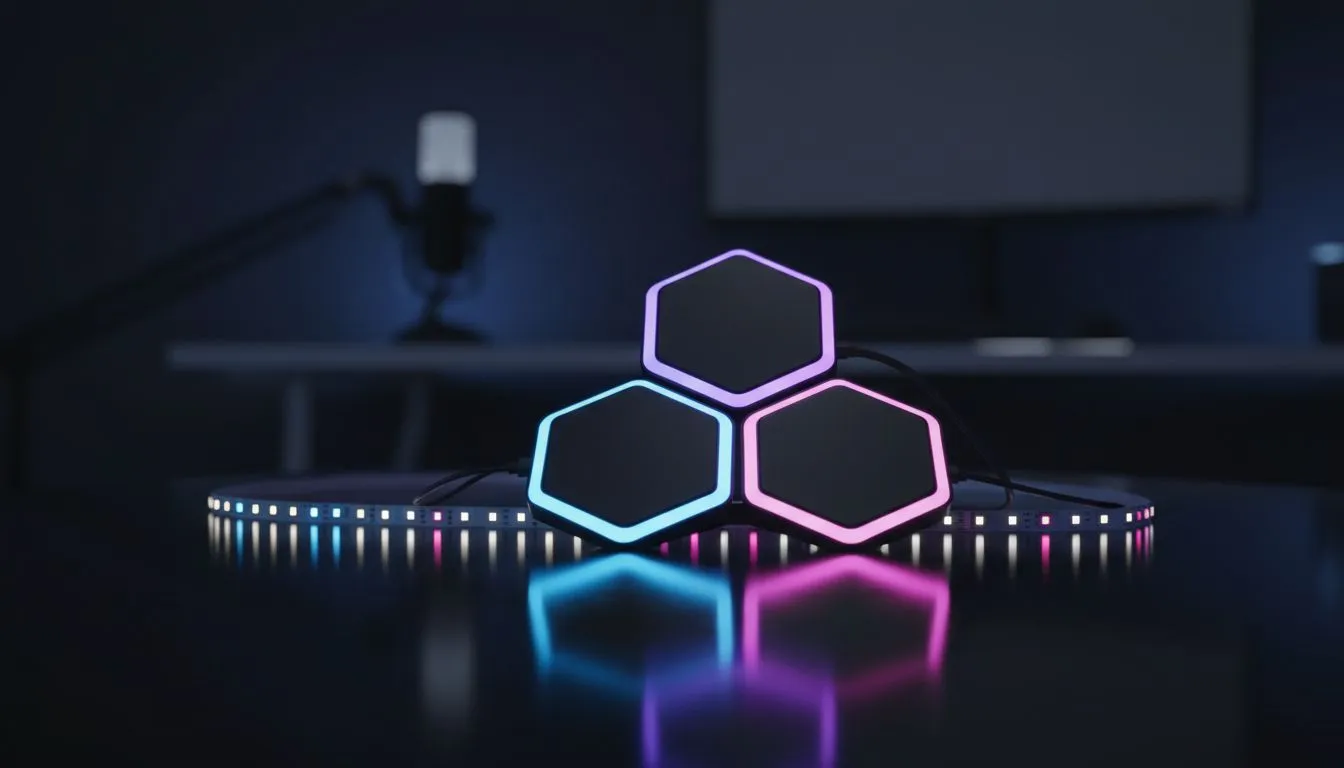
If you are looking for affordable ways to add some flair, keep an eye on the latest streaming deals where you can often find RGB strips for under R400. These strips allow you to paint your walls with light. Choose a colour that matches your brand... whether it is "Evetech Green" or a deep "Cyberpunk Purple".
Refining Your Visual Quality
Consistency is key for the YouTube and Twitch algorithms. Once you have your DIY stream lighting sorted, lock your webcam settings. Do not let the camera "Auto-Adjust" the exposure. This causes that annoying flickering when you move.
For those ready to move beyond basic desk lamps, upgrading to specialised gaming accessories like ring lights or key lights will provide more control. These often come with remote controls, allowing you to adjust brightness levels in ZAR-saving increments throughout the day.
Ready to Level Up Your Stream? Great lighting is the difference between a hobbyist and a pro. Whether you are building a DIY rig or looking for professional gear in South Africa, we have you covered. Explore our massive range of gaming accessories and start looking your best on camera today.











