

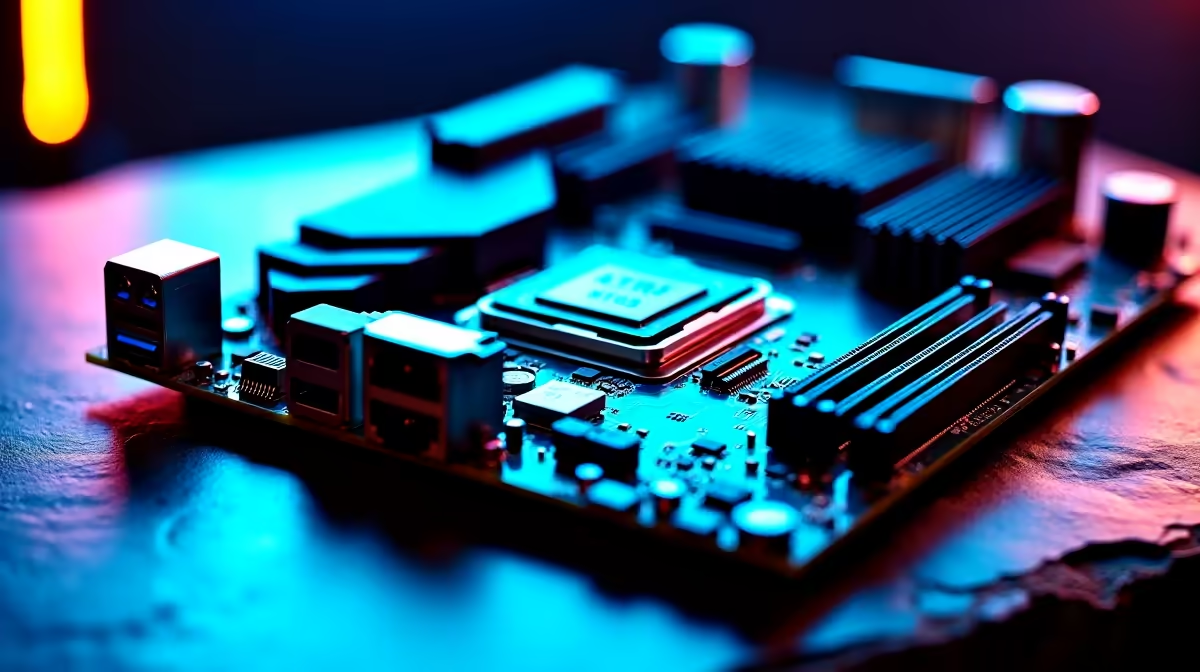
Remember the days of manually tweaking BIOS settings until your system crashed? South African gamers know the struggle of trying to squeeze every last drop of performance out of a rig while battling summer heat. But modern motherboards promise a revolution. Do AI overclocking, cooling and networking features really make PC setup easier, or is it just marketing fluff? Let us dive into what this means for your next build.
The Magic of Automated Performance ⚡
In the past, pushing your CPU meant hours of tedious trial and error. You would adjust voltages, run long stress tests, and pray your system would not crash mid-game. Today, AI overclocking takes that guesswork completely out of the equation. By constantly monitoring your unique silicon quality and cooler efficiency, the system automatically finds the absolute sweet spot for clock speeds.
This ensures you get maximum frame rates without risking hardware damage. It is like having a tiny Evetech technician living inside your motherboard. If you are currently browsing the best gaming PC deals online, look for motherboards from top-tier brands that feature this smart technology. It saves you hours of setup time and prevents those terrifying blue screens of death.
Smart Cooling for South African Summers 🔧
We all know how brutal a local heatwave can be on your hardware. Traditional fan curves are rigid, often leaving your rig sounding like a jet engine when you just want to browse the web. AI cooling changes the script by dynamically adjusting fan speeds based on real-time CPU temperatures and system loads.
It listens to your system... literally. This means quieter operation during light tasks and maximum airflow when you drop into a heavy match of Warzone. When upgrading your cooling setup, checking out our latest component specials can help you find smart coolers that integrate seamlessly with these AI features. This keeps your hard-earned ZAR investment safe from thermal throttling.
Smart Cooling Pro Tip ❄️
Before enabling AI cooling in your BIOS, run a manual fan tuning test first. This allows the AI to learn the exact minimum and maximum RPM limits of your specific fans, resulting in a much quieter and more efficient cooling profile.
Intelligent Networking for Lag-Free Gaming 🚀
Load shedding and unstable fibre lines are enough of a headache. You certainly do not need your PC downloading a massive background update while you are in a ranked competitive match. AI networking features automatically prioritise gaming data packets over everyday background tasks. It analyses your network traffic in real time, ensuring your ping stays as low as possible.
Whether you are streaming high-definition content or competing in local esports tournaments, a stable connection is vital. This brilliant technology is not just reserved for bulky desktop rigs either. Many modern high-performance laptops now feature smart networking suites that switch between Wi-Fi and Ethernet seamlessly.
So, do AI overclocking, cooling and networking features really make PC setup easier? Absolutely. They remove the stressful manual tweaking, letting you focus entirely on what actually matters... playing and winning your games.
Ready for a Smarter Setup? Stop fighting with complex BIOS settings and let intelligent hardware do the heavy lifting. Explore our massive range of PC components and experience the raw power of AI-driven performance for yourself.











