

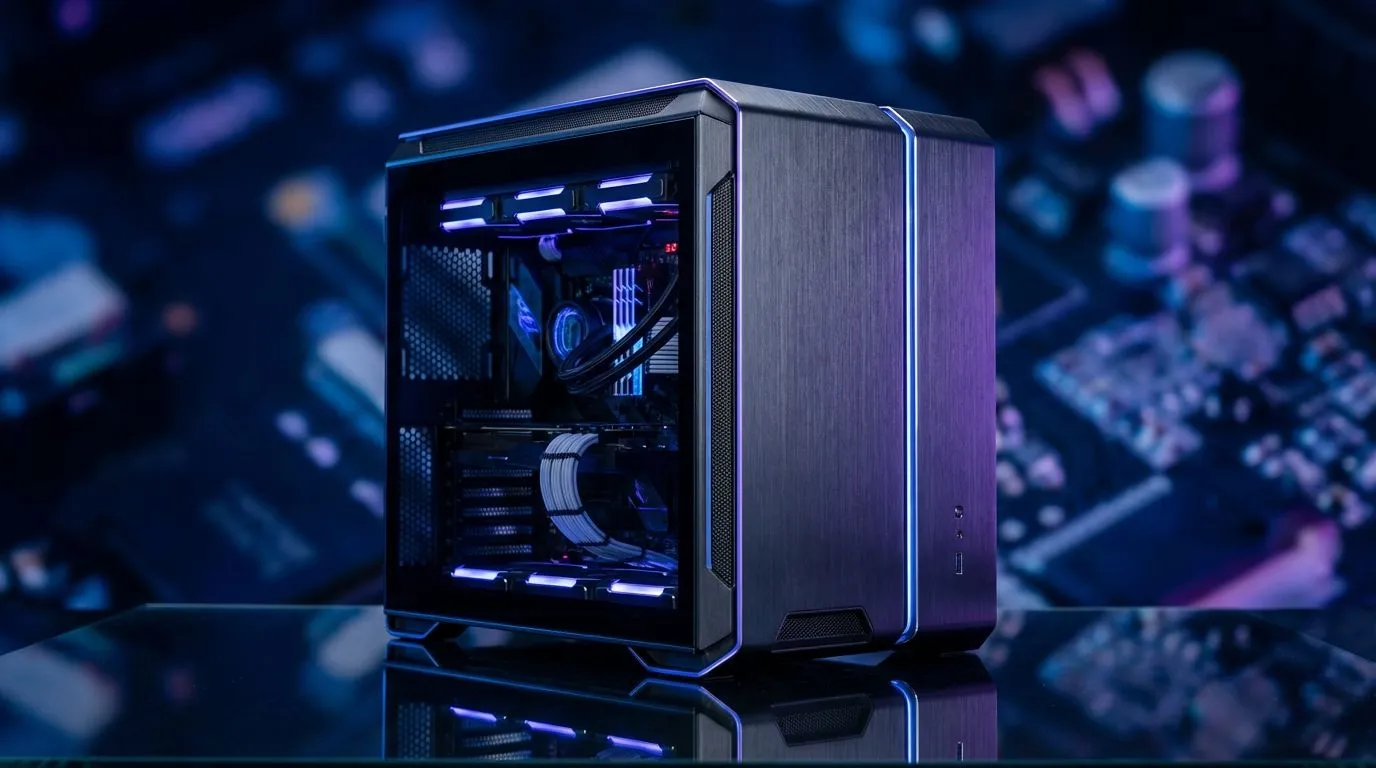
Dual-chamber PC case benefits for airflow and cable management
South African builders: want a cooler, neater rig without hunting for cable ties every weekend? Dual‑chamber PC case benefits for airflow and cable management shine when you need tidy internals and stable thermals — especially in warmer SA rooms. Whether you game, stream or render, a split layout keeps hot and messy components separate, so fans breathe better and your cable runs look pro. 🔧
Why dual‑chamber designs change the airflow game
A dual‑chamber layout separates the motherboard, GPU and primary airflow path from PSU and storage. That physical split reduces heat recirculation and lets front intake and top exhaust fans create a focused airflow channel across hot components. For examples and case options, browse the full Evetech case range — it’s a quick way to match layout preferences to budget and size. (See Evetech cases for more details: https://www.evetech.co.za/components/computer-cases-70)
Real‑world benefit: cooler GPU and CPU
In practice, measured temperature drops vary by fan setup and GPU load. Cases that guide intake air directly across the GPU and CPU avoid turbulent pockets of warm air. Manufacturers like Fractal design engineer chambers and airflow channels specifically for this; check their case pages to compare layouts and fan support before deciding. Learn more about Fractal Design options here: https://www.evetech.co.za/PC-Components/fractal-design-pc-cases-346 ⚡
How dual chambers make cable management effortless
With cables routed into a secondary chamber, you remove obstructions from the main airflow corridor. That lets case fans operate more efficiently and reduces noise from turbulent flow. Dual chambers also hide PSU shrouds, long SATA runs and modular cables behind a tidy panel. If you’re hunting for gaming-focused cases with neat routing at a range of prices, Gamdias offers solid options that balance features and value: https://www.evetech.co.za/PC-Components/gamdias-gaming-cases-293
Budget and value: keep it tidy for less
You don’t need to spend a fortune to get a dual‑chamber advantage. Look for cases with removable HDD cages, grommeted routing holes and pre‑installed fan mounts. Gamdias has filtered options under R1 500 if you want a pocket‑friendly build without sacrificing cable management: https://www.evetech.co.za/PC-Components/gamdias-gaming-cases-293?max-price=1500
Build Pro Tip ⚡
When routing cables, start with the PSU sleeve, then do the 24‑pin next, and finish with front panel cables. Use a few Velcro straps and route behind the motherboard tray to keep the main chamber clear. This improves airflow, lowers GPU temps under load, and makes future upgrades painless.
Quick checklist to choose the right dual‑chamber case
- Confirm fan mounting (front, top, rear) and radiator support for your cooling plan.
- Look for a full-length PSU shroud and roomy cable channels.
- Check GPU clearance with vertical mount options if you plan to showcase your card.
- Verify dust filters and removable panels for easy cleaning in dusty South African environments.
Final nudge
A dual‑chamber case is a practical upgrade for cleaner builds, better thermals, and simpler cable management — especially if you value long‑term performance and easy upgrades. Start by comparing the layouts and specs on Evetech's case pages, then pick the case that matches your cooling plan and wallet. 🚀
Ready to Find Your Perfect Match? The Mac vs Windows debate is complex, but for maximum power, choice, and value in South Africa, Windows is hard to beat. Explore our massive range of laptop specials and find the perfect machine to conquer your world.











