


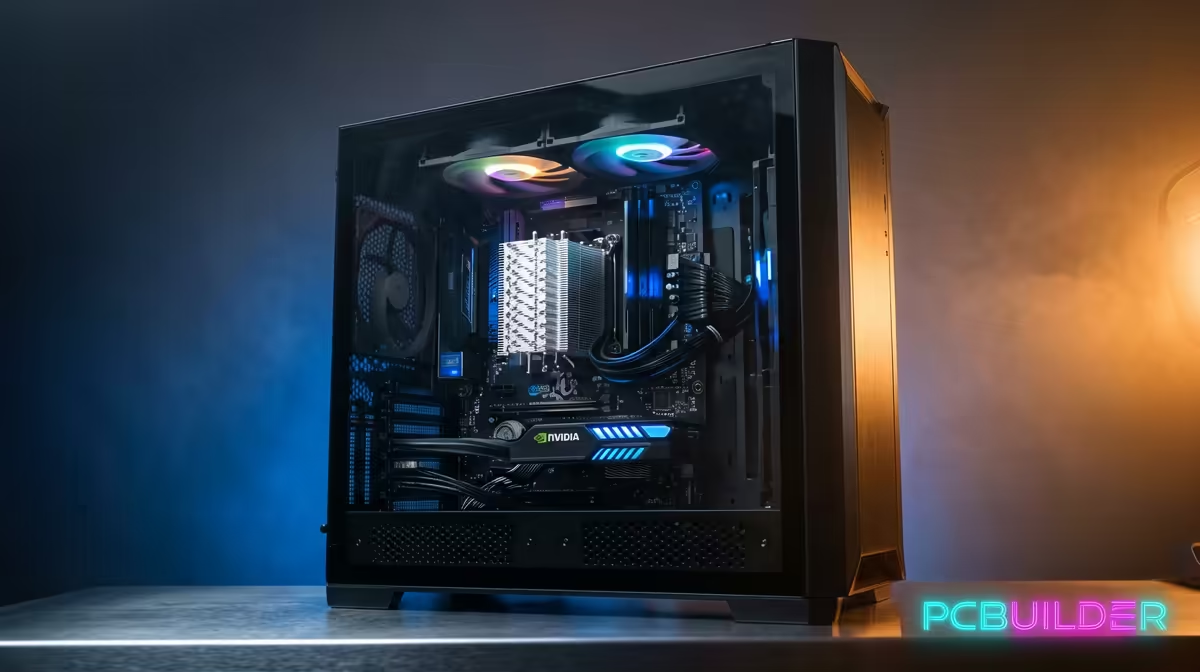
So, you’re tired of the spinning wheel of death. That project timeline is stuttering more than a cold engine, and the thought of another 8-hour render makes you want to throw your mouse out the window. We get it. Building your first editing PC build in South Africa can feel daunting, but it’s the single best investment for any serious content creator. Let’s ditch the jargon and build a simple checklist to get you started. 🚀
The Core Four: Your Performance Pillars
Forget the flashy RGB for a moment. The performance of your editing rig comes down to four key components. Getting this balance right is crucial for a smooth workflow, whether you're cutting 4K footage or batch-processing hundreds of RAW photos.
### The CPU: The Director of Your Build
The Central Processing Unit (CPU) is the brain of your operation. For editing, you need a CPU that excels at multi-tasking. More cores and higher clock speeds mean faster renders and smoother playback.
- Intel: Known for strong single-core performance, which is great for timeline responsiveness. Their latest Core i5 and i7 CPUs offer a fantastic balance of power and value. Check out the latest Intel PC deals to see what's available.
- AMD: Ryzen CPUs often lead the pack in multi-core performance, making them absolute beasts for rendering and exporting complex projects. If your workflow involves heavy multi-threaded tasks, exploring some great AMD Ryzen PC deals is a smart move.
### RAM: Your Creative Workspace
Think of RAM (Random Access Memory) as your desk space. The more complex your project (4K clips, multiple effects, several apps open), the more desk space you need.
- 16GB: The absolute minimum for 1080p video editing.
- 32GB: The sweet spot for most 4K editors and graphic designers in South Africa.
- 64GB+: Essential for professionals working with 6K/8K footage or complex visual effects.
### The GPU: The Visual Powerhouse ⚡
Your Graphics Processing Unit (GPU) or graphics card handles everything visual. It accelerates effects, stabilises footage, and dramatically cuts down render times in programs like DaVinci Resolve and Adobe Premiere Pro. For video editing, NVIDIA's CUDA cores are the industry standard, offering broad support and incredible performance.
### Storage: The Speed You Can Feel
A slow drive will bottleneck your entire system. For a modern editing PC build, a tiered storage solution is non-negotiable:
- NVMe SSD: For your operating system, software, and active project files. The lightning-fast read/write speeds mean your apps launch instantly and your timeline is buttery smooth.
- SATA SSD or HDD: For completed projects, assets, and long-term storage.
Workflow Pro Tip ✨
Don't just dump everything on your desktop. Create a dedicated, fast NVMe SSD for your "media cache" inside your editing software's settings (like Premiere Pro or DaVinci Resolve). This simple change dramatically improves timeline scrubbing and playback performance, especially with high-resolution footage.
Budgeting Your South African Editing PC Build
Building a powerful rig doesn't mean you have to empty your bank account. The key is to spend your Rands where they matter most for your specific workflow. Prioritise your CPU and RAM first, as they form the foundation of any content creation machine. You can always upgrade your GPU or add more storage later.
It's entirely possible to get a machine that can handle serious editing without spending a fortune. With carefully selected components, you can find some incredibly capable and powerful PCs under R20,000 that will serve you well for years to come. 🔧
Putting It All Together
This checklist covers the essentials for a killer editing PC build in South Africa. By focusing on a balanced system with a strong CPU, enough RAM, a capable GPU, and fast storage, you're setting yourself up for creative success. No more frustrating lag... just pure, uninterrupted flow.
Ready to Build Your Creative Powerhouse? Assembling the perfect editing rig can be tricky, but you don't have to do it alone. For a machine that's optimised, tested, and ready to crush projects right out of the box, Evetech is your answer. Explore our range of custom-built editing PCs and find the perfect spec for your workflow and budget.











