


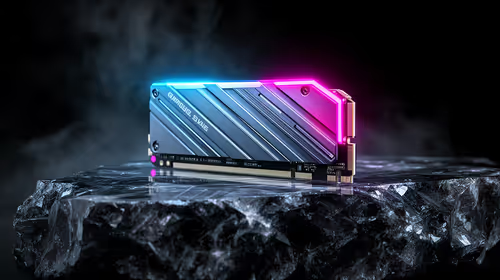
Best SSD for Gaming in South Africa - Updated July 2026
The best SSD for gaming is available at Evetech from R1,599 including VAT, with 58 drives in stock. A PCIe Gen4 NVMe drive at 500GB to 1TB is the recommended pick for most gamers.
Read moreDiscover the ultimate editing PC build under R30000 with expert advice from South Africa's top content creators. We've gathered their go-to component lists for smooth 4K video editing, streaming, and content production without breaking the bank. Get ready to build your dream rig! 🖥️✨
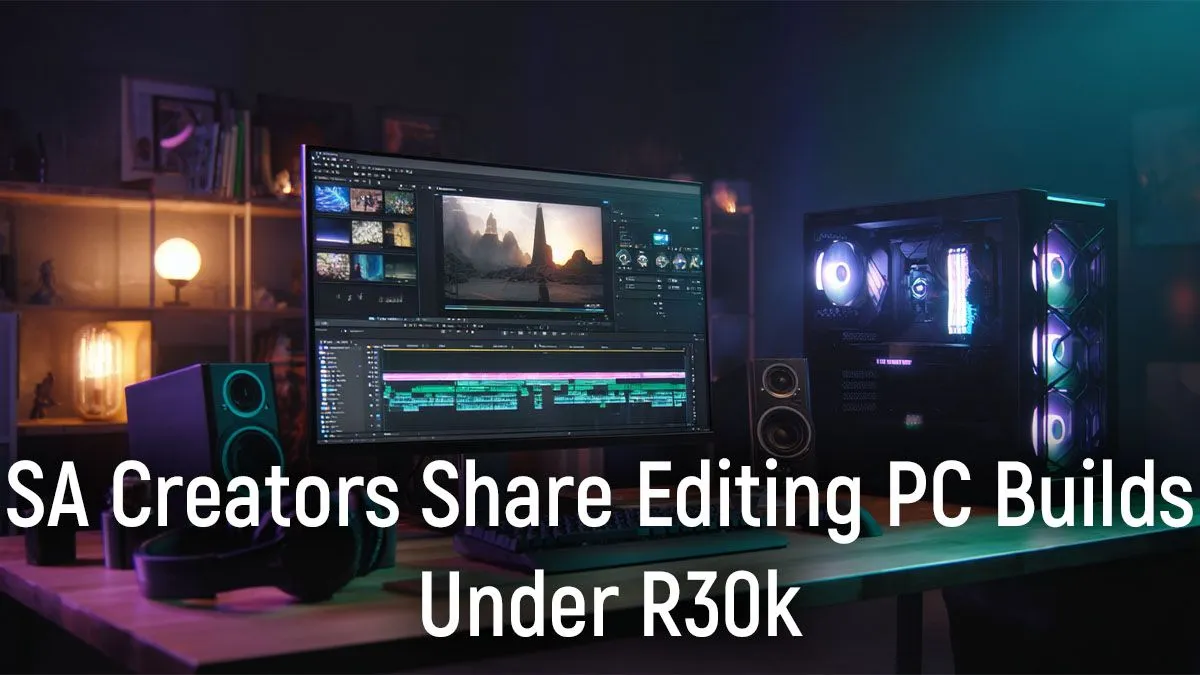
Dreaming of buttery-smooth 4K timelines but your budget is screaming 'load shedding'? You're not alone. For many South African creators, building a powerful editing PC that doesn't cost a fortune feels impossible. But what if we told you the sweet spot for a killer rig is right around the R30,000 mark? Let's break down exactly what an editing PC build under R30k needs to take your content to the next level. 🚀
When you're piecing together a PC for editing, every component matters. But for creative workloads like video editing, motion graphics, and photo retouching, three components carry most of the weight: the CPU, the GPU, and your RAM/Storage combo. Getting this balance right is the key to building a beastly creator PC under R30k.
At the heart of any great editing PC is the processor (CPU). Think of it as the director of your entire operation. For video editing software like Adobe Premiere Pro or DaVinci Resolve, you're looking for a balance of high core counts (for multitasking and rendering) and fast clock speeds (for smooth timeline playback).
For an editing PC build under R30k, an Intel Core i5 or AMD Ryzen 5 from a recent generation is a fantastic starting point. These chips offer enough power to handle 1080p and even 4K workflows without making you wait forever. Many excellent budget gaming PCs are built around these processors, making them a great reference point for value.
While gamers obsess over GPUs, creators know they're just as crucial for editing. Your graphics card (GPU) accelerates everything from colour grading and visual effects to those final, nail-biting export times. ✨
NVIDIA's CUDA technology is famously well-supported in most creative apps, making a GeForce card a very safe bet. A solid RTX 30-series or 40-series card provides incredible encoding performance (NVENC) that can dramatically speed up your exports. You can often find systems with these powerful cards in the best gaming PC deals, giving you immense creative power for your money.
Ever seen that dreaded 'System has run out of application memory' warning? For editing, 16GB of RAM is the absolute minimum, but aiming for 32GB in your R30k editing PC build will make a world of difference, especially with 4K footage.
For storage, speed is everything. An NVMe SSD for your operating system and editing software is non-negotiable. It's the secret to lightning-fast app launches and a responsive system. A great strategy is to pair a fast 500GB-1TB NVMe drive with a larger, more affordable SATA SSD or HDD for mass storage of your footage and completed projects.
Dedicate a separate, fast SSD as your 'Scratch Disk' in Premiere Pro or DaVinci Resolve. This is where the software stores temporary files, previews, and cache. By keeping it off your main OS drive and your footage drive, you drastically reduce bottlenecks and improve timeline performance. It's one of the most effective tweaks you can make!
Now, the big question: build it yourself or buy a pre-configured machine? While a DIY build offers ultimate control, sometimes you just need a reliable tool that works out of the box. A professionally assembled pre-built system saves you the hassle and comes with a full warranty, which is a huge plus.
You can find excellent value in both PCs under R20k if your budget is tight, and more powerful options in the PCs above R20k category that nail that R30k sweet spot. For the best of both worlds, exploring the latest pre-built PC deals often uncovers expertly balanced rigs, ready for serious creative work. This approach ensures your components work perfectly together, letting you focus on creating, not troubleshooting. 🔧
Ready to Build Your Creative Powerhouse? Whether you're a YouTuber, a freelance editor, or a streaming pro, the right machine is waiting. An editing PC build under R30k is more achievable than ever. Explore our incredible range of Pre-Built PC Deals and find the perfect rig to bring your vision to life.
A good build focuses on a multi-core CPU like an AMD Ryzen 5 or Intel Core i5, 16-32GB of fast RAM, a capable GPU like an RTX 3050, and a fast NVMe SSD for storage.
Yes! A well-balanced gaming and editing pc build under 30000 can handle both tasks effectively, prioritizing a strong CPU and a mid-range GPU for excellent performance.
For 1080p editing, 16GB of RAM is sufficient. However, for 4K video editing or complex projects, we strongly recommend upgrading to 32GB for a smoother workflow.
Both offer great value. AMD's Ryzen CPUs often provide superior multi-core performance for the price, which is ideal for editing, while Intel offers strong single-core speeds.
The CPU is crucial for rendering and processing. However, a fast SSD for storage, sufficient RAM, and a decent GPU for accelerating effects are all vital components.
Absolutely. A carefully selected 4k video editing pc under 30000 can handle 4K footage, especially when using proxy workflows and optimized components like a fast SSD.
The best SSD for gaming is available at Evetech from R1,599 including VAT, with 58 drives in stock. A PCIe Gen4 NVMe drive at 500GB to 1TB is the recommended pick for most gamers.
Read more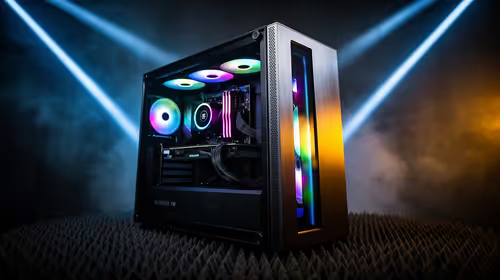
The best streaming PC range is available at Evetech from R20,684 including VAT, with 22 models in stock. Every build pairs a multi-core CPU with an NVENC or Quick Sync capable GPU, so streaming and gaming can run on one machine without stealing frame rate.
Read more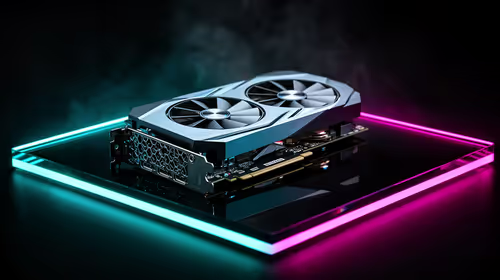
The RTX 5070 is available at Evetech from R11,899 including VAT, with 18 models in stock and most cards priced between R11,899 and R14,000. It is the current 1440p value pick in the NVIDIA 50-series.
Read more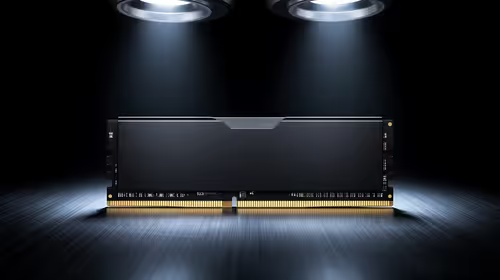
16GB DDR5 RAM is available at Evetech from R3,799 including VAT, with 22 modules in stock. It is the sensible baseline for budget and esports builds.
Read more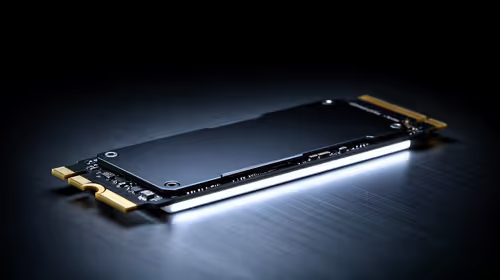
The cheapest 1TB NVMe SSD is available at Evetech from R2,599 including VAT, with 21 drives in stock. 1TB PCIe Gen4 is the current sensible default for a gaming or work PC.
Read more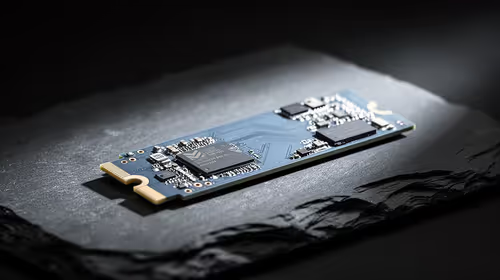
The cheapest 2TB NVMe SSD is available at Evetech from R4,999 including VAT, with 21 drives in stock. 2TB is now the comfortable capacity for a real gaming library.
Read more
Wi-Fi 7 vs Wi-Fi 6e for cinematic story games comes down to router support, latency goals, device compatibility, and coverage. SA buyers should match the choice to the real network setup.
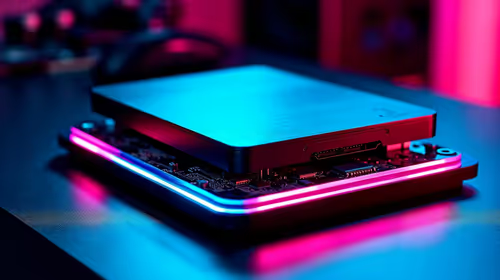
The real world difference between PCIe 5.0 and PCIe 4.0 for MMO and live-service games is usually about loading, patches, and headroom. SA players should weigh NVMe speed, GPU lanes, CPU limits, and platform cost.
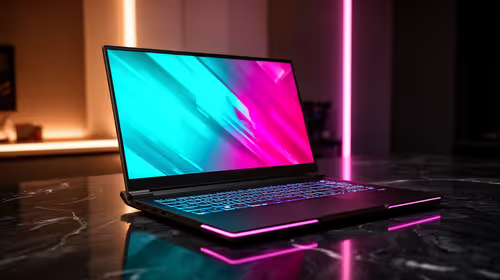
Windows 11 gaming laptop dead pixel checks begin with a full-screen colour test. This how to fix dead pixel windows 11 gaming laptop guide helps SA users compare settings, drivers, external screens, and warranty routes.
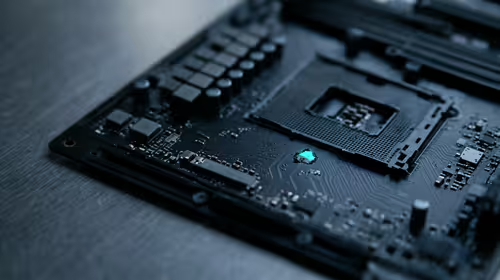
AM5 motherboard stuck pixel fixes in South Africa start with panel, cable, GPU output, and Windows checks. Use a clean test path before blaming the motherboard or replacing screen hardware.

FPS drops blamed on a wireless mouse often point to input, driver, USB, network, or system-load checks. Use a quick SA-friendly troubleshooting flow to isolate software, firmware, thermals, storage, and game settings before replacing hardware.

How to fix fps drops on steam deck starts with power profile, shader cache, storage health, and per-game settings. For South Africa, check charger quality, heat, and download stability before assuming the handheld needs repair. Retest after updates.
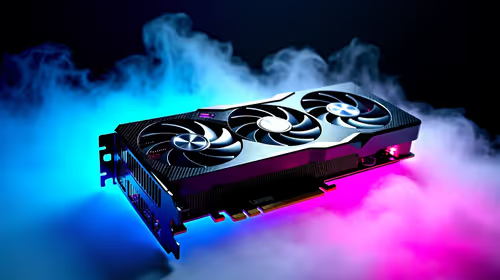
How to fix low FPS after an RTX 5080 build upgrade starts with driver cleanup, display settings, thermals, and power mode. For SA gamers, verify GPU usage, PCIe speed, RAM profile, and CPU limits before changing parts.
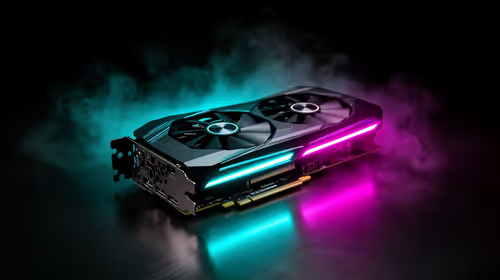
Hollow Knight Silksong at 4K needs a GPU matched to settings, VRAM, CPU balance, and monitor goals. Use this SA guide to compare tiers without treating FPS target or prices as fixed.
The best SSD for gaming is available at Evetech from R1,599 including VAT, with 58 drives in stock. A PCIe Gen4 NVMe drive at 500GB to 1TB is the recommended pick for most gamers.
The best streaming PC range is available at Evetech from R20,684 including VAT, with 22 models in stock. Every build pairs a multi-core CPU with an NVENC or Quick Sync capable GPU, so streaming and gaming can run on one machine without stealing frame rate.
The RTX 5070 is available at Evetech from R11,899 including VAT, with 18 models in stock and most cards priced between R11,899 and R14,000. It is the current 1440p value pick in the NVIDIA 50-series.
16GB DDR5 RAM is available at Evetech from R3,799 including VAT, with 22 modules in stock. It is the sensible baseline for budget and esports builds.