


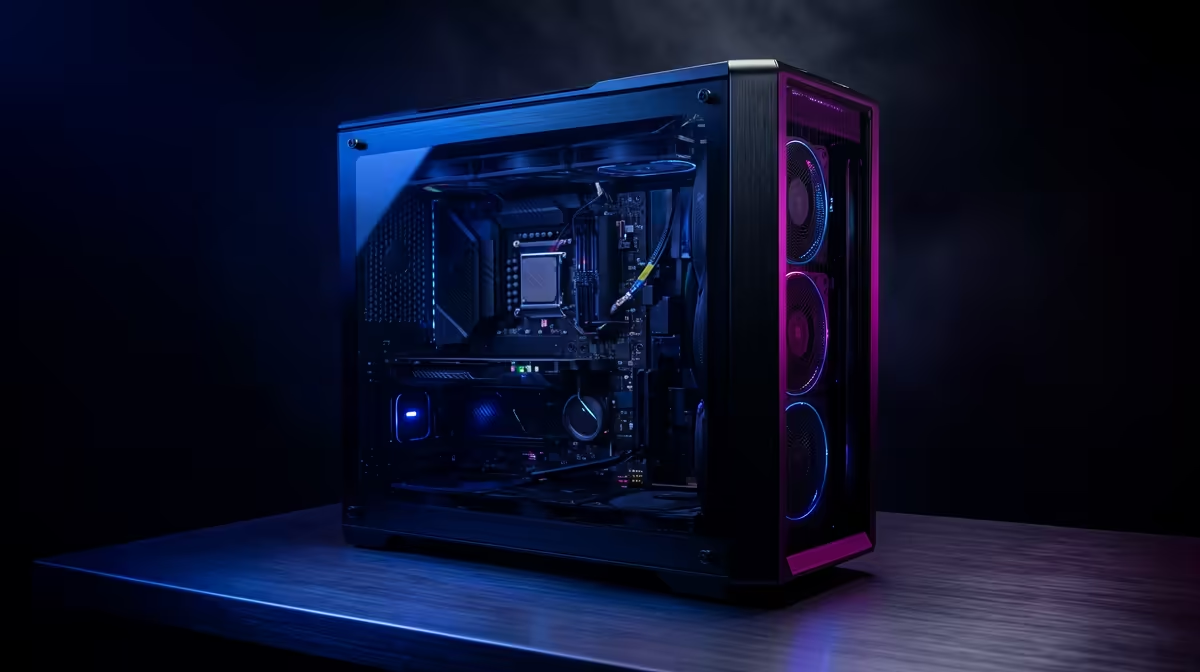
So, you’ve got a killer video idea, the perfect footage, and a deadline that’s breathing down your neck. But your PC has other plans. The timeline stutters, the preview window freezes, and a simple render takes longer than a trip to the Home Affairs office. 😫 Building a powerful editing PC build under R30k in SA is totally possible, but one wrong component choice can leave you with a rig that’s better at buffering than creating.
Mistake #1: Prioritising Pixels Over Processing (CPU)
For gamers, the GPU is king. For video editors, the CPU is the undisputed ruler of the timeline. Your processor handles decoding footage, timeline scrubbing, and the final render. Skimping here is the fastest way to a frustrating workflow.
When planning your editing PC build under R30k, don't just look at clock speed. Core count is critical. Modern editing software like Adobe Premiere Pro and DaVinci Resolve are brilliant at using multiple cores. An 8-core CPU will dramatically outperform a 4-core CPU with a slightly higher clock speed during renders. Look for a modern Intel Core i5/i7 or AMD Ryzen 5/7 with at least 6-8 cores as the heart of your machine.
Mistake #2: The GPU Gold Rush Fallacy
Yes, a graphics card is important, but you don’t need the most expensive one on the market for a solid editing experience. The GPU accelerates colour grading, effects, and GPU-accelerated encoding (like NVIDIA's NVENC). However, for many editors, the performance jump from a mid-range to a high-end card isn't as massive as the price jump.
Instead of blowing half your budget on a top-tier GPU, find a balanced card that offers great value. An NVIDIA RTX 3050, 3060, or 4060 provides more than enough power and access to crucial CUDA cores for most 1080p and even 4K workflows. This balanced approach is common in many of the best gaming PC deals, which often double as excellent editing rigs.
Mistake #3: Underestimating Your Memory Needs 🧠
"I've got 16GB of RAM, that's plenty!"... said many a frustrated editor. While 16GB is the absolute minimum, it's a bottleneck waiting to happen, especially if you're working with 4K footage, multiple layers, or After Effects compositions. When your system runs out of physical RAM, it starts using your storage drive as slow "virtual" memory, causing performance to plummet.
For any serious editing PC under R30k in South Africa, 32GB of RAM should be your target. It gives you the headroom to run your editing software, a browser, and other apps smoothly. Also, ensure you're using two sticks of RAM (e.g., 2x16GB) to take advantage of dual-channel speeds. It’s a small detail that makes a big difference, especially in powerful PCs over R20k designed for performance.
Quick Render Tip ⚡
In DaVinci Resolve, navigate to Preferences > System > Memory and GPU. Ensure your GPU is selected for "GPU processing mode" (CUDA for NVIDIA, OpenCL Metal for AMD). This simple check ensures you're using your graphics card to its full potential for effects and colour grading, speeding up your workflow significantly.
Mistake #4: Ignoring the Need for Speed (Storage)
Using a traditional hard disk drive (HDD) for your operating system and editing apps in 2024 is a recipe for disaster. The slow read/write speeds will bottleneck your entire system, from boot-up to loading project files.
Your storage setup should be tiered for an optimal R30k editing PC:
- OS & Applications Drive: A fast NVMe M.2 SSD (at least 500GB). This ensures your PC is snappy and your software launches in seconds.
- Active Projects & Cache Drive: A second SSD (NVMe or SATA, 1TB+). This is where your current projects, media cache, and scratch files should live for smooth playback.
- Archive Drive (Optional): A larger, cheaper HDD for storing completed projects and raw footage.
Even on a tighter budget, you'll find great options under the R20k mark that prioritise SSD speed.
Mistake #5: Forgetting the Foundation (Power & Cooling)
It’s tempting to spend every last Rand on the flashy components and grab the cheapest power supply unit (PSU) and case you can find. Don't do it. A low-quality PSU can deliver unstable power, leading to crashes or even frying your entire system. A good quality, 80+ Bronze rated PSU from a reputable brand is a non-negotiable investment. 🔧
Similarly, a case with poor airflow will cause your CPU and GPU to overheat (thermal throttle) during long renders, slowing them down to protect themselves. This means your performance drops exactly when you need it most. Many people confuse the needs of budget gaming PCs with editing rigs; while both need good cooling, the sustained, marathon-like workloads of video rendering make it absolutely essential for creators.
Building a PC is rewarding, but it's a minefield of component matching and compatibility checks. Getting one thing wrong can cripple your creative flow. Sometimes, the smartest move is to let the experts handle the assembly and testing.
Ready to Create Without the Headaches? Building a PC is complex, but your creative workflow doesn't have to be. Avoid the common mistakes and get a perfectly balanced, stress-tested machine right out of the box. Explore our expertly configured pre-built PC deals and find the perfect rig to bring your vision to life.










