Editing PC Build Under R30k: Vote for the Top Component
Planning an editing PC build under R30k in South Africa? We break down the most critical components—CPU, GPU, RAM, and storage. Cast your vote for the single most important part for a budget editing rig and see what the community thinks is essential for smooth workflows! 🖥️🗳️
|
Loading tags...
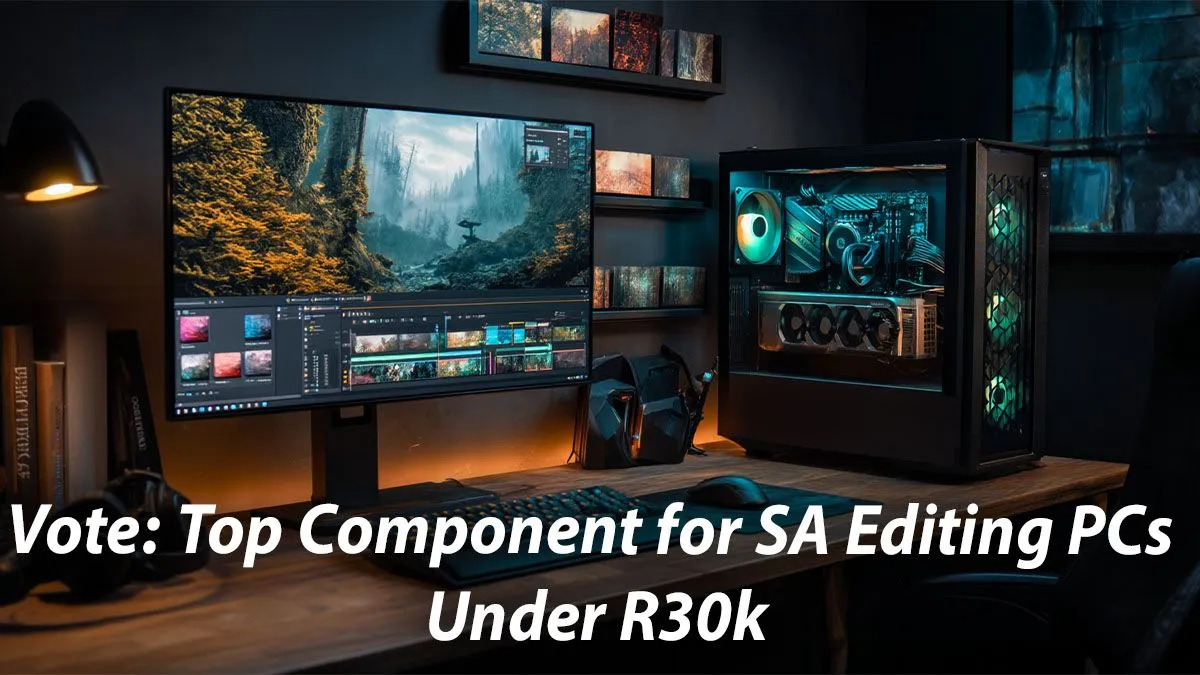
Staring at a stuttering timeline, waiting ages for a render... every South African creator knows the pain. You've got the vision, but your PC just can't keep up. What if you could build a beastly editing rig for less than a deposit on a new car? An editing PC build under R30k is the sweet spot for serious performance without breaking the bank. But with a set budget, one question stands above all: which single component deserves the biggest investment?
The Core Contenders for Your R30k Budget
When you're piecing together a PC for video editing, content creation, or graphic design, four components demand your attention: the CPU (processor), the GPU (graphics card), RAM (memory), and Storage (your drives). A balanced system is ideal, but for an editing PC build under R30k, making a smart, priority-based choice is crucial for maximising performance where it counts the most for your workflow. Let's break down the contenders.
The Case for a CPU-First Editing Build 🧠
The Central Processing Unit, or CPU, is the director of your entire operation. It handles tasks like encoding your final video, running software interfaces, generating playback previews, and managing complex project files. A CPU with more cores and a higher clock speed can dramatically reduce render times and make the entire editing process feel snappier and more responsive.
For many editors, especially those working with CPU-intensive codecs or doing lots of transcoding, the processor is the undisputed king. Even on tighter budgets, like those for PCs under R20,000, a capable CPU is non-negotiable. If your workflow involves more processing than real-time graphical effects, putting your money here is a safe bet.
Why the GPU Might Be Your MVP (Most Valuable Part) ✨
Once upon a time, the GPU was mostly for gamers. Not anymore. Modern editing software like Adobe Premiere Pro and especially DaVinci Resolve lean heavily on the Graphics Processing Unit (GPU) to accelerate tasks. Think real-time playback of 4K footage with multiple colour grades and effects applied. That's the GPU working its magic.
If your work is visually intensive—heavy colour grading, motion graphics, 3D work, or using lots of GPU-accelerated effects and transitions—a powerful graphics card can save you countless hours. Often, the best gaming PC deals feature GPUs that are fantastic for creative work, making them a great place to hunt for value. For a modern R30k editing build, skimping on the GPU is a recipe for a bottleneck.
TIP FOR YOU
Pro Tip: Enable GPU Acceleration ⚡
In Adobe Premiere Pro, navigate to File > Project Settings > General. Under 'Video Rendering and Playback', ensure the Renderer is set to 'Mercury Playback Engine GPU Acceleration (CUDA)' for NVIDIA cards or '(OpenCL Metal)' for AMD Mac. This simple check ensures your GPU is actually being used to speed up your timeline and exports!
The Unsung Heroes: RAM and Blazing-Fast Storage
What about memory and storage? While they might not get the same spotlight as the CPU or GPU, ignoring them will cripple your R30k editing PC.
Why RAM Matters
RAM is your computer's short-term memory. Running multiple creative apps like After Effects, Photoshop, and your web browser simultaneously consumes a lot of it. 16GB is the absolute minimum today, but for a smooth 4K editing experience, 32GB is the real goal. Not enough RAM leads to sluggish performance and frustrating crashes.
The Need for Speed (Storage)
Your storage drives determine how quickly you can open projects, access files, and scrub through footage. A fast NVMe SSD (Solid State Drive) for your operating system, software, and active project files is essential. You'll see the difference immediately. It's why even many budget gaming PCs now come standard with an SSD.
Our Verdict & The Community Vote
So, where should you spend the biggest chunk of your cash for the ultimate editing PC build under R30k?
It's a tough call. For maximum versatility across most editing software, a powerful multi-core CPU is arguably the safest and most impactful investment. However, if you live in DaVinci Resolve or After Effects, a beefier GPU will deliver more tangible results.
Ultimately, balance is key. The perfect R30k editing build finds a smart compromise between all these parts, landing squarely in the powerful PCs above R20k category. If you'd rather skip the component-picking puzzle, our range of pre-built PC deals offers professionally balanced systems ready to crush your next project right out of the box. 🚀
But now we turn it over to you. What's your vote for the most critical component in a budget editing rig?
Ready to Build Your Creative Powerhouse? The component debate is complex, but getting a powerful editing rig doesn't have to be. Whether you build it yourself or choose a pro-assembled machine, the performance leap is massive. Explore our massive range of customisable PCs and find the perfect machine to conquer your creative world.
While a balanced system is key, the CPU is often considered the most important component for video editing, as it handles encoding, decoding, and rendering tasks.
Both are crucial. The CPU manages core processing, while the GPU accelerates effects, playback, and exports. For a budget editing pc south africa, balancing both is vital.
For 4K video editing, 32GB of RAM is the recommended minimum for a smooth experience, allowing you to handle large files and multitask without performance bottlenecks.
Yes, absolutely. By carefully selecting components and prioritizing what's most important for your workflow, you can build a very capable editing PC for under R30,000.
While not strictly necessary, an NVMe SSD dramatically improves video editing performance by reducing load times for apps, footage, and project files. It's a highly recommended component.
Look for processors with a high core and thread count, like certain models from the Intel Core i5 or AMD Ryzen 5 series, which offer excellent performance for their price.
Related Articles