

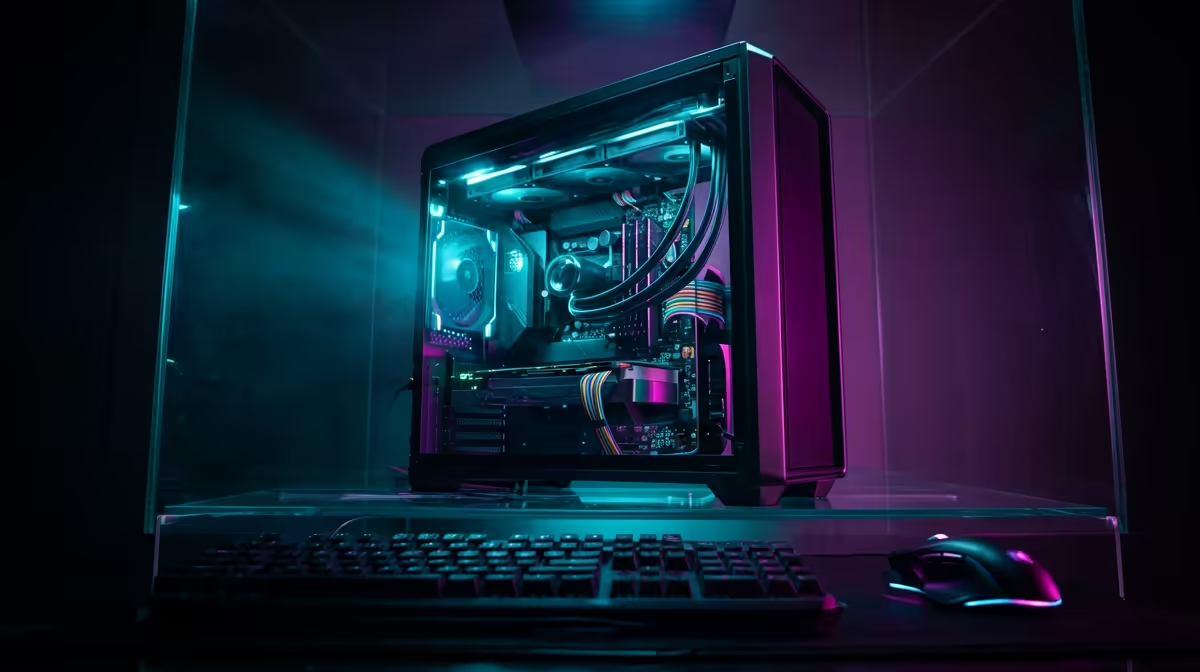
So, you're dreaming of a powerful editing rig but your budget is capped at R20,000? You're not alone. In South Africa, finding a machine that can chew through 4K timelines without stuttering feels like a massive challenge on a tight budget. But it's not impossible. With the right know-how, you can get a fantastic editing PC under R20k in South Africa that punches way above its price tag. Let's break down where to focus your rands. ✨
What to Prioritise in an Editing PC Under R20k
When you're building or buying a PC for video editing, the hierarchy of importance is different from a pure gaming rig. For a smooth, lag-free creative workflow, you need to think smart. Your money should go where it counts most.
The core priorities are, in order:
- CPU (Processor): This is the brain of your operation. It handles encoding, rendering, and timeline performance. More cores and a higher clock speed mean less time staring at progress bars.
- RAM (Memory): Editing software loves RAM. It uses it to cache clips and previews. 16GB is the absolute minimum, but it's a key area where a small extra investment pays huge dividends.
- Storage (SSD/HDD): A fast NVMe SSD for your operating system and active projects is non-negotiable. It dramatically cuts down on loading times for apps and footage.
Notice the GPU isn't in the top three? While important, for an editing PC under R20k, a powerful CPU and sufficient RAM will give you a bigger performance boost than a top-tier graphics card.
CPU vs. GPU: Where Your R20,000 Goes Further
This is the central debate for any budget editing build. Do you spend more on the processor or the graphics card? For video editing, especially rendering final files in programs like Adobe Premiere Pro, the CPU does most of the heavy lifting.
A modern processor with 6 or more cores is your sweet spot in this price range. This is where you'll find incredible value in both Intel and AMD camps. For instance, many of the powerful AMD Ryzen PC deals offer excellent multi-core performance, which is perfect for rendering. On the other hand, certain great value Intel PC deals feature Quick Sync technology, which can accelerate encoding and decoding for specific video formats. The choice often comes down to the specific software you use and current market prices.
Productivity Pro Tip ⚡
If you're editing high-resolution 4K or 6K footage on a budget PC, use a proxy workflow! Software like DaVinci Resolve and Premiere Pro can create low-resolution copies (proxies) of your media. You edit using these snappy, lightweight files, and the software automatically switches back to the high-quality originals for the final export. It makes a R15,000 PC feel like a R40,000 one.
Finding the Best Pre-Built Editing PC in South Africa 🚀
While building a PC yourself can be rewarding, it also comes with risks... compatibility issues, troubleshooting, and managing multiple warranties. For a reliable workhorse, a professionally assembled and tested pre-built system is often the smarter, safer bet.
This approach ensures all your components work together perfectly from day one, backed by a single, solid warranty. You get straight to creating, not debugging. At Evetech, we've specifically designed systems to maximise creative performance at this price point. Our goal is to deliver the best possible editing PC under R20k without the headache. You can browse our curated selection of PCs under R20k to see balanced builds ready for any project you throw at them.
Ready to Start Creating? Building a powerful editing PC under R20k in South Africa is totally achievable. Stop dreaming and start doing. Explore our hand-picked PCs under R20,000 and find the perfect machine to bring your vision to life.











