

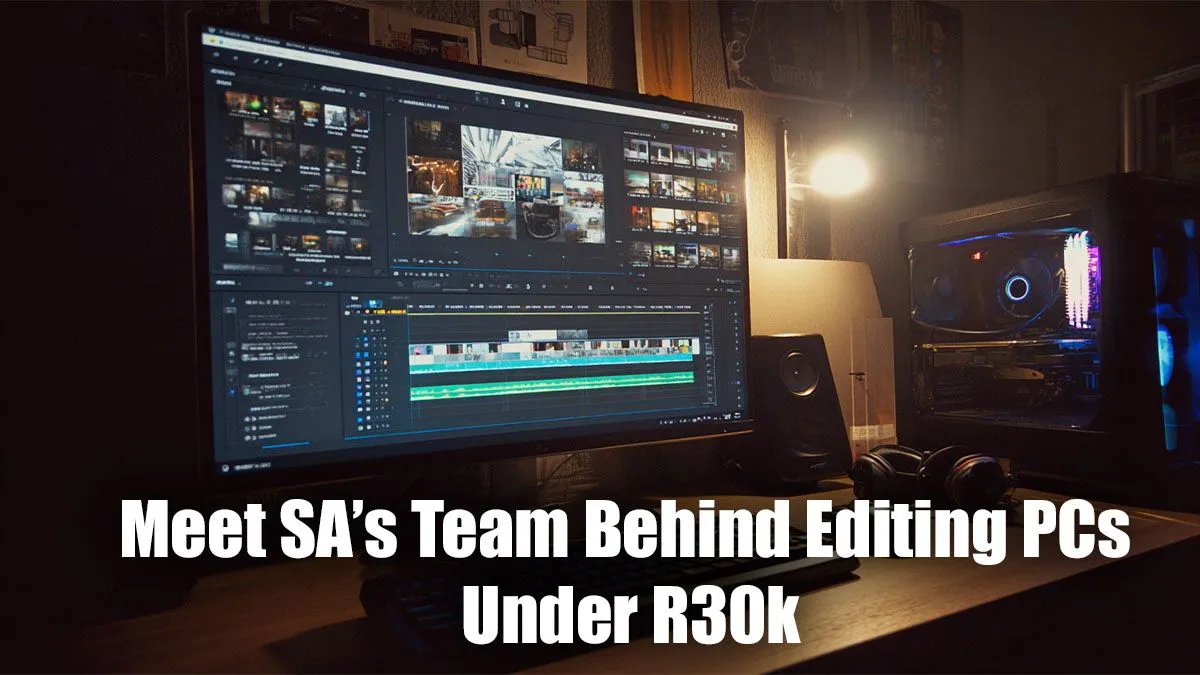
Staring at a stuttering timeline, waiting an eternity for a render to finish… we've all been there. You need a powerful machine for video editing, graphic design, or 3D work, but the idea of dropping R50k or more feels impossible. What if we told you that a seriously capable editing PC under R30k isn't just a dream? It's the sweet spot where performance meets value, and our expert builders in South Africa know exactly how to hit it.
Your R30k Editing PC: What Matters Most?
Building or buying an editing PC under R30k is a balancing act. You need to invest in the components that give you the biggest performance boost for creative workloads. Forget the flashy RGB for a moment (you can add that later!) and focus on the core engine of your machine. 🔧
The CPU: Your Creative Engine
For video editing and rendering, the Central Processing Unit (CPU) does the heaviest lifting. More cores and a higher clock speed mean faster processing. In the sub-R30k bracket, you're looking for a modern Intel Core i5 or AMD Ryzen 5. These chips offer a fantastic blend of multi-core performance for rendering and strong single-core speed for smooth timeline navigation. Many excellent systems fall into this category, from powerful PCs under R20k that can be upgraded, to more robust options in our range of PCs above R20k that come ready for complex projects.
The GPU: The Visual Accelerator
While the CPU is king, the Graphics Processing Unit (GPU) is its essential partner. It accelerates visual effects, colour grading, and playback in programs like DaVinci Resolve and Adobe Premiere Pro. For an editing PC, look for an NVIDIA GeForce RTX card. Their CUDA cores are exceptionally well-optimised for creative apps. An RTX 3050, 3060, or even a 4060 can often be squeezed into an R30k editing build, delivering a massive boost.
RAM & Storage: The Unsung Heroes
- RAM: 16GB is the minimum, but 32GB is the real sweet spot for 4K editing. It allows your PC to handle large files and multiple applications without slowing to a crawl.
- Storage: Speed is key. A fast NVMe SSD for your operating system and applications is non-negotiable. Pair it with a larger SATA SSD for your active project files and media cache for a lightning-fast workflow. ✨
Workflow Pro Tip ⚡
For video editing, set up a dedicated scratch disk. This is a separate, fast SSD (ideally NVMe) where you direct all your application cache files, previews, and temporary renders. This prevents your main OS drive from getting bogged down and dramatically improves timeline performance and stability.
Pre-Built Powerhouse or Custom Creation?
So, you know the parts... what's the next step? You have two great paths to getting your ideal editing PC under R30k.
Choosing from our expertly configured pre-built PC deals is the fastest way to get creating. These machines are assembled and stress-tested by our technicians, ensuring stability right out of the box with a full warranty. You get a balanced system without the guesswork.
The brilliant thing about modern components is that a great editing rig often doubles as a fantastic gaming machine. You'll find incredible value by checking out our best gaming PC deals, as they often feature the powerful CPU/GPU combos perfect for creative work. Even our budget gaming PCs can be easily upgraded with more RAM or storage to become lean, mean editing machines.
Building a custom PC gives you ultimate control to allocate your budget precisely where you need it most. Want to splurge on a top-tier CPU and save a bit on the graphics card for now? You can do that. Our team is here to help you spec the perfect machine for your unique workflow. 🚀
Ready to Build Your Dream Machine? Stop letting a slow PC hold back your creativity. Whether you choose a pre-built beast or a custom-spec'd masterpiece, the power is within your reach. Use our powerful Custom PC Builder to spec out your perfect editing PC under R30k today, or let our experts guide you.











