

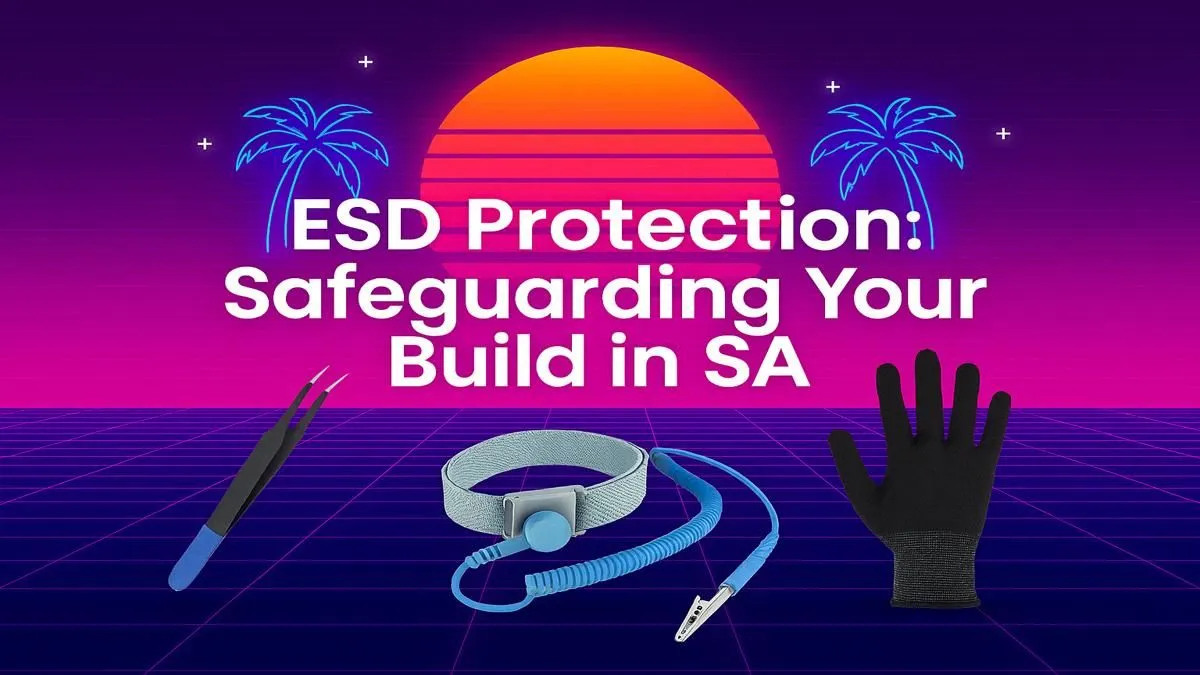
You’ve got the parts. The beastly GPU, the lightning-fast CPU... the dream PC is within reach. But a silent, invisible threat could kill your components before they even boot up. We’re talking about electrostatic discharge (ESD). For South African builders, especially during our dry winters, understanding ESD protection for PC building isn’t just a good idea—it’s essential for protecting your hard-earned hardware. Let's get you grounded. ⚡
Understanding ESD: The Silent PC Killer
So, what exactly is electrostatic discharge? Think of the small shock you get after walking across a carpet in socks. That’s ESD. While it’s harmless to you, that tiny zap carries thousands of volts—more than enough to fry the delicate micro-circuitry inside your RAM, motherboard, or processor.
The real danger is that ESD damage isn't always a dramatic "pop." It can cause latent damage, weakening a component that then fails mysteriously weeks or months later. This makes proper ESD protection for PC building a non-negotiable step to safeguard your investment, because even components for powerful budget gaming PCs deserve the best care.
Your Essential Toolkit for ESD Protection 🔧
You don't need a high-tech lab to build safely. A few key practices and one crucial tool will dramatically lower your risk. Effective ESD safety is simple and affordable.
The Anti-Static Wrist Strap: Your Best Friend
This is the single most important piece of gear. It’s a simple band you wear on your wrist with a cord and an alligator clip on the end. You clip it to a large, unpainted metal object, like your PC case's chassis. This creates a safe path for any static buildup on your body to discharge to ground, rather than through your R5,000 graphics card. This simple precaution is vital, even for great value PCs under R20k.
Static Hotspots to Avoid ⚠️
Never build your PC on a carpet or rug. Wear rubber-soled shoes instead of socks. Avoid woolly or synthetic clothing, as cotton is far less prone to static buildup. Also, keep pets away from your build area—their fur is a static magnet!
The Right Environment
Work on a hard, non-conductive surface like a wooden or laminate table. Keep components in their anti-static bags until the very moment you're ready to install them. When you do handle them, hold them by their edges and avoid touching the gold contacts or circuitry.
A Safe Build Process: Step-by-Step ✨
Ready to assemble? Follow this simple checklist for a safe and successful build.
- Prep Your Area: Clear your workspace and lay out your tools. Plug in your power supply to the PC case, and plug the power cable into the wall, but leave the wall switch off. This grounds the case.
- Gear Up: Put on your anti-static wrist strap and clip it securely to an unpainted metal part of your PC case.
- Work Systematically: Install one component at a time, from the CPU and RAM on the motherboard to installing the motherboard in the case. This minimises handling. This is non-negotiable when you're handling the powerful components found in PCs above R20k.
- Stay Grounded: Periodically touch the metal case to ensure you remain discharged throughout the process.
Following these steps on ESD protection for PC building ensures you get the most from the best gaming PC deals by keeping your new hardware safe from the start.
What if You're Not Confident?
We get it. The thought of frying a brand-new component can be stressful. If the risk feels too daunting or you simply want a professionally built and tested machine with a full warranty, exploring our pre-built PC deals is a fantastic, stress-free option. Our experts handle the delicate parts so you can get straight to gaming. 🚀
Ready to Build Your Dream Rig... Safely? Proper ESD protection is a small step that safeguards your big investment. Whether you're building from scratch with the right parts or prefer a professionally assembled powerhouse, we've got you covered. Explore our massive range of PC components and start your build the right way.











