

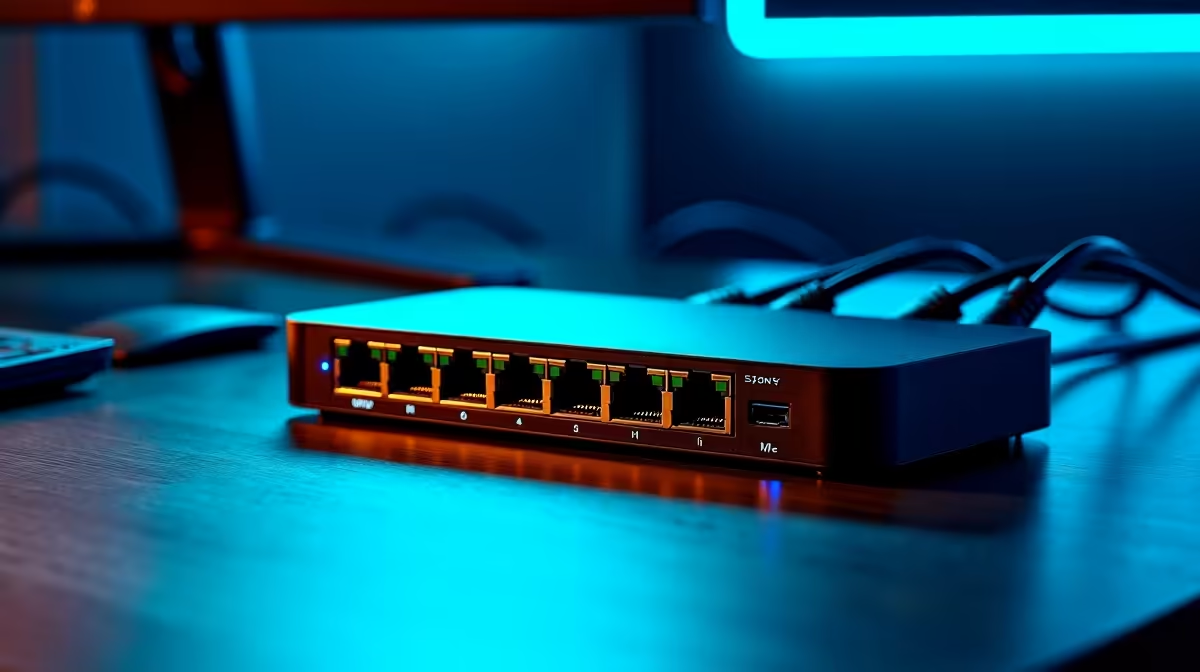
Is the space behind your desk a tangled mess of cables? You're not alone. For many South African gamers and professionals, that web of HDMI, power, and USB cables is a constant battle. What if you could replace it all with a single, elegant connection that also gives you a rock-solid internet connection? Enter the Ethernet dock monitor… your ultimate weapon against desk chaos and lag. It’s time to clean up your setup for good. ⚡
What Exactly Is an Ethernet Dock Monitor?
Think of it as a high-performance display with a brain. An Ethernet dock monitor is essentially a premium screen with a built-in USB-C docking station. This hub includes standard ports like USB-A for your peripherals, but crucially, it also features an RJ45 Ethernet port.
This means a single USB-C cable from your laptop to the monitor can handle everything:
- Video: Transmitting your visuals in crisp detail.
- Power: Charging your laptop while you work or play.
- Data: Connecting your keyboard, mouse, and external drives.
- Wired Internet: Giving you a stable, low-latency connection.
It's the cleanest, most efficient way to manage a modern desk, turning your screen into the true heart of your setup. Exploring the variety of PC monitors available shows just how far this technology has come.
Why a Wired Connection Still Reigns Supreme for Gaming
In South Africa, a stable internet connection is non-negotiable for competitive gaming. Wi-Fi is convenient, but it can be prone to interference and dropouts… especially when the power flickers. A monitor with an Ethernet port sidesteps these issues entirely by plugging you directly into your router.
This direct line means lower ping and a more consistent data stream, which can be the difference between a glorious win and a frustrating loss in games like Valorant or Apex Legends. No more blaming lag on a Wi-Fi stutter. An Ethernet dock monitor gives you the reliability you need to focus on the game, making it a key piece of hardware for anyone browsing all gaming monitors for a competitive edge.
Check Your USB-C Port! 🔧
Not all USB-C ports are created equal. To use a docking monitor, ensure your laptop's USB-C port supports "DisplayPort Alt Mode" for video output and "Power Delivery" (PD) for charging. This info is usually in your laptop's tech specs.
More Than Just Gaming: A Productivity Powerhouse
The one-cable dream isn't just for gamers. If you're working from home, a clean desk free from clutter can seriously boost your focus and productivity. Imagine walking up to your desk, plugging in one cable, and having your entire workstation… dual screens, keyboard, mouse, and stable internet… instantly ready. ✨
This simplicity is a massive win for professionals who need a reliable setup for video calls and large file transfers. For creators working with high-resolution video or graphics, the sheer bandwidth of a wired connection paired with a stunning display is a perfect match. The incredible detail on modern 5K and 4K monitors makes this kind of streamlined workflow even more rewarding.
Finding the Right Docking Monitor for Your Setup
While the core feature is the built-in dock, you still need to choose a screen that fits your needs. Do you want an immersive, wraparound view for your racing sims? Exploring the world of curved monitors might be your next step.
Perhaps you have a multi-device setup and could benefit from a secondary screen. While a docking monitor is your main hub, a slim portable monitor can be a fantastic, lightweight addition for extra screen real estate.
Finally, don't forget that taming cable chaos goes beyond the screen. The right monitor accessories, like a sleek monitor arm, can lift your display off the desk, freeing up even more space and completing your ultra-clean setup. 🚀
Ready to Tame Your Cable Chaos? A cleaner desk and a more stable connection are just one cable away. Check out the latest monitor specials and find the perfect hub for your setup. Explore the best PC monitor deals at Evetech and revolutionise your workspace today.











