


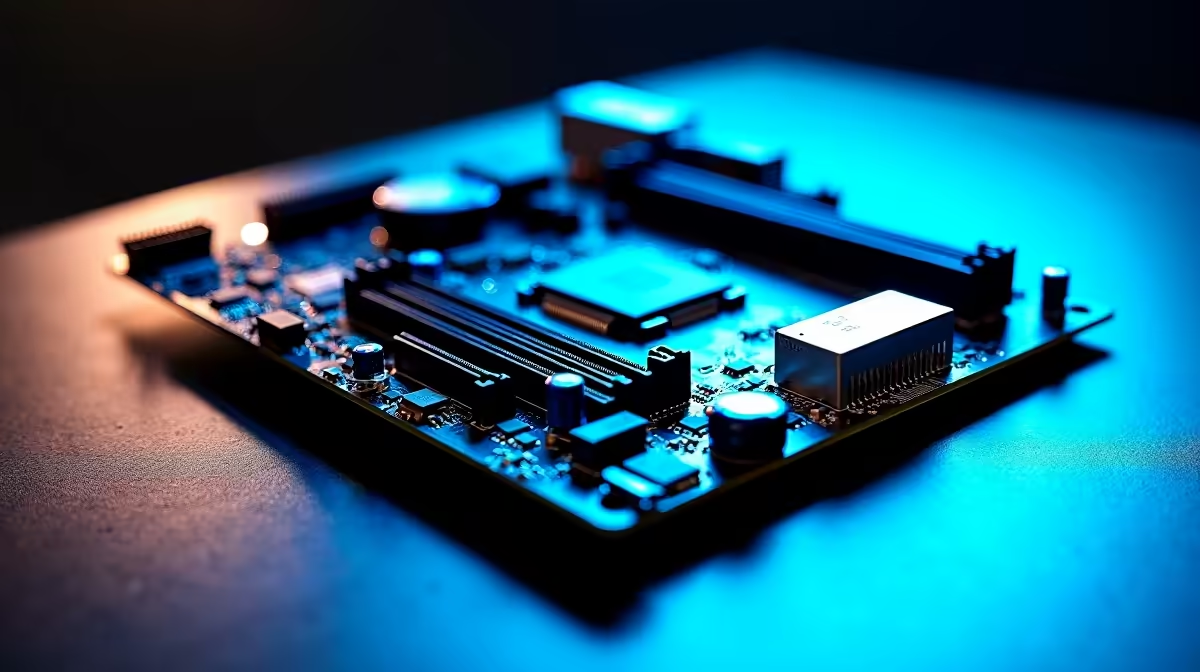
Building a high-end rig in South Africa means squeezing every drop of performance out of your hard-earned ZAR. PC components are a serious investment, and you naturally want them to last. You have probably heard the hype around AI OC, DDR5 tuning and power delivery on premium motherboards. But what do these features actually do for your daily gaming or rendering sessions? Let us break down why investing in a top-tier board is the smartest move for your next build.
The Magic of AI Overclocking 🚀
Gone are the days of spending hours tweaking BIOS settings and suffering through endless system crashes. Modern AI OC takes the absolute guesswork out of pushing your CPU to its absolute limits. By continuously monitoring your specific silicon quality and CPU cooler efficiency, the motherboard automatically helps to optimise clock speeds in real time.
This intelligent software evaluates your system cooling capacity and adjusts voltages on the fly. It is exactly like having a professional overclocker living inside your PC. If you are exploring the latest ASUS Intel motherboards, you will find their built-in AI Overclocking utility does a phenomenal job of boosting frame rates safely without risking thermal damage to your expensive components.
Mastering DDR5 Tuning for Maximum FPS
System memory speed is crucial for modern processors... especially if you want buttery-smooth 1% low frame rates in competitive multiplayer titles. DDR5 tuning on premium motherboards allows you to push memory frequencies well beyond standard out-of-the-box profiles.
High-end boards feature advanced memory trace routing and dedicated hardware to ensure signal stability at extreme speeds. To truly take advantage of this technology and eliminate system bottlenecks, you will need a highly capable RAM kit. Check out the latest DDR5 memory kits to pair perfectly with your finely tuned setup.
Memory Tuning Pro Tip ⚡
Always update your motherboard BIOS before attempting aggressive DDR5 tuning. Manufacturers frequently release updates that dramatically improve memory compatibility and system stability... saving you hours of unnecessary troubleshooting.
Why Robust Power Delivery Matters 🔧
You simply cannot run a flagship processor without clean and incredibly stable power. This is exactly where VRMs (Voltage Regulator Modules) step into the spotlight. Premium boards boast robust power delivery phases... often 16 or more... to ensure your processor receives a steady stream of voltage even under extreme rendering or gaming loads.
Whether you are building from scratch or looking at high-performance pre-built gaming PC deals, a strong power phase design guarantees longevity and prevents frustrating thermal throttling. Fans of Team Red can see this robust engineering in action across modern ASUS AMD motherboards, which are specifically designed to handle power-hungry Ryzen chips with absolute ease.
Tying It All Together ✨
Combining intelligent AI OC, refined DDR5 tuning and rock-solid power delivery on premium motherboards creates a reliable foundation that will last for years. It is not just about chasing raw benchmark numbers or adding custom RGB colour profiles... it is about achieving unwavering system stability during those intense weekend gaming marathons. When you are finally ready to upgrade your current system, browsing a wide selection of premium motherboards ensures you get the exact performance features your custom build demands.
Ready to Build Your Dream Rig? Understanding AI OC, DDR5 tuning and power delivery is just the first step. For maximum performance and the best value in South Africa, Evetech has everything you need. Explore our massive range of premium motherboards and start building your ultimate PC today.











