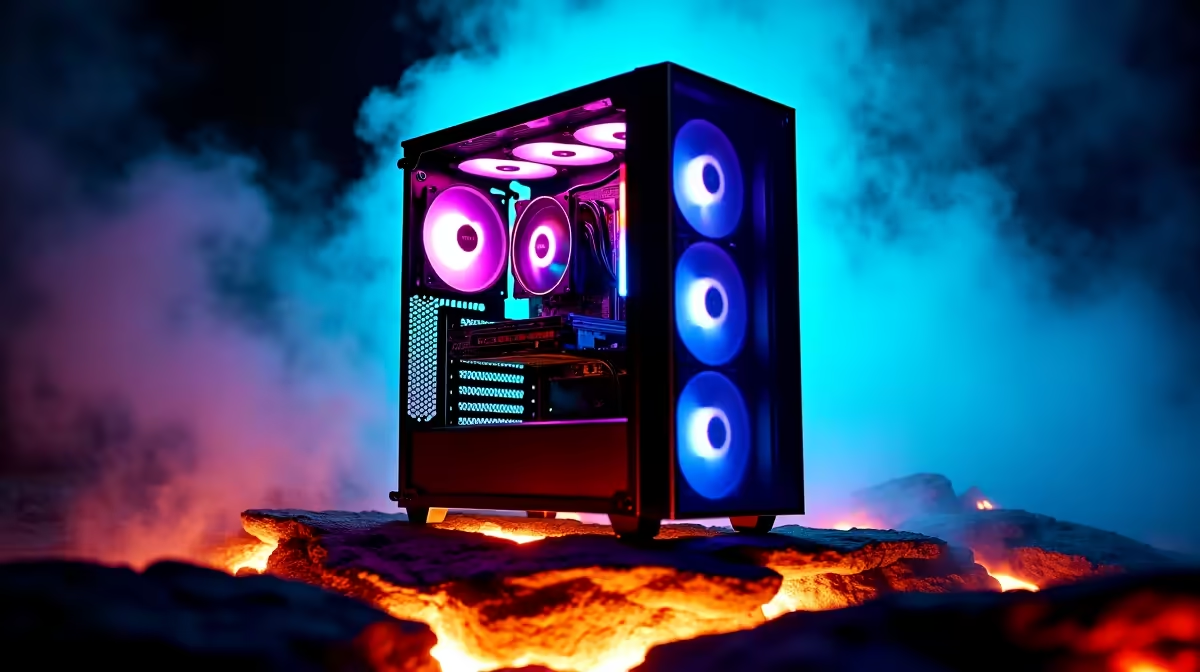
So, you’ve got your eye on a beastly new graphics card and a top-tier CPU, but the thought of a colossal full-tower case taking over your desk in Joburg gives you pause. You’re not alone. Many South African gamers want maximum power without the massive footprint. The great news? You absolutely can fit high-end components in a mid-tower case. The secret isn’t magic… it’s just smart planning and a little know-how. 🔧
The Blueprint: Planning Before You Purchase
Before you even add a case to your cart, you need to become a master of measurements. Cramming powerful hardware into a smaller space is a game of millimetres, and checking compatibility first will save you a world of frustration.
Key Clearances to Check:
- GPU Length: This is the big one. A monster card like an RTX 4080 or 4090 can be incredibly long. Check the case’s spec sheet for its maximum supported GPU length and compare it against the card you want.
- CPU Cooler Height: If you're opting for a large air cooler, its height is critical. Many mid-towers have a maximum cooler height that can be restrictive.
- PSU & Radiator Space: Don't forget about your power supply unit (PSU) length, especially if it's not modular. Also, if you plan on using an All-In-One (AIO) liquid cooler, verify where the radiator can be mounted (top, front) and ensure it won't clash with your RAM or other components.
Taking five minutes to cross-reference these numbers on the product pages of our huge selection of computer cases can prevent a massive headache later.
Tetris Masters: Layout Tips for a Tidy Build
A clean layout isn't just for looks; it's the foundation of good cooling. When you build with high-end components in a mid-tower, every cable and component placement matters.
The most important rule is cable management. Route as many cables as you can behind the motherboard tray. This frees up the main chamber, allowing air to flow directly over your hottest components—the CPU and GPU. Modern chassis from brands like these sleek TRYX Gaming Cases are often designed with generous routing channels and tie-down points to make this easier.
PSU Pro Tip ⚡
Always consider a modular or semi-modular power supply for a mid-tower build. You only connect the cables you actually need, drastically reducing clutter inside the case. This single choice can make the difference between a clean, cool build and a chaotic mess of wires that chokes airflow.
Keeping it Cool: Essential Cooling for High-End Parts
Powerful parts generate serious heat. In a more compact mid-tower, managing that heat is non-negotiable. Your goal is to create a clear and efficient wind tunnel. 💨
The standard, most effective setup is to use fans at the front of the case as intakes, pulling cool air in, and fans at the rear and top as exhausts, pushing hot air out. This creates a consistent airflow path directly over your motherboard and graphics card.
Many builders find success with brands like Cooler Master, which are renowned for their thermal performance. Even more budget-friendly options, like these Gamemax Computer Cases, often come with multiple pre-installed fans and mesh front panels designed specifically for high airflow.
A Real-World Example
Let's imagine you're building in a compact but capable chassis like the Cooler Master E301 Mini Tower. By installing two 120mm intake fans at the front and using the included rear fan for exhaust, you create a direct cooling channel. Slotting in a powerful but reasonably sized RTX 4070 and using a low-profile air cooler for your CPU ensures everything gets a steady stream of fresh air, keeping temps low and performance high during those intense gaming sessions. ✨
It proves that you don't need a gigantic case to build a top-tier rig. You just need a smart plan.
Ready to Build Your Compact Powerhouse?
A mid-tower case doesn't mean compromising on performance. It's about building smarter. With the right planning and the perfect chassis, you can create a beast of a machine that looks as good as it performs. Browse our massive range of PC cases and find the foundation for your next dream build.