

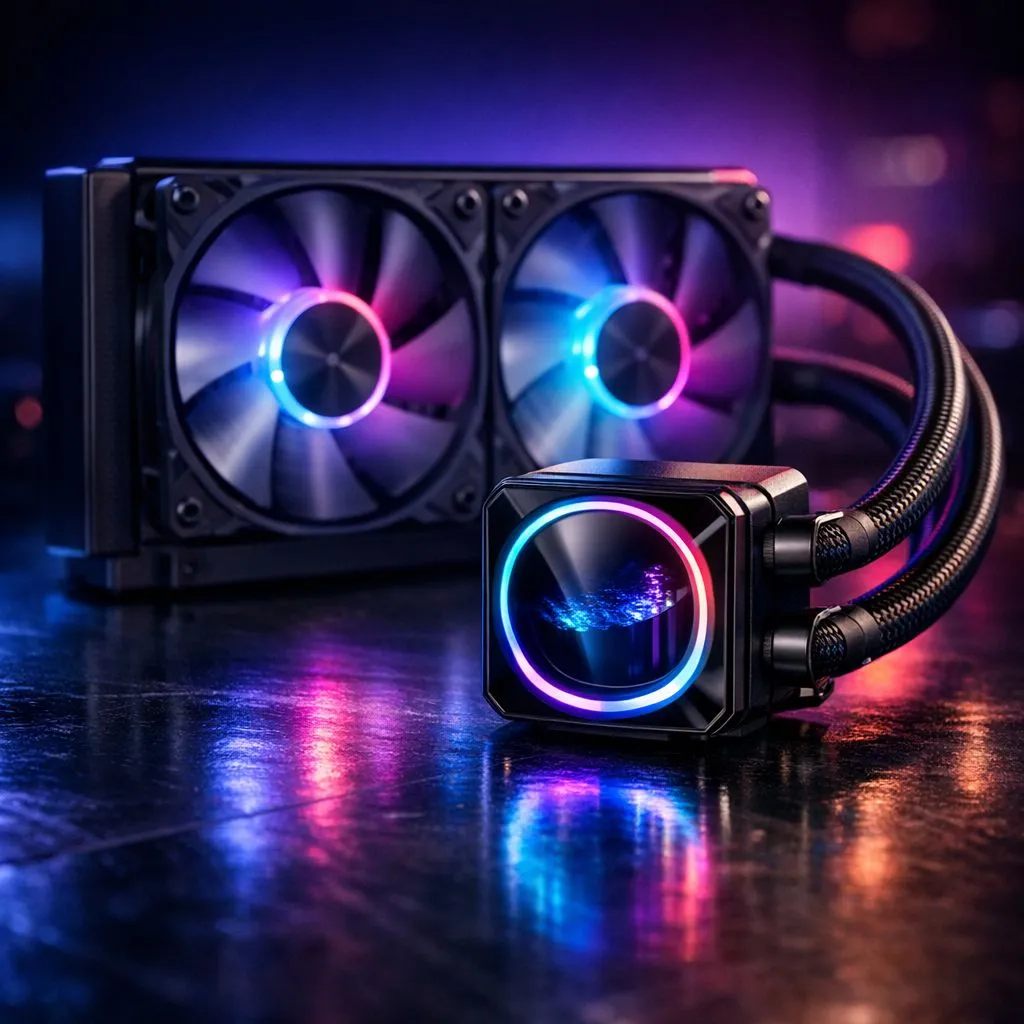
Diagnose Poor Liquid CPU Cooler Performance
Fix Poor Liquid CPU Cooler Performance: Installation Mistakes is the headline you need if your temps are stubborn. South African gamers and builders, don’t sweat—most underperforming AIOs suffer simple setup problems, not faulty pumps. Read on for quick checks and fixes that save cores and FPS. 🔧
Common installation mistakes for liquid CPU coolers
Start with mount orientation and backplate seating. Improper mounting can leave air gaps or uneven pressure. Confirm the cold plate sits flush and screws are tightened in a cross pattern. If tubing is kinked or the radiator is mounted with trapped air, performance drops. Inspect hoses for bends; rotate the loop or top-up the reservoir.
Airflow, radiator placement and fans for liquid coolers
Radiator placement matters. Mounting as intake vs exhaust changes case temps. Swap fan direction or flip the radiator orientation to see a delta in core temps. For Corsair options, check compatible fan pairs here: Corsair case fans. For alternative aesthetics, Deepcool fans can be quieter under load: Deepcool fans.
Choose 120mm or 140mm fans to match radiator fins and static pressure: 120mm fans and 140mm fans. Also decide on lighting: RGB options or non-RGB.
Installation Pro Tip ✨
For better heat transfer, clean both CPU and cold plate with isopropyl alcohol, apply a pea-sized dot of quality thermal paste, and torque screws incrementally. Test with a stress utility for 10 minutes after each change to measure impact.
Quick troubleshooting steps for liquid cooler performance
Start simple: confirm CPU fan header power and AIO pump RPM in BIOS or in the vendor app. Listen for hum or feel for vibration—dead pumps are rare but possible. Check BIOS fan curves and set a conservative pump voltage if advised. Re-seat the cooler if temps don't improve; sometimes one extra tweak fixes everything.
When replacement is necessary for a liquid CPU cooler
Know when to replace rather than repair. If you’ve bled the loop, reseated the block, tried different fans and still see rising idle and load temps, the pump may be failing. A trapped air bubble that won’t shift after several orientation changes is another red flag. I once helped a Stellenbosch friend whose cooler behaved fine until a coil noise appeared; replacement under warranty fixed months of thermal throttling. If you suspect hardware failure, document temperatures and contact Evetech support for RMA guidance or pick a replacement AIO with a strong warranty today.
Final thoughts on liquid CPU cooler performance
Fix Poor Liquid CPU Cooler Performance: Installation Mistakes rarely needs a full replacement. Most South African builders save on R&R time by correcting mounting, improving airflow and selecting the right fans. Want hands-on help or parts? Visit Evetech for fan options and expert support. 🚀
Ready to Find Your Perfect Match? The Mac vs Windows debate is complex, but for maximum power, choice, and value in South Africa, Windows is hard to beat. Explore our massive range of laptop specials and find the perfect machine to conquer your world.











