

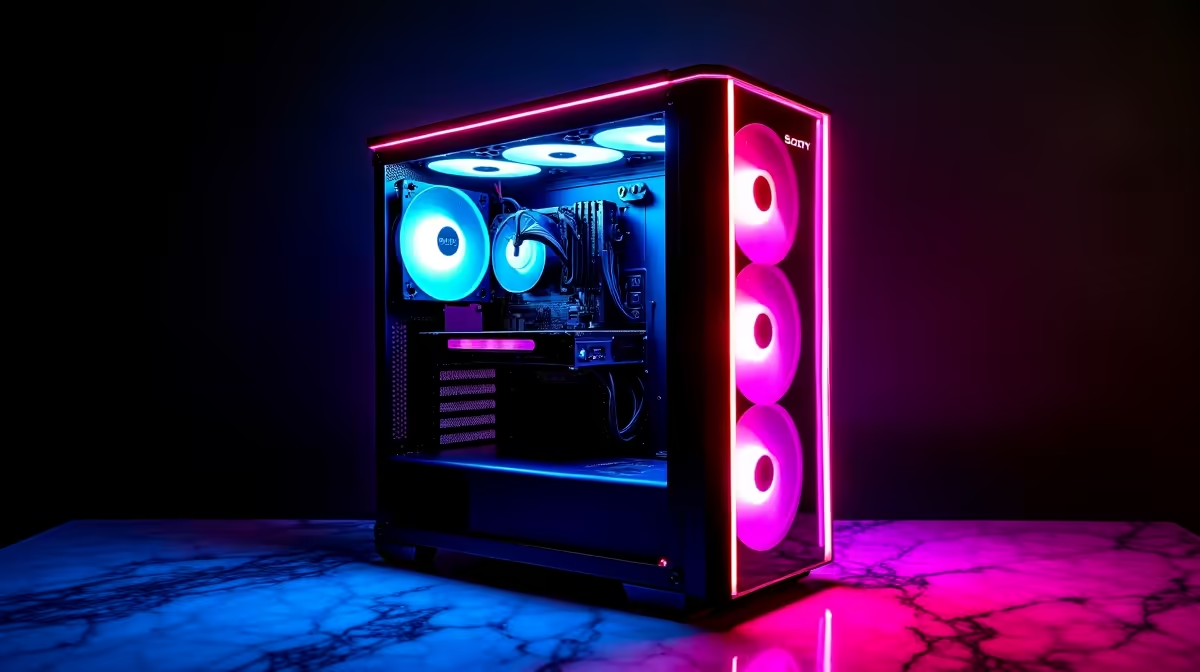
Nothing ruins a new rig quite like opening the side panel to a load shedding-level disaster of tangled wires. When summer hits South Africa, those messy cables do more than look terrible... they choke your system. Fixing cable clutter and restricted airflow in modern gaming PC builds keeps frame rates high and temperatures low.
Why Messy Wires Ruin Your Rig 🔧
Modern graphics cards and processors run incredibly hot. To keep them performing at their peak, cool air needs a clear path from your front intake fans straight to your heat sinks. If a thick web of power cables blocks that path, your expensive components will throttle. This means you are leaving precious performance on the table during intense competitive matches.
If you prefer avoiding the hassle entirely, our technicians expertly manage cables in all our best gaming PC deals. But if you are building or upgrading your own setup, mastering cable routing is a crucial skill.
The Modular Power Supply Advantage ⚡
The easiest way to start fixing cable clutter and restricted airflow in modern gaming PC builds is by choosing the right power supply. A fully modular PSU lets you plug in only the cables you actually need for your specific hardware configuration. No more stuffing unused Molex or SATA cables into the dark corners of your chassis.
Keep an eye out for our latest specials to grab an 80-Plus Gold modular unit at a highly competitive ZAR price point. Upgrading your power supply instantly removes half the clutter from your case, giving your bottom and front intake fans room to breathe.
Cable Management Pro Tip
Velcro straps are infinitely better than plastic zip ties. They are reusable, gentle on braided cables, and make future upgrades much easier. Route your thickest cables first, like the 24-pin motherboard power, and then layer the thinner fan and RGB cables on top.
Intelligent Routing for Maximum Cooling 🌬️
Most modern cases come with dedicated routing channels and rubber grommets. Use them. Push all your excess lengths to the back behind the motherboard tray. Make sure your front intake fans have a completely unobstructed path to your GPU and CPU cooler to ensure optimal thermal dynamics.
Sometimes, you might realise that a massive desktop tower just isn't practical for your space. If you want maximum portability with zero cable stress, exploring our range of notebooks for sale in South Africa is a fantastic alternative. Modern laptops handle thermal management internally, leaving your desk completely clean.
Final Touches for a Clean Build ✨
Take your time. Good cable management is a marathon... not a sprint. Group your front panel connectors together. Tie down your PCIe power cables neatly so they do not sag onto your graphics card fans. A clean aesthetic also makes dusting much easier when routine maintenance is required. Less dust buildup means your cooling fans will not have to spin as aggressively, resulting in a significantly quieter acoustic experience while you game. By fixing cable clutter and restricted airflow in modern gaming PC builds, you extend the lifespan of your hardware and create a rig you can proudly display.
Ready to Build the Ultimate Clean Rig? Whether you need a spacious new chassis, a fully modular power supply, or a completely new setup, we have everything you need. Explore Evetech's incredible PC components and upgrades to build a system that runs as cool as it looks.











