

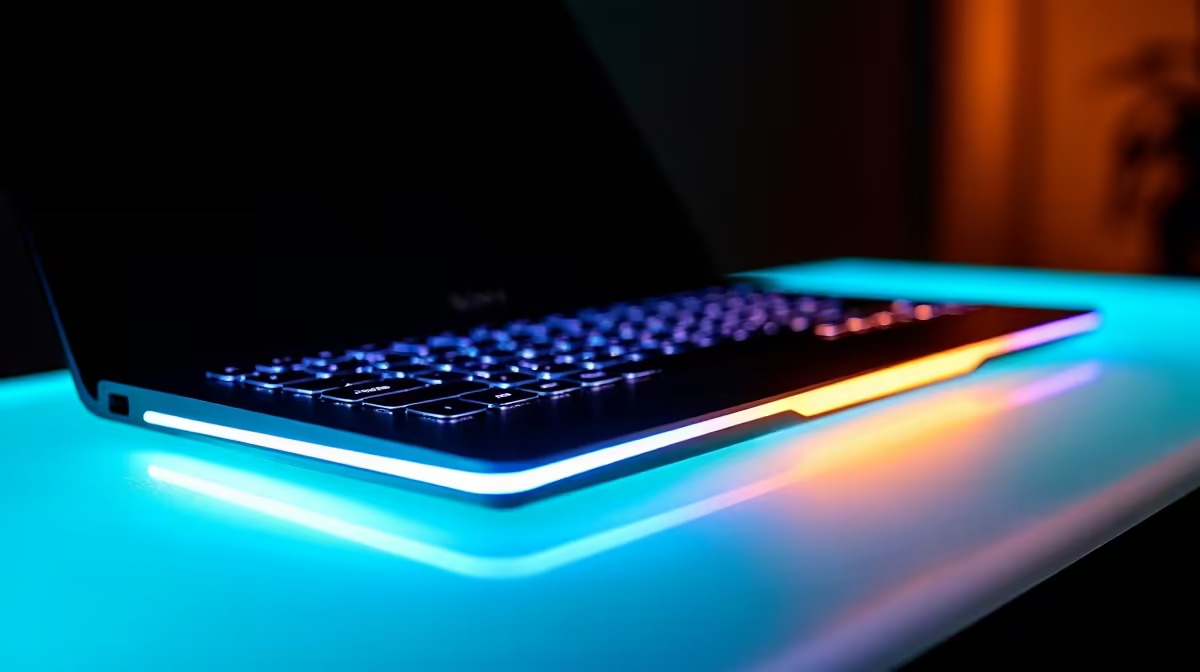
You are grinding ranks late at night, and suddenly your keyboard dims. Then the morning sun hits your desk, and your RGB looks completely washed out. Fixing inconsistent backlighting on smart keyboards in different lighting conditions is a common headache for South African gamers. Before you blame your hardware or start shopping for replacements, let us look at some quick fixes to keep your lighting perfectly balanced...
Understanding Ambient Light Sensors 🔧
Many modern boards feature ambient light sensors. These tiny components automatically adjust your RGB brightness based on your room. But they can easily get confused. A sudden shadow or a desk lamp can trigger rapid dimming. If you are tired of this flickering, the first step is diving into your software. Most companion apps let you disable auto-brightness entirely. If you are looking to upgrade your setup anyway, exploring the latest keyboards in South Africa will show you models with far more reliable optical sensors.
Software Tweaks for Stable Colours ✨
Sometimes the smartest tech needs a manual override. Open your peripheral software and look for the illumination settings. Turning off the ambient sensor gives you total control. You can set a static brightness that works for both midnight grinds and sunny afternoons. This ensures your keys remain visible without blinding you. Custom curves are also an option if your software supports them. You can tell the board exactly how to react when the sun goes down...
Lighting Pro Tip ⚡
two distinct lighting profiles in your software: a bright setup for daytime and a muted scheme for night gaming. You can map these to a quick-switch macro key to avoid menu diving.
Placement and Environmental Factors 🚀
Your desk environment plays a massive role in how your RGB looks. Direct sunlight from a window can wash out even the brightest LEDs. Positioning your monitor to block direct glare helps immensely. Darker keycaps also provide better contrast for your backlighting to shine through. If your current board just cannot push enough brightness, it might be time to look at dedicated gaming keyboards designed with ultra-bright switches and better light diffusion.
Firmware Updates and Power Delivery 🔌
Do not ignore power delivery. This is especially true during loadshedding if you are running off a backup inverter. If your keyboard is plugged into a cheap USB hub, it might not draw enough juice for consistent lighting. Always plug directly into the rear panel of your motherboard to ensure maximum power draw. Keeping your firmware updated is just as crucial. Manufacturers frequently patch bugs related to sensor sensitivity. Before dropping your hard-earned ZAR on a replacement, check for these updates. However, if your board is truly failing, browsing our current tech specials is a smart way to find a premium replacement on a budget.
Ready to Light Up Your Setup? Dealing with frustrating tech is never fun. If your current board is past the point of no return, we have you covered. Explore our massive range of gaming specials and find the perfect peripheral to conquer your world.











