

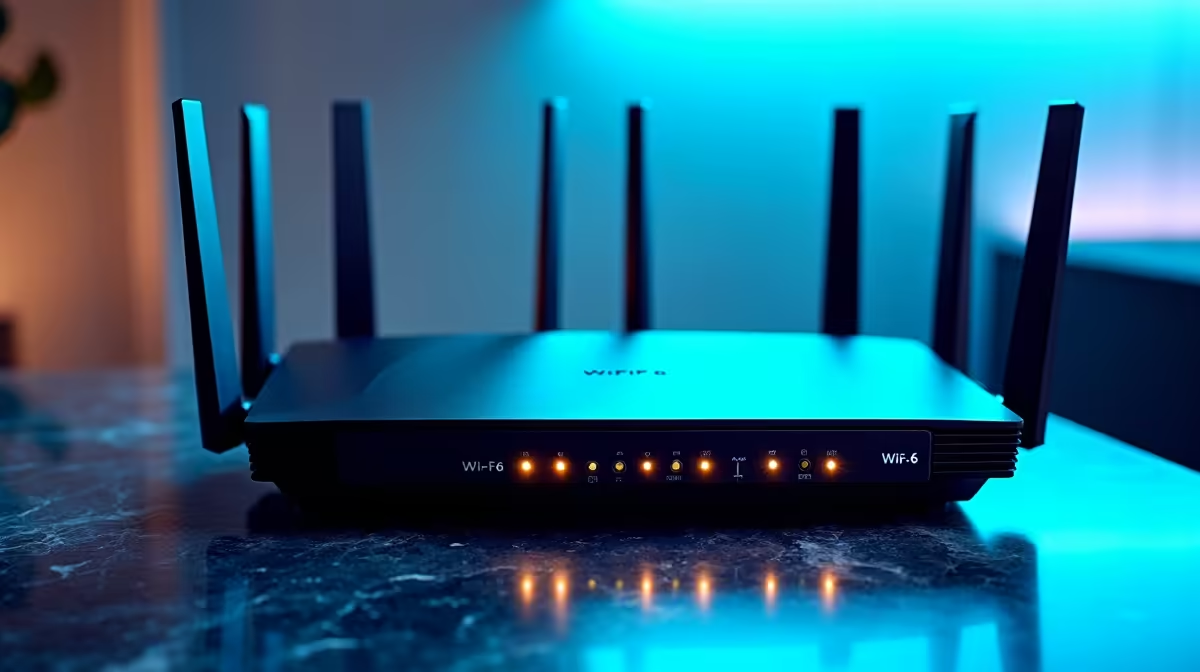
You finally upgraded to a gigabit fibre line. You sit down to download a massive game update. You expect lightning-fast speeds. Instead, you stare at a progress bar that barely moves. Fixing slow network speeds on 1Gb Ethernet and WiFi setups is a common local struggle. Before you blame your ISP, check your home network. The real bottleneck usually hides right in your house.
Hardware Bottlenecks in Wired Networks 🔧
Let us start with wired connections. Ethernet is supposed to be foolproof... but it rarely is. If you use an older Cat5 cable, you are physically capped at 100Mbps. Upgrading to a Cat5e or Cat6 cable is your first vital step. These cables handle high-speed data transfers without breaking a sweat.
Next, inspect your motherboard LAN port. Many older boards simply do not support true gigabit speeds. Upgrading your rig is sometimes the only permanent fix. If you want a complete system overhaul, our premium pre-built gaming PCs feature modern motherboards. They include 1Gbps or even 2.5Gbps LAN controllers built right in. This ensures you get every megabit you pay for.
Optimising Wireless Speeds on WiFi Setups 🚀
WiFi is incredibly convenient... but it introduces invisible problems. Thick brick walls in South African homes are notorious signal killers. If your router sits hidden behind a TV, your speeds will suffer. Placement is absolutely critical for a stable connection.
Always ensure you connect to the 5GHz band for gaming. The 2.4GHz band reaches further but is much slower. It is also highly prone to interference from microwaves and Bluetooth devices. Most modern laptops come equipped with WiFi 6 technology. This newer standard drastically improves wireless throughput. It also reduces latency when paired with a compatible router.
Network Pro Tip ⚡
In Windows 11, go to Settings > Network & internet > Advanced network settings. Click on your active connection to view your 'Link speed'. If it says 100 100 Mbps on a gigabit network, you either have a faulty cable or an outdated network driver holding you back.
Software Tweaks for Faster Connections ✨
Sometimes your hardware is perfect. Yet, software silently steals your bandwidth. Background applications like cloud backups can quietly consume your data. Game launchers downloading updates in the background are another common culprit. Dive into your task manager to see what eats your network resources.
Loadshedding also plays a sneaky role in network degradation. When your router loses power frequently, its cache can become corrupted. A simple hard reboot often restores your missing speed. Furthermore, outdated router firmware can severely limit your local network capabilities. Log into your router dashboard monthly to check for vital security and performance patches.
Updating your network adapter drivers is another crucial step. Old drivers create conflict and throttle performance. Fixing slow network speeds on 1Gb Ethernet and WiFi setups requires regular software maintenance. You should also check your router settings for Quality of Service features. This lets you prioritise gaming traffic over casual browsing.
If you want to maximise your budget while upgrading your gear, we can help. Keep an eye on our latest tech specials to score high-end networking hardware. You can find top-tier PC components at unbeatable ZAR prices.
Ready to Maximise Your Network? Don't let outdated hardware throttle your gigabit fibre connection. For maximum power, choice, and value in South Africa, Evetech is hard to beat. Explore our massive range of laptop specials and find the perfect machine to conquer your world.











