

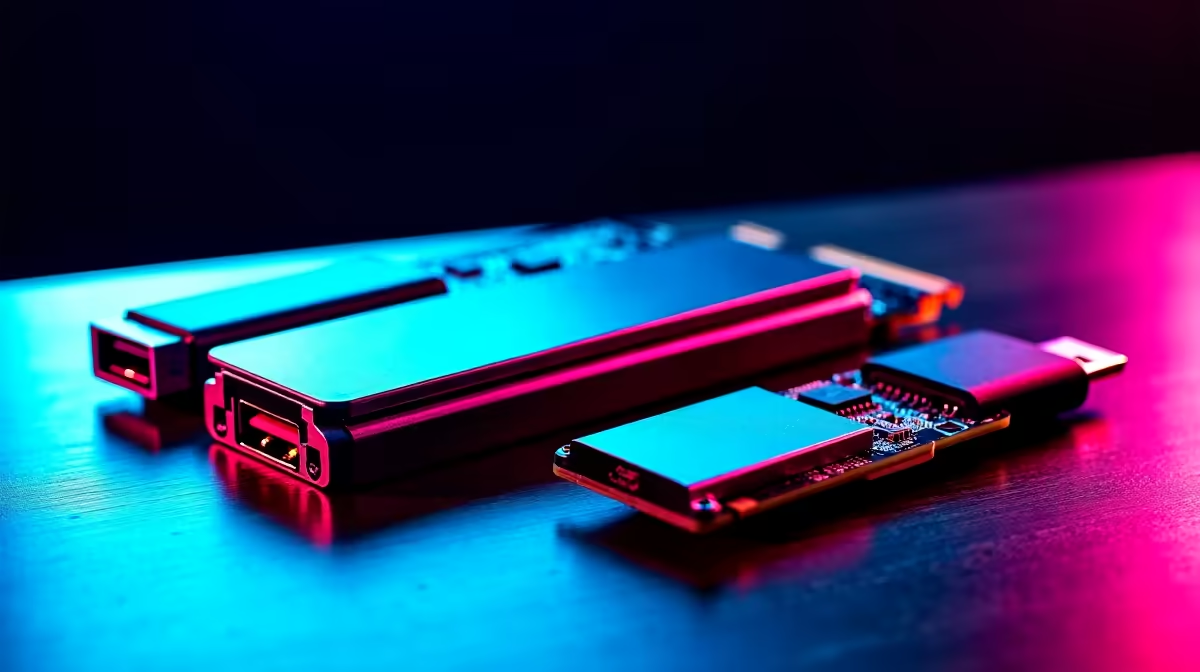
You drop hard-earned ZAR on a shiny new graphics card, expecting maximum frames. But your rig still stutters during intense firefights. Why? The culprit might not be your GPU. Fixing upgrade bottlenecks caused by limited M.2 slots, slow USB ports and older networking standards is the real secret to unlocking your PC's true potential. Let us look at how you can bypass these hidden speed bumps and get back to smooth gaming.
The Storage Squeeze: Overcoming Limited M.2 Slots
Modern titles easily chew through 150GB of space. When your motherboard only has a single NVMe slot, you are forced to rely on slower mechanical drives for your overflow library. This creates massive load-time bottlenecks... nobody wants to be the last player loading into the lobby. It also causes texture pop-in as older drives struggle to stream assets fast enough.
If your board is completely maxed out, a PCIe to M.2 adapter card is a brilliant workaround for under R500. It lets you add another lightning-fast SSD without replacing your whole system. However, if your entire platform is showing its age, it might be time to start fresh. Browsing the best gaming PC deals is often more cost-effective than buying individual legacy parts to patch up an old system.
Unclogging Slow USB Ports 🔧
We plug everything into our PCs today... high-resolution webcams, heavy-duty microphones, and external SSDs. Older USB 2.0 or even early 3.0 ports simply cannot handle that kind of bandwidth. This results in dropped frames on your Twitch stream or painfully slow file transfers when backing up your gameplay. You need to optimise your setup to ensure smooth data delivery.
Bandwidth Pro Tip ⚡
If you are out of fast USB ports on your desktop, install a dedicated PCIe USB 3.2 Gen 2 expansion card. It gives your peripherals a dedicated data lane straight to the CPU, completely bypassing the crowded motherboard chipset.
For mobile gamers and creators, this bottleneck is even more frustrating. If you are currently shopping around, look for modern laptops for sale in South Africa that feature Thunderbolt 4. These standards offer a massive 40Gbps pipeline... enough to run multiple displays and external storage hubs without breaking a sweat.
Modernising Older Networking Standards
Nothing ruins a clutch moment quite like a sudden ping spike. If you are still relying on an old Wi-Fi 5 router or an outdated LAN controller, you are leaving performance on the table. Older networking standards struggle with the severe congestion of modern smart homes.
Upgrading to a Wi-Fi 6E PCIe card opens up the brand new 6GHz band, avoiding interference from your neighbour's network. A 2.5Gbps Ethernet adapter can also drastically stabilise your connection to local servers. When you need to download a massive patch before load shedding kicks in, every megabit counts. Sometimes the easiest fix is a complete motherboard swap. Keep a close eye on daily tech specials to grab a modern board with integrated Wi-Fi 6E and plenty of high-speed I/O.
By fixing upgrade bottlenecks caused by limited M.2 slots, slow USB ports and older networking standards, you ensure every ounce of performance is utilised. ✨
Ready to Find Your Perfect Match? Do not let outdated hardware hold back your high scores. For maximum power, choice, and value in South Africa, Evetech has you covered. Explore our massive range of PC upgrades and find the perfect hardware to conquer your world.











