

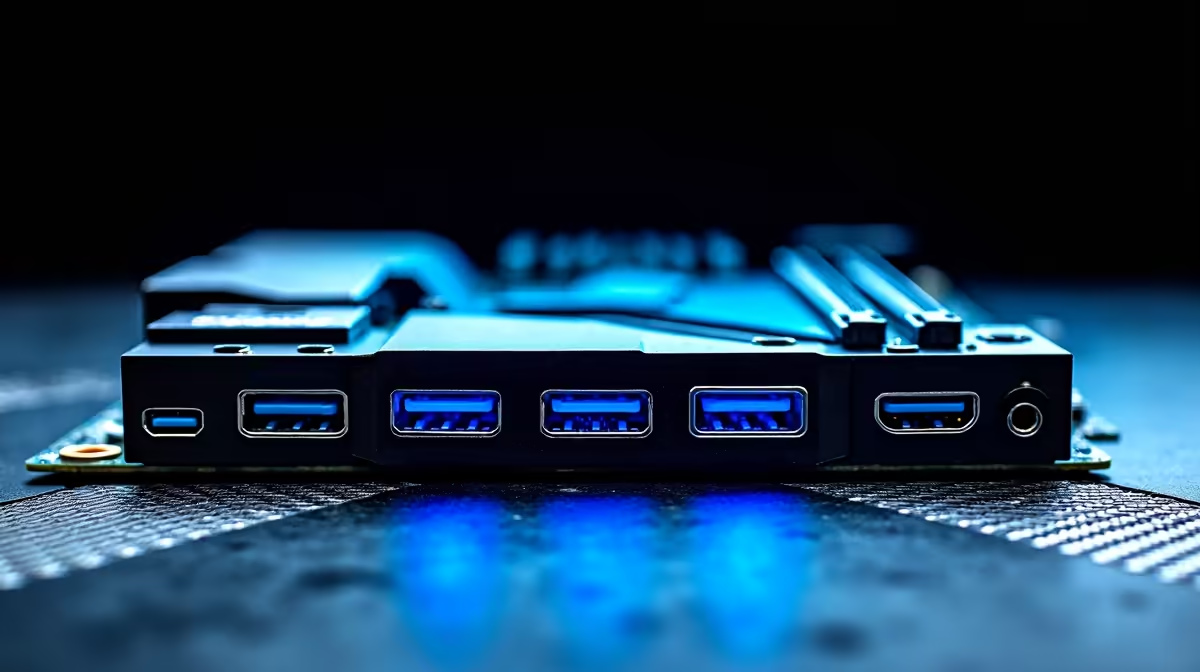
You just dropped R30,000 on a new rig. You plug your blazing-fast external SSD into the Type-C port... and nothing happens. Or worse, your VR headset keeps disconnecting mid-game. Fixing USB-C and USB4 connectivity problems on modern desktop motherboards is a headache many South African gamers face. Before you panic, let us walk through some simple solutions to get your gear running perfectly.
Understanding Your Ports 🔧
When dealing with data transfers, bandwidth is everything. Not all ports are created equal. If you are browsing through modern desktop motherboards, you will notice a mix of standards.
USB4 offers massive speeds up to 40Gbps. However, it requires the right cables and updated drivers. Using an older cable on a new port often leads to random dropouts. Always verify your cable specs first.
BIOS Updates and Chipset Drivers
Your hardware needs instructions to work properly. Outdated firmware is the leading cause of port failures. Are you rocking one of the latest ASUS Intel motherboards? Or maybe you prefer high-end ASUS AMD motherboards?
Either way, keeping your BIOS updated is crucial. Manufacturers frequently release patches specifically aimed at fixing USB-C and USB4 connectivity problems. Always download the latest chipset drivers directly from the official support page.
Quick Troubleshooting Tip ⚡
Before flashing your BIOS, simply try disabling "USB Selective Suspend" in your Windows Power Options. Windows sometimes turns off power to your USB-C ports to save energy... which causes instant disconnects for high-bandwidth devices like capture cards or external drives.
Power Delivery and Internal Conflicts
Sometimes the issue lies deeper in your system architecture. High-speed ports share PCIe lanes with other components. Did you recently install new memory kits or extra NVMe drives? You might be maxing out your motherboard bandwidth.
You can optimise your setup by checking your manual. See if your USB4 port shares lanes with a specific M.2 slot. Moving a drive to a different slot often solves the conflict immediately.
Power Surges and Port Health
Living in South Africa means dealing with unpredictable power. Load shedding and power surges can occasionally mess with your USB controllers. If your ports suddenly stop working after a blackout, you might just need a hard reset.
Unplug your PC from the wall... hold the power button for thirty seconds... and plug it back in. This drains residual power. It forces the motherboard to re-initialize its USB controllers. This simple trick works wonders.
Hardware and Cable Quality 🚀
Do not underestimate the importance of a certified cable. Cheap knock-offs from the local tech shop will not handle 40Gbps data streams. They also fail at 100W power delivery.
Tired of endless troubleshooting? You might just want a rig that works flawlessly out of the box. Exploring our best gaming PC deals is a smart move. Our experts pre-build and test every system. We ensure every single port functions perfectly before delivery.
Ready for a Flawless Setup? Stop fighting with faulty ports and outdated hardware. If your current rig is holding you back, it might be time for a serious upgrade. Explore our massive range of desktop motherboards and build a PC that handles next-gen connectivity with ease.











