

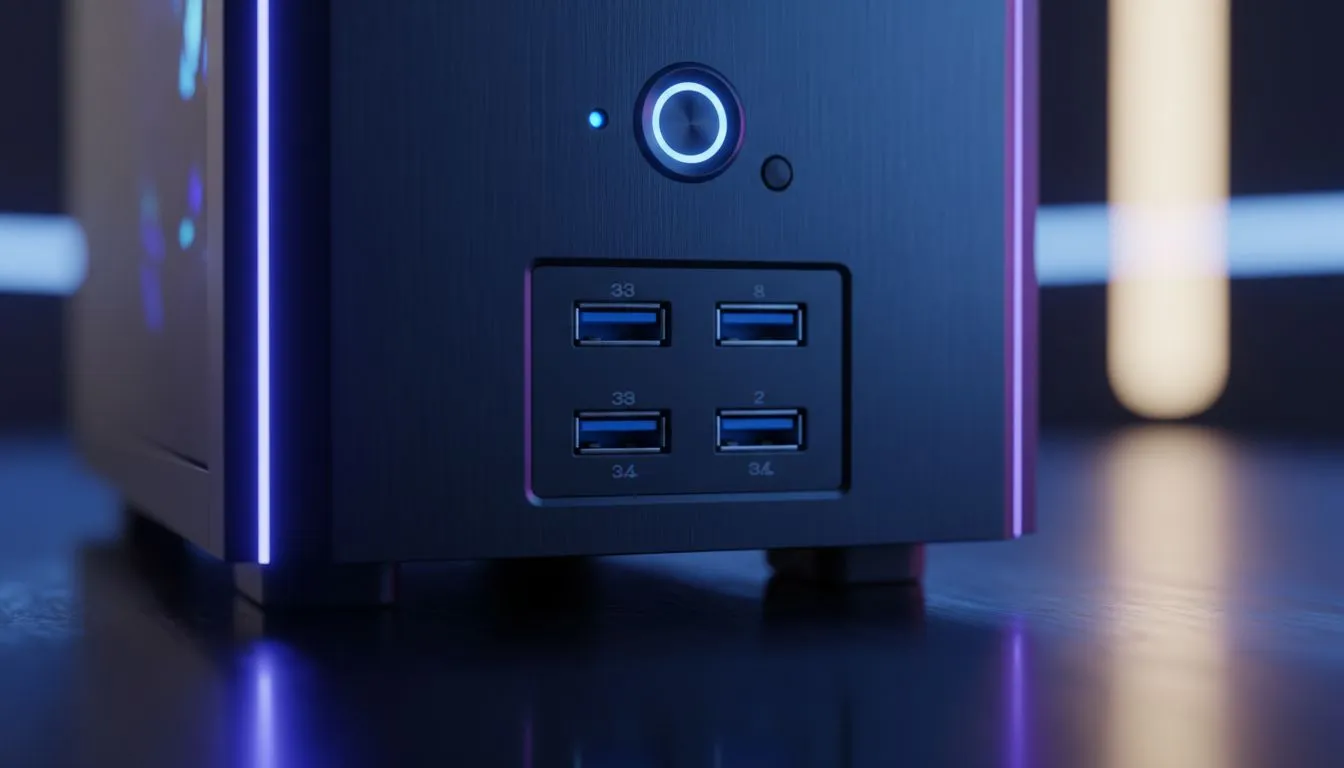
Building a new PC in South Africa? It's easy to get lost in the specs for CPUs and GPUs. But what about those handy ports on the front of your case? The front panel USB ports are your daily lifeline for flash drives, headsets, and charging your phone. Choosing the right mix of USB 3.0 and 2.0 can make a surprising difference to your workflow and gaming setup. Let's plug in and figure it out. ✨
Why Your Front Panel USB Ports Matter
Think of your PC case's front I/O (Input/Output) panel as the convenient entryway to your digital world. Instead of fumbling around the back of your rig every time you need to connect a device, these ports give you instant access.
Internally, these ports connect directly to headers on your motherboard. This is why it's crucial to match your case's features with your motherboard's capabilities... a fancy USB-C port on the case is useless if your motherboard doesn't have the header to power it. When you're browsing for a new build, looking at the selection of computer cases is the first step to ensuring you have the connectivity you need.
Decoding USB 3.0 vs. USB 2.0
So, what's the real difference between those blue and black USB ports you see on the front of most modern PCs? It boils down to two key things: speed and power. Understanding this is key when selecting a case with the right front panel USB ports.
Speed is the Name of the Game 🚀
The most significant difference between USB 3.0 and USB 2.0 is the data transfer speed.
- USB 2.0: Offers a maximum theoretical speed of 480 Megabits per second (Mbps). It's perfectly fine for peripherals like your mouse, keyboard, or a basic webcam.
- USB 3.0 (now also known as USB 3.2 Gen 1): Cranks the speed up to 5 Gigabits per second (Gbps)... that's over 10 times faster than USB 2.0.
This massive speed boost makes USB 3.0 ports essential for transferring large files. Moving a big game install or a 4K video file from an external drive will take minutes instead of hours. For a clean, high-performance build, you'll often find excellent front I/O options on premium cases from brands like Fractal Design.
A Quick Guide to Colour and Power
Besides speed, you can often identify the ports by their colour. USB 2.0 ports are typically black, while USB 3.0 ports are bright blue. This isn't a strict rule, but it's a very common industry standard.
USB 3.0 also delivers more power than its predecessor, which can lead to faster charging for your smartphone or other devices. While not a replacement for a dedicated wall charger, it's a nice bonus.
Check Your Motherboard Header! 🔧
Before you buy a case, double-check your motherboard's specifications online. Look for the 'internal USB headers' section. To use a case's front panel USB 3.0 ports, your motherboard needs a corresponding 19-pin USB 3.0 header. It's a common mistake for first-time builders to overlook this, so a quick check can save you a headache!
Choosing a Case with the Right Ports
When you're ready to buy, think about your daily usage. Do you transfer large files often? Then prioritise a case with at least two front-facing USB 3.0 ports. If you mainly use the front for your keyboard and mouse dongle, a mix of USB 3.0 and 2.0 is perfectly fine.
Thankfully, you don't have to break the bank to get good connectivity. You can find excellent value from brands like Gamdias, which often include modern front panel I/O even on their more affordable models. In fact, there are plenty of great gaming cases under R1500 that offer a fantastic balance of features, airflow, and the essential front panel ports you'll need.
Ready to Find Your Perfect Match? Choosing the right case is about more than just looks... it's about future-proofing your build. With the right front panel USB ports, your PC will be ready for anything. Explore our massive range of PC cases and find the perfect chassis to house your dream machine.











