

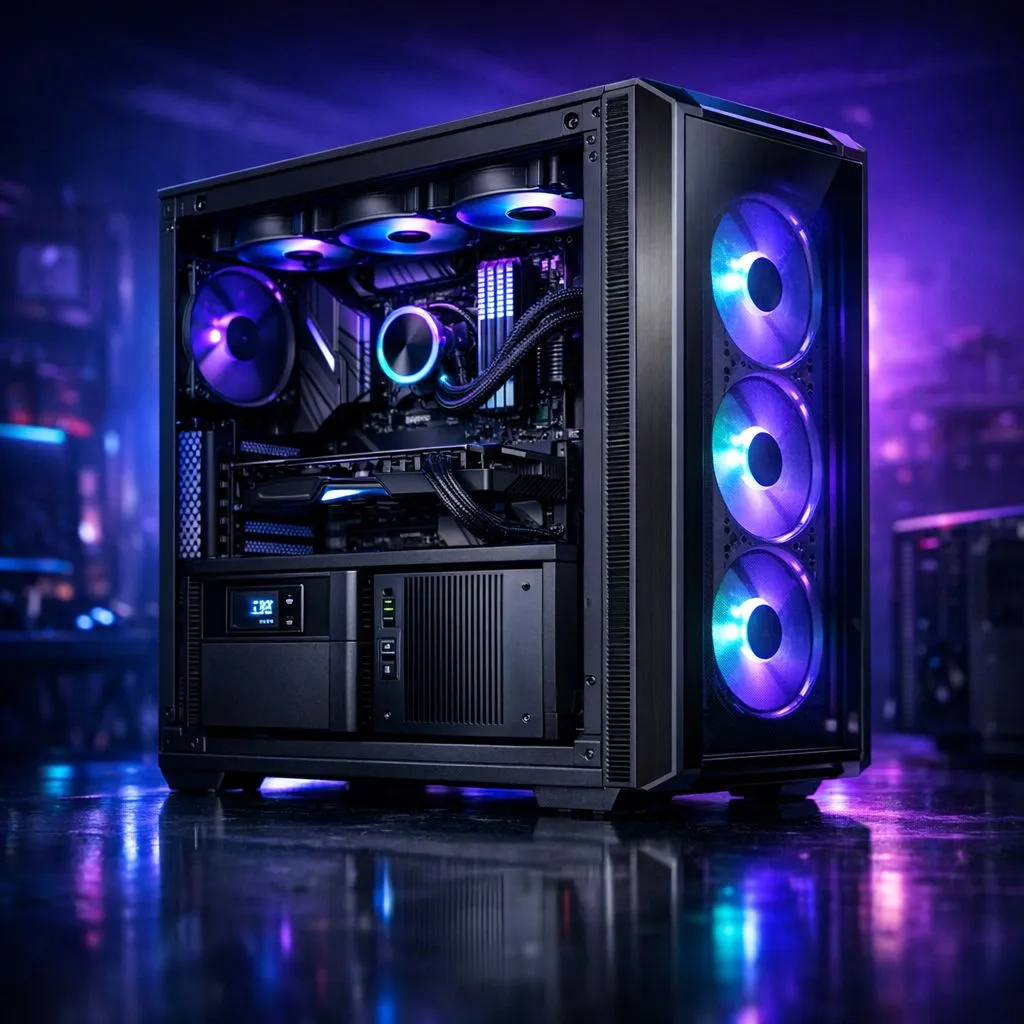
We’ve all been there. The lights flicker, the fans spin down, and your K/D ratio takes a massive hit. In South Africa, a UPS or inverter isn’t a luxury... it’s a necessity for survival. But before you buy that backup battery, you must ask: what size do you need for your gaming case and setup? Let’s break down the power math for your next build. ⚡
Matching Your Build to Your Backup Power
Your choice of a gaming case for UPS and inverter setups is dictated by what lives inside. A massive full-tower case usually houses power-hungry components like an RTX 4090 or a Threadripper CPU. If you are browsing our wide range of computer cases, remember that larger builds often mean higher power draw. More fans and intensive liquid cooling setups require a larger VA rating on your UPS to stay stable.
Airflow and Efficiency in Load-Shedding
Efficiency is king when running on battery power. Some Fractal Design PC cases focus heavily on natural airflow. This keeps your components cool without needing aggressive, power-draining fan curves. A cool PC draws less total wattage... giving you those vital extra minutes to save your progress or finish the round.
Power Factor Pro Tip ⚡
Always check the 'Active PFC' rating on your Power Supply Unit (PSU). A high-efficiency PSU ensures your UPS doesn't waste energy as heat. This can extend your backup time by several minutes during a Stage 6 power cut.
Choosing the Right Case for Your Power Budget
If you are building on a budget, you might look at budget-friendly gaming cases that offer great value under R1500. These often house mid-range gear that pulls less power. A 1000VA or 1200VA UPS is usually plenty for these setups. For those wanting a mix of style and performance, Gamdias gaming cases provide excellent room for cable management. Clean cables improve airflow and reduce internal heat build-up.
Finding the right gaming case for UPS and inverter setups is about balance. Don’t overspend on a 3000VA monster if your PC only draws 300W. Measure your peak load, look at your case size, and choose your backup accordingly. 🔧
Ready to Find Your Perfect Match? Finding the right balance between power and protection is vital for any South African gamer. Explore our massive range of computer cases and find the perfect chassis to house your dream build today.











