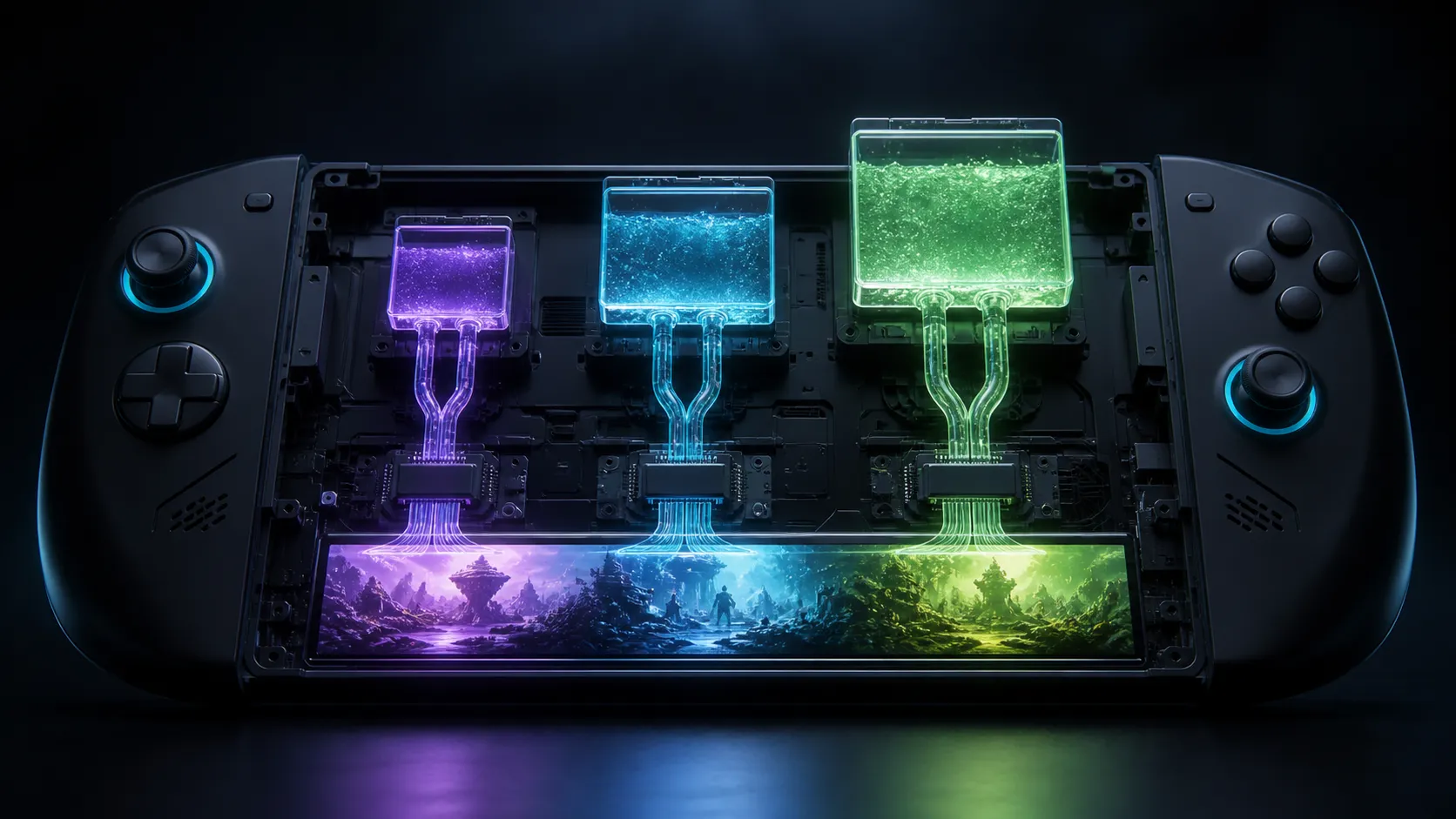
Gaming handheld RAM is a shared resource: Windows, the game and integrated graphics draw from the same physical memory. A larger graphics reservation does not create VRAM. It moves part of the existing pool away from the operating system, which is why 16GB, 24GB and 32GB handhelds behave differently under memory pressure.
Quick Answer
Choose 16GB for lighter libraries and disciplined background use, 24GB as the practical balance for modern Windows handheld gaming, and 32GB for demanding games, texture-heavy workloads or long ownership. Spend R0 first by testing the automatic UMA setting and closing background apps. Compare gaming handheld options only after checking whether the RAM is soldered and how much the firmware can reserve for graphics.
🧩 Understand the Shared Pool
An integrated APU has no separate bank of graphics memory like a desktop card. AMD explains that unified memory is shared with the processor. The firmware can reserve a portion as a UMA frame buffer, while Windows can allocate additional shared memory dynamically.
On a 16GB system, reserving 8GB for graphics does not produce an 8GB GPU plus 16GB system. It leaves a much smaller fixed portion immediately available to Windows and the game's CPU-side data. That can replace one VRAM warning with system-memory pressure, paging or stutter.
AMD generally recommends Auto because it lets the system balance demand. ASUS documents manual allocations on the original ROG Ally, with 4GB as the guide's default and choices up to 8GB. Those controls are model-specific; another handheld can expose different values or no manual setting at all.
🎯 Pick 16GB, 24GB or 32GB by Use
Sixteen gigabytes remains workable when the game is moderate, the UMA setting is sensible and browsers or launchers are closed. It is the most constrained tier for new demanding releases because the graphics and system sides compete sooner. It suits buyers prioritising price who accept tuning textures and background activity.
Twenty-four gigabytes provides a useful middle ground. ASUS describes the ROG Ally X's 24GB arrangement as enough for an 8GB graphics allocation while retaining 16GB for the system. That does not force every game to use 8GB, but it illustrates why this capacity reduces compromise.
Thirty-two gigabytes adds headroom for large texture pools, emulation, mods, capture tools and multitasking. Lenovo lists Legion Go variants with 16GB or 32GB of soldered LPDDR5X memory, showing that capacity is commonly a purchase-time choice. Extra RAM prevents pressure; it does not make the APU's compute units or memory bandwidth faster.
⚙️ Tune UMA Without Over-Reserving
Start with Auto. Run a repeatable busy scene and record frame rate, frame-time stability, system committed memory and any VRAM warning. If the game incorrectly refuses to launch or limits textures, try the next documented UMA step and repeat exactly the same scene.
Stop increasing when the warning is resolved and frame times stabilise. A maximum reservation can be worse if Windows pages data to the SSD. Reboot after a firmware allocation change when the vendor instructs it, because the setting is established before Windows starts.
If memory pressure coincides with a nearly full drive, create storage headroom before diagnosing RAM. Current internal SSD choices can help with library capacity on upgradeable models, but an SSD does not replace RAM. Confirm the handheld's supported form factor and physical service procedure first.
🛒 Check the Whole Handheld Specification
Capacity is only one line. Memory speed, channel arrangement, APU, power profile, display resolution, cooling and firmware affect the experience. A 32GB unit with a slower APU does not automatically beat a 24GB model in games. Compare measured results at the same power target and resolution.
Treat soldered memory as permanent. Standard desktop DDR5 memory kits are useful for a docked desktop or separate PC, but they cannot be installed in a handheld that uses soldered LPDDR. The link is a component reference, not an upgrade promise for the portable device.
For a buyer keeping the system for several years, 24GB is the balanced default and 32GB is the headroom choice. For an existing 16GB owner, tuning is cheaper than replacing a working handheld. Upgrade only when repeatable games exceed the shared pool despite clean background use and sensible settings.
Frequently Asked Questions
Is 16GB enough for a gaming handheld?
It can be, especially for lighter games and careful multitasking. It offers less margin when graphics and Windows both need large allocations.
Does allocating 8GB UMA create extra memory?
No. It reserves part of the same installed pool for graphics, leaving less immediately available to the operating system.
Will 32GB increase every game's frame rate?
No. It helps when memory pressure is the bottleneck. APU compute, power and cooling can still set the limit.
Can handheld RAM be upgraded later?
Often not. Many designs use soldered LPDDR, so verify the exact model specification before purchase.
Which capacity is the safest balanced choice?
Twenty-four gigabytes offers a strong middle ground for a modern Windows handheld, while 32GB targets heavier use and longer ownership.
Choosing memory for a handheld you will keep? Match capacity to the games and background tools you really run, leave UMA on a measured setting, and treat soldered RAM as a purchase-time decision.