

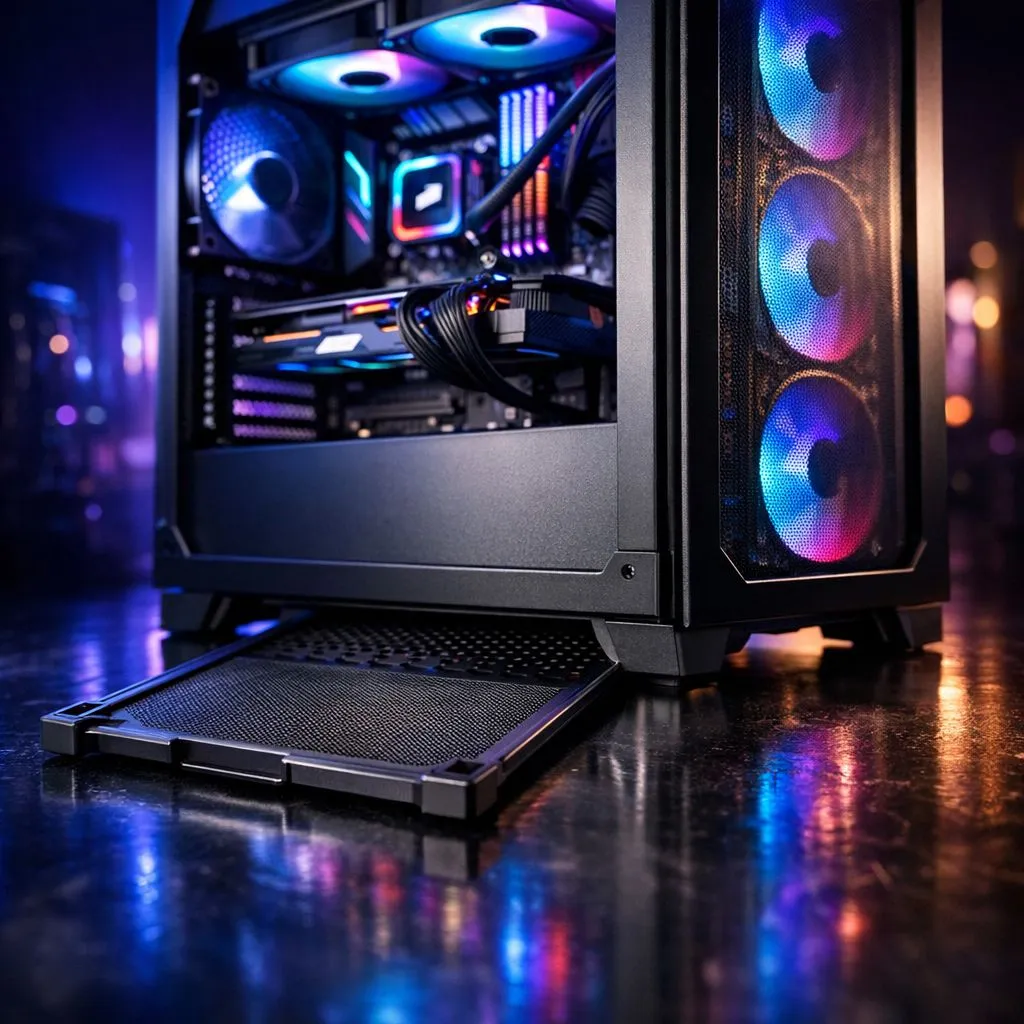
Living in South Africa means battling two things: loadshedding and dust. If you’ve ever cracked open your rig after a dry Highveld winter, you know the horror of a grey-coated GPU. Managing your Gaming PC Dust Filters: Bottom Filters & Positive Air Pressure isn't just about aesthetics... it’s about ensuring your components don't thermal throttle mid-clutch. Let's look at how to keep your build clean.
Why Gaming PC Dust Filters are Essential for Longevity
Every time your fans spin up, they act like tiny jet engines, pulling in air to cool your CPU and graphics card. Without proper filtration, they also pull in pet hair, skin cells, and local debris. Most modern computer cases now include mesh screens on the front, top, and bottom to catch these particles before they settle on your heatsinks. 🔧
Fine mesh is the gold standard here. It allows for high airflow while trapping the smallest particles. When dust builds up inside your components, it acts as an insulator, trapping heat and forcing your fans to work harder. This leads to more noise and a shorter lifespan for your hardware.
Mastering Positive Air Pressure to Keep Dust Out
Understanding air pressure is the secret to a clean PC. Positive air pressure occurs when your intake fans move more air into the case than your exhaust fans pull out. This creates a slight internal pressure that forces air out of every unsealed crack and port in the chassis.
If you have negative pressure... more air leaving than entering... your case will suck in air (and dust) through every unfiltered gap, including PCIe slots and USB ports. To optimise this, ensure your front intake fans are slightly more powerful or numerous than your rear exhaust. The high-quality mesh found in Fractal Design PC cases is specifically designed to work with this setup, providing excellent filtration without restricting the airflow needed to maintain that positive pressure. ⚡
Maintenance Pro Tip ⚡
Give your dust filters a quick rinse under a tap every month. Just make sure they are 100% dry before sliding them back into your chassis. A damp filter can lead to moisture inside your PC, which is a recipe for disaster.
Don't Forget the Bottom Filters and PSU Intake
The bottom of your case is often the dustiest area, especially if your PC sits on a floor or carpet. This is where your Power Supply Unit (PSU) usually breathes. Most Gamdias gaming cases feature a dedicated slide-out filter at the bottom to protect your PSU. 🚀
If your PSU fan is facing downwards, it is pulling air directly from the floor. Without a bottom filter, your PSU becomes a vacuum cleaner. Over time, dust buildup inside a PSU can lead to component failure or even fire hazards. Regularly sliding out that bottom tray for a quick wipe-down is the easiest way to protect the heart of your system.
Budget-Friendly Dust Protection Strategies
You don't need to spend a fortune to get a clean, well-protected build. Even when looking at gaming cases under R1500, you can find models that include magnetic top filters and removable bottom mesh.
When setting up a budget build, focus on the Gaming PC Dust Filters: Bottom Filters & Positive Air Pressure basics. Position your PC on a desk rather than the floor to significantly reduce the amount of dust your bottom filters have to handle. This simple change, combined with a basic intake-heavy fan configuration, will keep your ZAR investment running cool for years to come. ✨
Ready to Find Your Perfect Match? Keeping your PC cool and clean is the best way to protect your hardware investment in South Africa. Explore our massive range of computer cases and find the perfect chassis with premium filtration to conquer your world.











