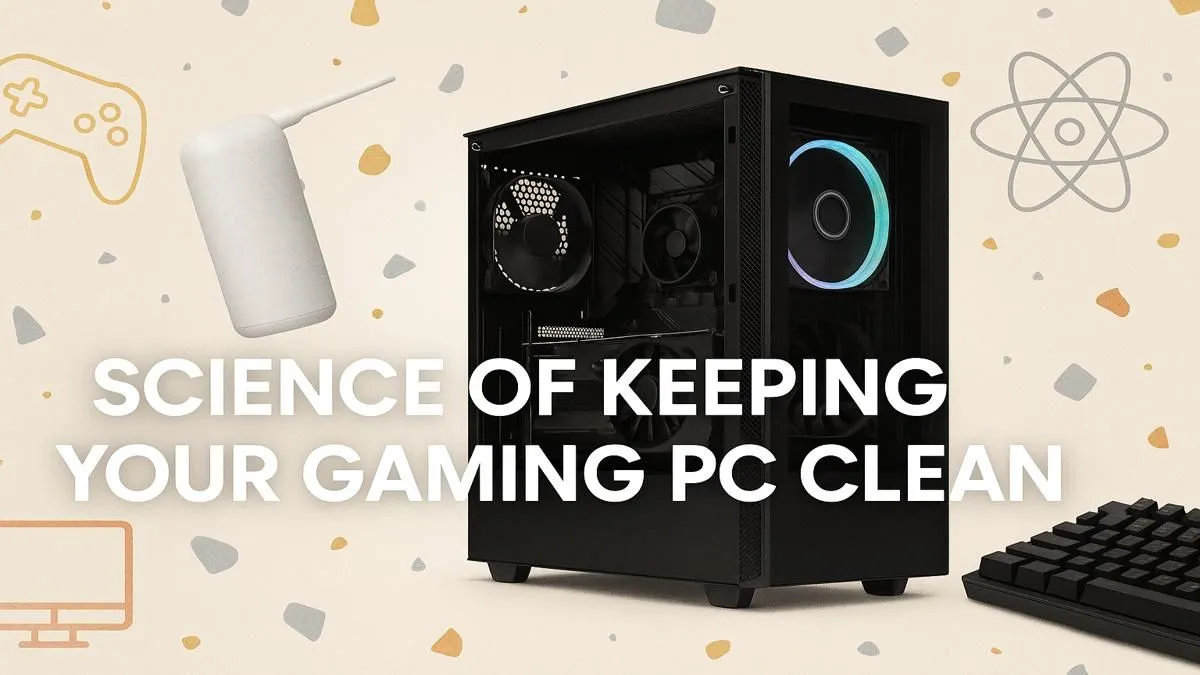
Is your gaming rig starting to sound more like a jet engine than a high-performance machine? Are your frame rates dipping during intense firefights in Apex Legends? Before you blame the game, look at your PC. Dust, the silent enemy of every gamer, could be throttling your performance. Proper gaming PC maintenance isn't just about aesthetics; it's the science of unlocking your hardware's full potential and keeping your rig running cool and quiet. ⚡
Why Regular PC Cleaning is Crucial
Think of dust as a tiny, fluffy blanket suffocating your expensive components. Your CPU and GPU generate a lot of heat, and their cooling systems—fans and heatsinks—are designed to dissipate it. When a layer of dust settles on these parts, it acts as an insulator, trapping heat.
This leads to higher temperatures, forcing your fans to spin faster (and louder) to compensate. If it gets too hot, your system will automatically slow itself down to prevent damage—a process called thermal throttling. Suddenly, your top-tier rig performs like a machine half its price. Consistent gaming PC maintenance is the single best way to prevent this, ensuring you get the performance you paid for, whether you're rocking one of our best gaming PC deals or a custom-built beast.
Your Essential PC Maintenance Toolkit 🔧
You don't need a high-tech lab to keep your rig clean. A few simple tools will do the trick for effective PC cleaning.
- Can of Compressed Air: The primary weapon against dust. It blasts away buildup from hard-to-reach places.
- Isopropyl Alcohol (90%+): Perfect for cleaning thermal paste off a CPU or removing stubborn grime.
- Microfibre Cloths: For wiping down your case, side panels, and other non-sensitive surfaces without leaving lint behind.
- Cotton Swabs & Soft Brushes: Ideal for detailed work on fan blades and tight corners.
Pro Tip: Fan Safety 🌬️
When using compressed air on your case, CPU, or GPU fans, gently hold the blades in place with a finger. Forcing them to spin at extreme speeds with compressed air can damage the fan bearings, leading to noise and premature failure. Safety first!
A Step-by-Step Guide to Cleaning Your Gaming Rig
Ready to give your PC a new lease on life? Follow these steps for a thorough clean.
1. Prep Your Workspace
First things first: shut down your computer completely. Unplug the power cable and all other peripherals. Move your PC to a well-ventilated area, preferably somewhere you don't mind a bit of dust flying around (the garage or a balcony works great).
2. The Exterior & Filters
Start by wiping down the outside of your case with a microfibre cloth. Most modern cases have removable dust filters—usually at the front, top, and bottom (for the power supply). Slide or pop them out, give them a good wipe, or rinse them with water if the manufacturer allows it (make sure they are 100% dry before reinstalling). This simple step is vital for maintaining good airflow, especially in powerful PCs above R20k that generate significant heat.
3. Conquering the Interior
Open up your side panel. Using the can of compressed air, work from the top of the case downwards, blowing dust out and away from the components. Use short, controlled bursts. Pay special attention to:
- CPU Cooler: Blast air through the fins of the heatsink.
- GPU Fans: Clean the blades and the heatsink underneath.
- Case Fans: Ensure they are free of any buildup.
- Bottom of the Case: This is where heavy dust particles often settle.
Even the most affordable rigs benefit hugely from this process. Keeping the components cool is the best way to extend the lifespan of budget gaming PCs.
Creating a Cleaning Schedule That Works ✨
So, how often should you perform this ritual? It depends on your environment.
- Light Clean (Every 3-4 months): Focus on cleaning the dust filters and a quick blast of air inside the case.
- Deep Clean (Every 6-12 months): A full interior and exterior clean as described above.
If you have pets or live in a dusty area, you might need to do this more often. A consistent cleaning schedule is the secret to long-term performance. It protects your investment, whether you're optimising one of our versatile PCs under R20k or just want a fresh start with one of our expertly assembled pre-built PC deals.
Ready for a Performance Boost?
A clean PC is a fast PC. But if maintenance isn't enough and you're craving a serious upgrade, we've got you covered. Explore our massive range of gaming PC deals and find the perfect rig to dominate your favourite games.