

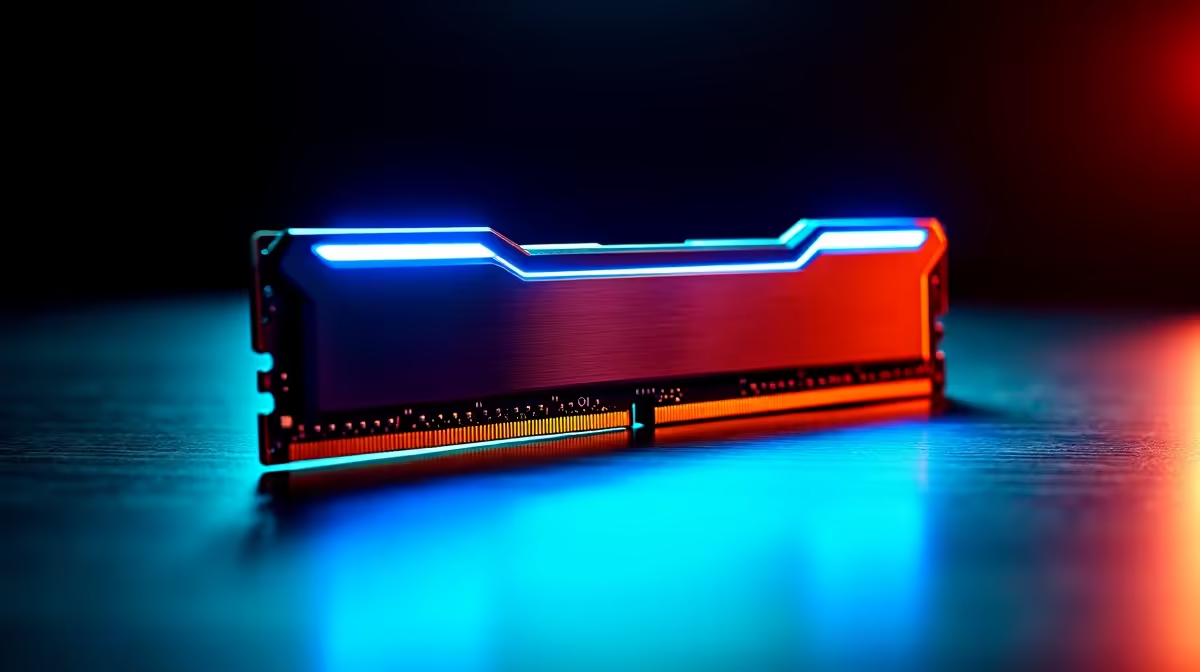
South African gamers know the pain of sudden frame drops. You finally have a few hours without load-shedding. You spent your hard-earned ZAR on a beastly setup. But are you actually getting the best DDR5 performance from AEMP memory tuning on modern gaming motherboards? If you simply plugged in your RAM and launched a game... you are leaving free performance on the table. Let us unlock that hidden power.
Understanding AEMP Memory Tuning ⚡
DDR5 memory is incredibly fast right out of the box. However, base speeds are just the beginning of the story. AEMP stands for ASUS Enhanced Memory Profile. It is an exclusive BIOS feature designed to automatically optimise your RAM.
When you install new DDR5 memory kits, your system defaults to standard JEDEC speeds. This baseline is usually much slower than what you actually paid for. AEMP detects your specific memory chips and applies an optimised profile. This boosts frequencies and tightens timings without any manual overclocking headaches. You get instant speed with zero guesswork.
Unlocking Speed on Your Chosen Platform
The beauty of AEMP is how it adapts to your specific hardware configuration. It does not matter which CPU camp you prefer. The technology works intelligently across different chipsets to maximize your investment.
If you are building a high-end rig with ASUS Intel motherboards, AEMP II can push memory speeds well beyond standard limits. It ensures rock-solid stability even if you populate all four DIMM slots.
Ryzen fans are certainly not left behind either. When paired with ASUS AMD motherboards, the feature works alongside AMD EXPO profiles. It fine-tunes your system for the lowest possible latency. This is absolutely crucial for pushing high frame rates in competitive online shooters.
How to Enable AEMP for Maximum Gains 🚀
Getting the best DDR5 performance from AEMP memory tuning on modern gaming motherboards is surprisingly easy. You do not need to be an extreme overclocking expert.
First, restart your PC and repeatedly press the Delete key. This action will open your UEFI BIOS screen. Navigate straight to the Ai Tweaker or Extreme Tweaker menu. Look for the Ai Overclock Tuner setting. Change this dropdown from Auto to AEMP. Save your settings and reboot your machine. Your PC will briefly train the memory... and you will instantly enjoy higher bandwidth.
BIOS Update Pro Tip 🔧
Always update your BIOS to the latest version before enabling AEMP. Manufacturers constantly release microcode updates that improve DDR5 stability and overclocking potential, ensuring your ZAR investment runs flawlessly.
Elevating Your Daily Gaming Experience ✨
Memory tuning might sound a bit intimidating at first glance. However, automated profiles make it perfectly accessible to everyone. Faster RAM means significantly smoother gameplay and much better 1% low framerates. It eliminates those annoying micro-stutters during intense multiplayer matches.
If you want to skip the tweaking process entirely, we still have you covered. You can grab one of our pre-configured systems directly from our best gaming PC deals. Our technical experts ensure every single component runs at peak performance before it ever ships to your door.
Ready to Upgrade Your Motherboard? Unlocking incredible DDR5 speeds requires the right foundation. If you want to push your RAM to the absolute limit, explore our massive range of gaming motherboards and find the perfect board to conquer your next build.











