

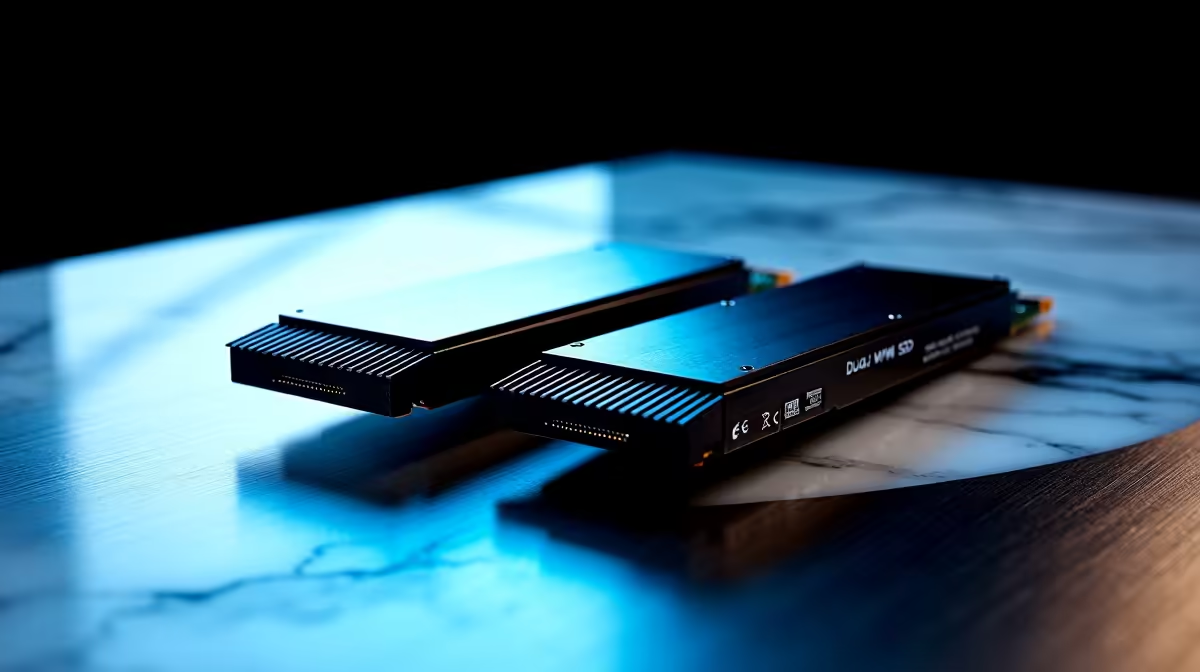
Load screens are the ultimate enemy. Whether you are dropping into a server from Cape Town or scrubbing a massive 4K timeline, waiting costs time. You want to eliminate bottlenecks entirely. Getting the most from dual PCIe 5.0 NVMe slots for gaming, editing, and large file workflows is your logical next step. Let us explore how next-gen storage transforms your daily grind.
Why PCIe 5.0 Speeds Matter 🚀
Upgrading to Gen 5 NVMe drives unlocks blistering speeds up to 14,000 MB/s. That is double the bandwidth of previous Gen 4 tech. For everyday browsing, this might sound like complete overkill. But for hardcore enthusiasts, it is absolute magic.
These drives are built to handle the future of digital entertainment. Developers are creating larger, more detailed assets than ever before. Traditional drives simply cannot keep up with this massive influx of data. It drastically reduces texture pop-in during intense gameplay sessions. You experience seamless transitions between massive open-world zones.
Modern titles are starting to use DirectStorage for instant loading. If you are hunting for the best gaming PC deals to future-proof your setup, ensuring motherboard support is crucial. Dual Gen 5 slots keep your rig relevant for years.
Dominating Both Work and Play ✨
Getting the most from dual PCIe 5.0 NVMe slots for gaming, editing, and large file workflows requires you to optimise your configuration. You should dedicate your primary drive entirely to your OS. Keep your heavy applications on this main drive too.
Use the second slot as a dedicated scratch disk. This is vital for high-resolution video editing tasks. It also works beautifully for managing massive AAA game libraries. Separating these tasks prevents your system from choking under pressure. It stops lag when reading and writing data simultaneously.
Many creators also demand serious portability for their projects. If you need desktop-level power on the move, consider an upgrade. Checking out notebooks for sale in South Africa with cutting-edge NVMe support is a brilliant move.
Storage Pro Tip ⚡
To maximise drive lifespan and performance, always install a dedicated M.2 heatsink on your PCIe 5.0 drives. Gen 5 controllers run exceptionally hot. Thermal throttling will quickly ruin those blazing-fast transfer speeds during massive 8K video exports.
Smart Budgeting for Massive Workflows 🔧
Building a top-tier workstation in South Africa requires smart planning. You must watch your ZAR closely when selecting premium components. Gen 5 storage commands a hefty price tag right now. To offset this initial cost, keep a close eye out. Browse our weekly specials to grab compatible motherboards at a massive discount.
When you run dual slots efficiently, you split the load. Your primary drive handles the core software environment perfectly. Your secondary drive acts as a massive high-speed cache. This prevents frustrating bottlenecking during intense workload sessions. You will not lag when rendering complex 3D scenes... or moving hundreds of gigabytes of raw footage.
Investing in dual slots means you buy back your time. Upgrading your storage architecture is a long-term investment in your productivity. It ensures you never miss a deadline due to slow hardware. Every minute saved on a massive file transfer is valuable. You can spend that time refining your digital content. Alternatively, use those saved minutes to climb the competitive ranks. Do not let slow storage hold your creativity hostage.
Ready to Unlock Next-Gen Speeds? Storage bottlenecks are frustrating, but for maximum speed, reliability, and value in South Africa, customising your rig is hard to beat. Explore our massive range of PC upgrades and find the perfect hardware to conquer your world.











