

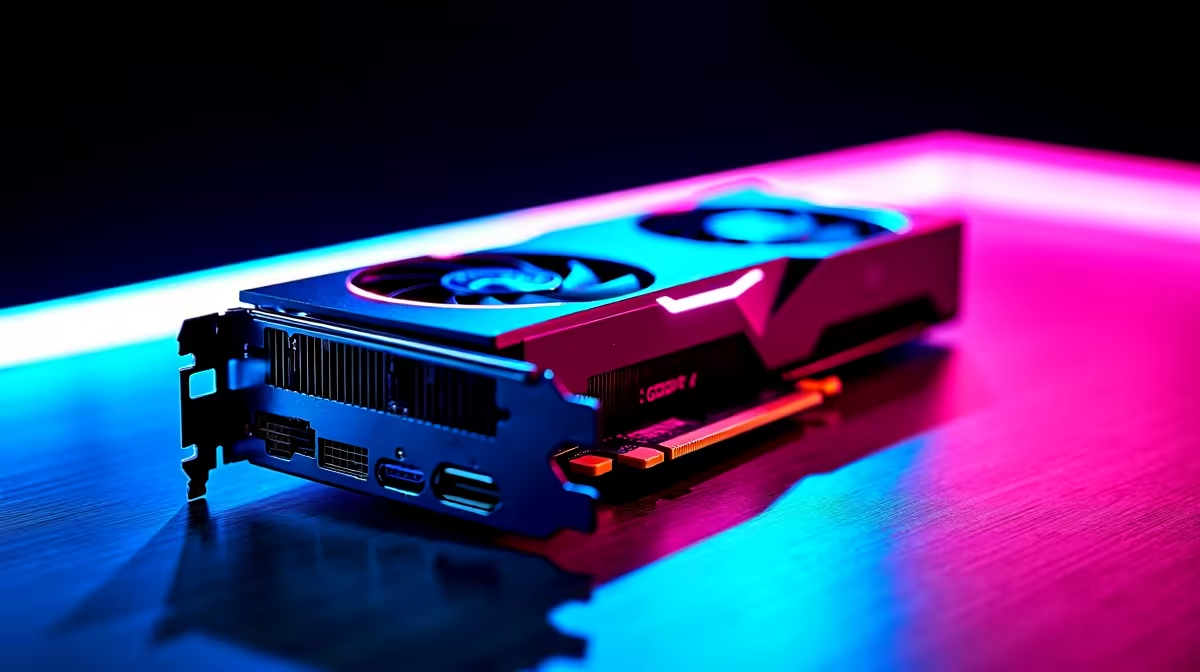
Let's talk about the future of raw performance. South African gamers and creators demand more power than ever. If you are chasing flawless frame rates or rendering massive projects, you know the struggle. Getting the most out of 32GB GDDR7 for 4K gaming, video editing, and AI-assisted creation is not just a luxury... it is an absolute necessity. Let us explore how this memory pool transforms your workflow.
Unleashing 32GB GDDR7 in 4K Gaming 🚀
Next-generation graphics cards are packing serious hardware. With 32GB of ultra-fast GDDR7 VRAM, texture pop-in becomes a thing of the past. You can finally crank every single setting to ultra.
Modern AAA titles eat video memory for breakfast. High-resolution texture packs and intensive ray tracing require a massive buffer. This ensures smooth frame pacing at native 4K resolution. You never have to compromise on visual fidelity again. If you are looking to upgrade your rig to handle these demanding specs, you should browse the best gaming PC deals available right now.
Elevating Your Video Editing Workflow 🎬
Time is money... especially when you are rendering heavy 4K or 8K footage. Professional video editing software thrives on high VRAM capacity. A 32GB GDDR7 buffer lets you scrub through complex timelines seamlessly.
You can apply heavy colour grading and multiple effects without dropping frames. No more frustrating waits for previews to cache. Faster rendering also means less stress during unexpected load shedding. When you have a tight deadline, every second counts. GDDR7 offers significantly higher bandwidth than previous generations. This means data moves between your GPU and motherboard at lightning speed.
Creator Pro Tip ⚡
To maximise your VRAM efficiency in Premiere Pro, allocate a specific memory limit in the preferences menu. This ensures your operating system still has enough breathing room while you edit massive 4K files.
The Rise of AI-Assisted Creation ✨
Artificial intelligence is completely reshaping how we work and play. Running local AI models requires serious memory bandwidth. Getting the most out of 32GB GDDR7 for AI-assisted creation means incredible freedom.
You can generate high-resolution images using Stable Diffusion locally. You can even run complex language models without paying expensive cloud subscription fees. Having massive local memory means your generation times drop from minutes to mere seconds. This drastically speeds up your creative iteration process. Upgrading your setup to handle these heavy AI tasks does not have to drain your wallet. You can easily find incredible daily specials to stretch your hard-earned ZAR further.
Portability Meets Desktop Power 🔧
Sometimes you need all this immense power on the move. Modern mobile graphics are starting to blur the lines between desktop and portable performance. High-end mobile workstations now pack enough memory to rival traditional tower setups.
If you are an on-the-go creator or a competitive LAN gamer, having ample VRAM is vital. You do not want your hardware bottlenecking your creativity while travelling. This means you can edit, render, and game from absolutely anywhere. You can explore a massive range of laptops for sale in South Africa to find a portable machine that matches your heavy workloads perfectly.
Ready to Build Your Ultimate Rig? Harnessing next-gen VRAM requires the right foundation. Whether you are building a towering desktop or seeking portable power in South Africa, Evetech has exactly what you need. Explore our massive range of PC components and laptops and find the perfect machine to conquer your digital world.











