

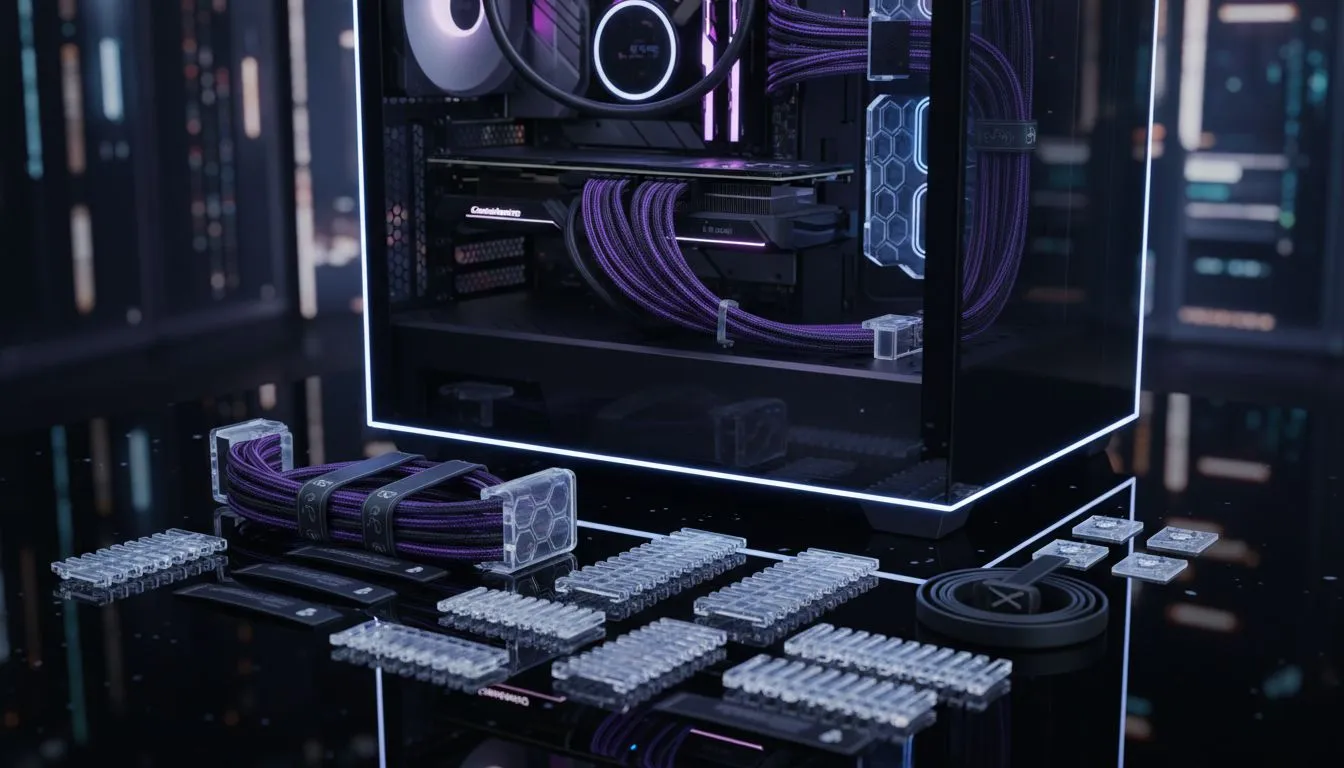
There is nothing quite like the feeling of peeling the plastic off a brand-new tempered glass side panel. But that "showroom finish" quickly disappears if your internal build looks like a bowl of spaghetti. In South Africa, where we take our gaming setups seriously, mastering glass panel case cable management is the difference between a work of art and a messy distraction. 🔧
Start With a Chassis Built for Clean Aesthetics
Good cable management begins before you even plug in a power supply. You need a chassis designed with routing channels and ample space behind the motherboard tray. If you are starting a new build, browsing the latest computer cases will show you just how much modern designs have evolved to hide clutter. Look for cases with deep cable-management basements to tuck away excess wires.
Strategic Routing for that Showroom Finish
The secret to a clean look is using the shortest path possible. Always route your thickest cables... like the 24-pin ATX... first. Premium options like Fractal Design PC cases are legendary for their integrated velcro straps and rubber grommets that make this process effortless. Use those grommets to keep your GPU power cables tidy and straight. This creates a streamlined look that highlights your hardware rather than the wires powering it. ⚡
The 'Spider-Web' Fix ⚡
Use small black zip ties or velcro strips to group cables together before they enter the routing holes. This prevents them from splaying out and creates a single, clean line that is much easier to hide behind the motherboard tray. It also makes future upgrades much less of a headache.
Managing Cables on a Budget
You do not need to spend a fortune to get a professional look. Many Gamdias gaming cases offer excellent shroud designs that hide your PSU and excess cable slack. Even if you are looking for affordable gaming cases under R1500, you can still achieve a high-end look by being patient. Use the space under the power supply shroud to bundle up unused SATA or Molex connectors. This keeps the visible area of your build clean and improves airflow across your components. 🚀
Final Touches for Your Build
Once the cables are routed, check the tension. Cables should be snug but not pulling on the motherboard headers. If your case allows for it, use custom sleeved extensions to add a pop of colour that matches your RGB theme. A well-managed PC does more than just look good... it reduces dust buildup and makes troubleshooting significantly easier during those late-night gaming sessions. ✨
Ready to Build Your Masterpiece? A clean build starts with the right foundation. Whether you want a minimalist look or an RGB powerhouse, we have the chassis to make it happen. Explore our massive range of computer cases and start your journey toward a showroom-ready setup today.











