

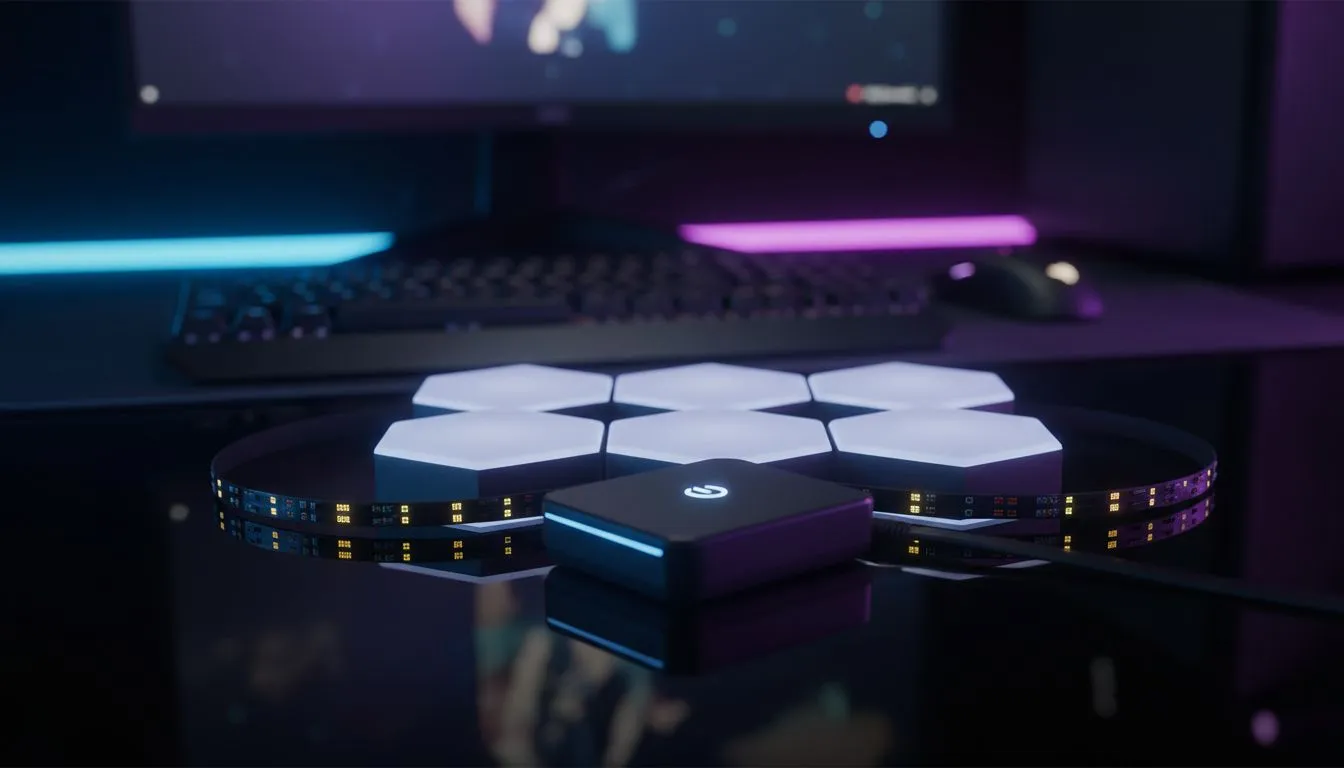
Why you need a Govee gaming dashboard: Ultimate guide to real-time setup
South African gamers know that atmosphere is everything when the power stays on and the session begins. Setting up a Govee gaming dashboard: Ultimate guide to real-time setup is the fastest way to turn a dark corner into a pro-tier battlestation. It is about more than just lights... it is about total immersion that reacts to your every move on screen. 🚀
To get started, you need to understand that Govee's ecosystem relies on the DreamView protocol. This allows your primary light source... usually a camera-based backlight or a sync box... to command all other lights in the room. Before you mount anything, ensure your monitor is clean and free of dust. If you are looking to buy gaming accessories to complement your new lighting, focus on matte surfaces that won't cause harsh glare.
Setting up your Govee Desktop App
The Govee gaming dashboard: Ultimate guide to real-time setup is not complete without the official desktop software. While the mobile app is great for basic colours, the PC app allows for "Razer Chroma" style integration. This means your lights can sync directly with the pixels on your screen without any lag.
Download the Govee Desktop app and ensure your PC and lights are on the same 2.4GHz Wi-Fi network. Finding the right hardware doesn't have to break the bank, especially when you scout for gaming accessories deals that include reactive strips and hex panels. Once connected, you can map your devices to specific zones on your monitor. This creates a cohesive "glow" that extends your game’s environment onto your walls. ✨
Real-Time Sync Pro Tip ⚡
To get the most accurate colours from your Govee gaming dashboard, set your monitor's brightness to about 75%. If the screen is too bright or too dim, the reactive sensors might struggle to pick up the correct hues. Also, try to keep your room lights low to let the Govee LEDs really pop against your wall.
Optimising for South African Gaming setups
In South Africa, we often deal with smaller desk spaces or unique room layouts. When using the Govee gaming dashboard: Ultimate guide to real-time setup, cable management is your best friend. Use Velcro ties to keep your LED controller wires hidden behind your monitor arm.
You can explore the full Gaming Accessories category at Evetech to find everything from cable management to the lights themselves. Whether you are spending R1,200 on a basic strip or R4,000 on a full immersive kit... the setup remains the same. Calibrate your colours in a dark room to ensure the whites look crisp and the blacks don't trigger the lights unnecessarily. 🔧
Final calibration and testing
Once everything is plugged in, run a "colour test" video on YouTube. Watch how the Govee gaming dashboard: Ultimate guide to real-time setup handles rapid transitions. If the lights feel too twitchy, adjust the "Saturation" and "Relative Brightness" sliders in the app. This creates a smoother, more cinematic feel that isn't distracting during intense matches. 🎮
Ready to Level Up Your Battlestation? Creating the ultimate gaming vibe requires the right gear at the right price. For the best selection of lighting and peripherals in South Africa, we have you covered. Explore our massive range of gaming accessories and transform your room into a pro-tier setup today.











