

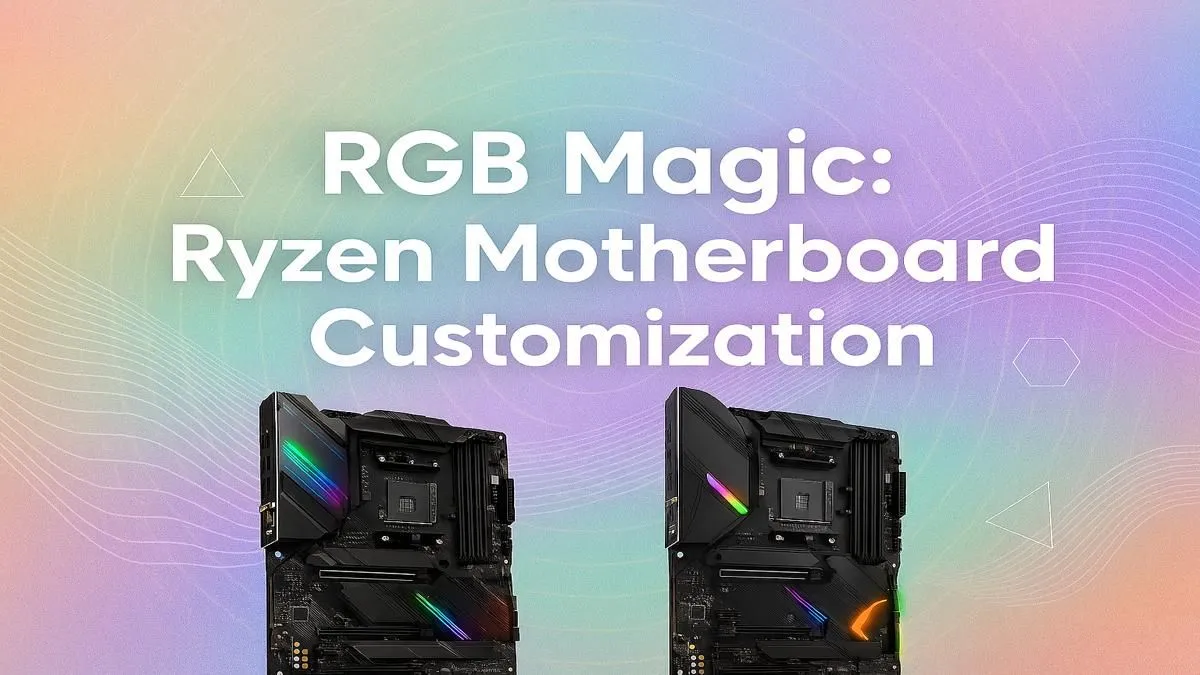
So, you’ve built your beast of a Ryzen rig. The performance is incredible, but the inside of your case looks like a chaotic rainbow disco. Sound familiar? Getting all your RGB components to play nicely together can be a real headache. But don't stress... mastering your Ryzen motherboard RGB control is the key to transforming that mess into a synchronised, jaw-dropping light show. Let's get your setup looking as good as it performs.
First, Understand Your Headers: ARGB vs. RGB
Before you even touch any software, you need to know what you’re plugging in. Ryzen motherboard RGB control starts at the physical level. Look at your motherboard's manual or surface for two types of headers:
- 12V 4-Pin (RGB): This is the older standard. It can set all the LEDs on a connected strip or fan to a single colour at a time. You can have a red fan or a blue fan, but not a fan that’s red and blue simultaneously.
- 5V 3-Pin (ARGB): This is the magic one ✨. ARGB stands for Addressable RGB. Each individual LED can be controlled separately, allowing for complex effects like rainbow waves, chasing lights, and other custom animations.
Plugging an ARGB component into a 12V header can permanently damage it, so always double-check! Most modern AMD motherboards come with both, giving you maximum flexibility.
The Software: Your Command Centre
Each motherboard manufacturer has its own software suite for lighting control. This is the brain of your RGB operation. You'll typically download it directly from your motherboard's support page. The big four are:
- ASUS Aura Sync: Widely regarded as one of the most robust platforms, offering extensive effects and good third-party compatibility.
- MSI Mystic Light: A strong contender with an intuitive interface and a feature called Ambient Link that syncs your lighting with certain games.
- Gigabyte RGB Fusion 2.0: Covers all the bases with plenty of customisation options and support for a huge ecosystem of components.
- ASRock Polychrome Sync: Simple and effective, it gets the job done without unnecessary complexity.
For the most seamless experience, it's best to stick to components from a single brand's ecosystem. For example, an ASUS motherboard with an ASUS GPU and Aura Sync-compatible RAM will sync up with minimal fuss. This is especially true for tried-and-tested platforms like the ever-popular AMD B550 motherboards.
Pro Tip for Clean Installs 🔧
When setting up your software, install only the lighting control module if possible. Full motherboard suites can sometimes be bloated with extra utilities you don't need, which can consume system resources. A lean installation often leads to a more stable and responsive system.
Tips for a Flawless RGB Build
Getting perfect Ryzen motherboard RGB control is an art. Here are a few tips to help you nail the aesthetic you're after:
- Plan Ahead: Before you buy, decide on an ecosystem. If you love Corsair's iCUE, make sure your chosen motherboard is compatible or be prepared to run two separate software programs.
- Use Splitters & Hubs Wisely: Motherboards only have a few RGB/ARGB headers. A powered ARGB hub is a great investment to cleanly connect multiple fans, strips, and other components without overloading a single header.
- Update Your BIOS & Drivers: Manufacturers frequently release updates that improve hardware compatibility and software stability. The lighting control on the latest AMD X870 motherboards, for instance, is refined through these updates.
What if Components Won't Sync?
Sometimes, no matter what you do, one stubborn component refuses to listen. This usually happens when you mix brands that don't officially support each other. Don't despair, you have options:
- Third-Party Software: Tools like SignalRGB or OpenRGB are designed to control devices from multiple brands under one unified platform. They can be a bit more technical to set up but offer incredible power.
- Dedicated Controllers: A physical controller from a brand like Corsair (Commander Pro) or Cooler Master can act as a central hub, bypassing the motherboard's software entirely for the components connected to it.
Often, investing in a cohesive platform from the start is the easiest route. The improved component communication on newer platforms like AMD B850 makes unified control simpler than ever before. 🚀
Ready to Build Your RGB Masterpiece? Getting your lighting just right starts with the right foundation. For maximum control, compatibility, and performance, a quality Ryzen motherboard is key. Explore our incredible range of AMD motherboards and find the perfect canvas for your build.











