

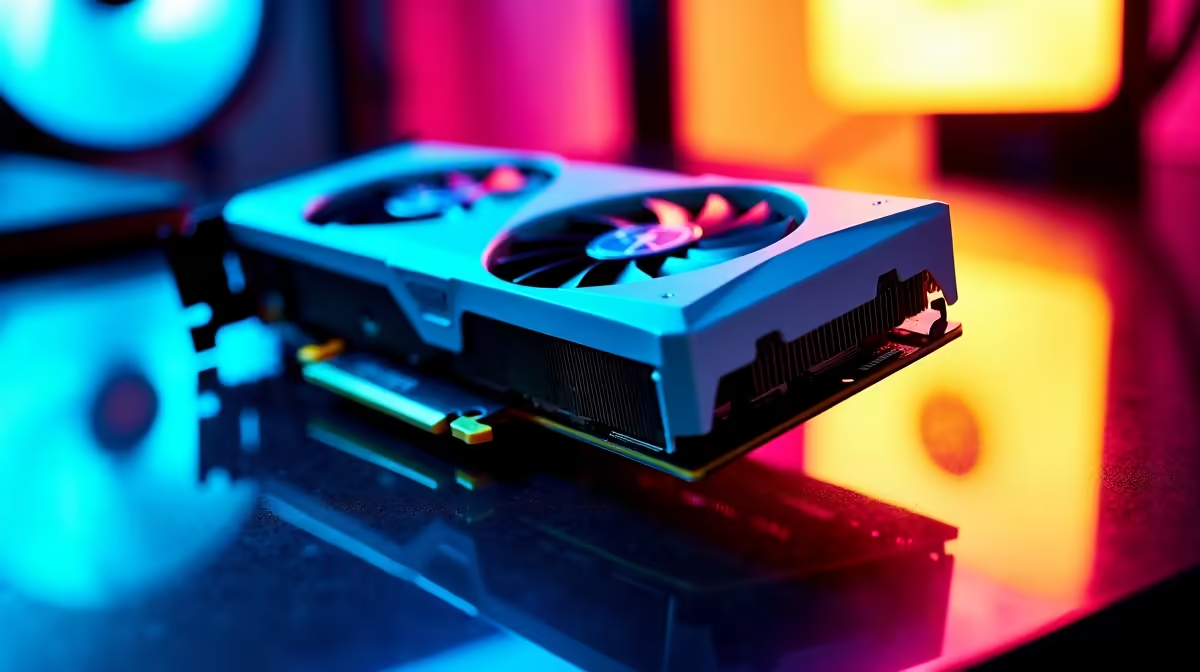
There is nothing quite like the clean look of an all-white gaming rig. South African PC builders are tired of standard black boxes. We want our setups to shine. But building an icy masterpiece takes more than just picking parts based on colour. You need a solid plan. Let us explore this guide to white edition graphics cards and how aesthetic design impacts airflow and build planning.
The Rise of White Edition Graphics Cards ✨
White GPUs are undeniably stunning. They reflect ambient RGB lighting beautifully and make your entire rig look premium. Whether you are upgrading or starting fresh... finding the right parts is vital. Explore a massive range of graphics cards to see how top brands embrace this icy trend.
However... a white shroud often means a premium price tag in ZAR. It is crucial to balance that stunning aesthetic design with raw gaming performance. Do not sacrifice frame rates just for looks.
How Aesthetic Design Impacts Airflow 🌬️
Looks matter... but component temperatures matter much more. Many modern white edition coolers feature massive heatsinks and triple-fan layouts. These bulky designs look incredible but can restrict overall airflow in smaller cases. You must ensure your chassis has enough intake fans to feed fresh air directly to the GPU.
Even older generation models like NVIDIA GeForce GTX graphics cards run significantly cooler when your case has proper ventilation. Always check your case clearance measurements before buying. Poor airflow leads to thermal throttling... which ruins your gaming experience.
Smart Build Planning for Icy Rigs
An all-white build requires strict attention to detail. A brilliant white GPU will look completely out of place on a dark motherboard. You need to meticulously colour-match your custom cables, RAM modules, and case fans. This level of build planning takes time, patience, and budget.
Fortunately... you do not have to break the bank to achieve PC perfection. You can frequently find the best graphics card deals that include stunning white variants from major manufacturers.
Aesthetic Pro Tip 🔧
Not all white components use the exact same shade. Some plastics lean towards a cool blue-white... while others have a warm cream tint. Stick to one brand for your fans and chassis to ensure a perfectly uniform colour scheme.
Pre-Built vs Custom White Rigs 🚀
Building a PC from scratch is a highly rewarding experience. However... sourcing every matching white component in South Africa can sometimes be tricky. If you want the clean aesthetic without the building hassle... pre-built options are fantastic alternatives.
You can browse the best gaming PC deals to find rigs that are professionally assembled. These systems ensure your aesthetic design impacts airflow positively... because experts handle the layout for you.
Maximising Your ZAR
Every single Rand counts when planning a premium gaming setup. White edition graphics cards often carry a slight aesthetic tax compared to their black counterparts. To offset this extra cost... keep a close eye out for seasonal specials on Evetech.
Save money on your chassis or power supply. This leaves more budget for that beautiful white GPU you really want. Smart shopping makes dream builds possible.
Ready to Build Your Dream White Rig? Planning the perfect aesthetic should not mean compromising on performance. For maximum power, choice, and value in South Africa, Evetech is hard to beat. Explore our massive range of PC components and find the perfect match to conquer your world.











