

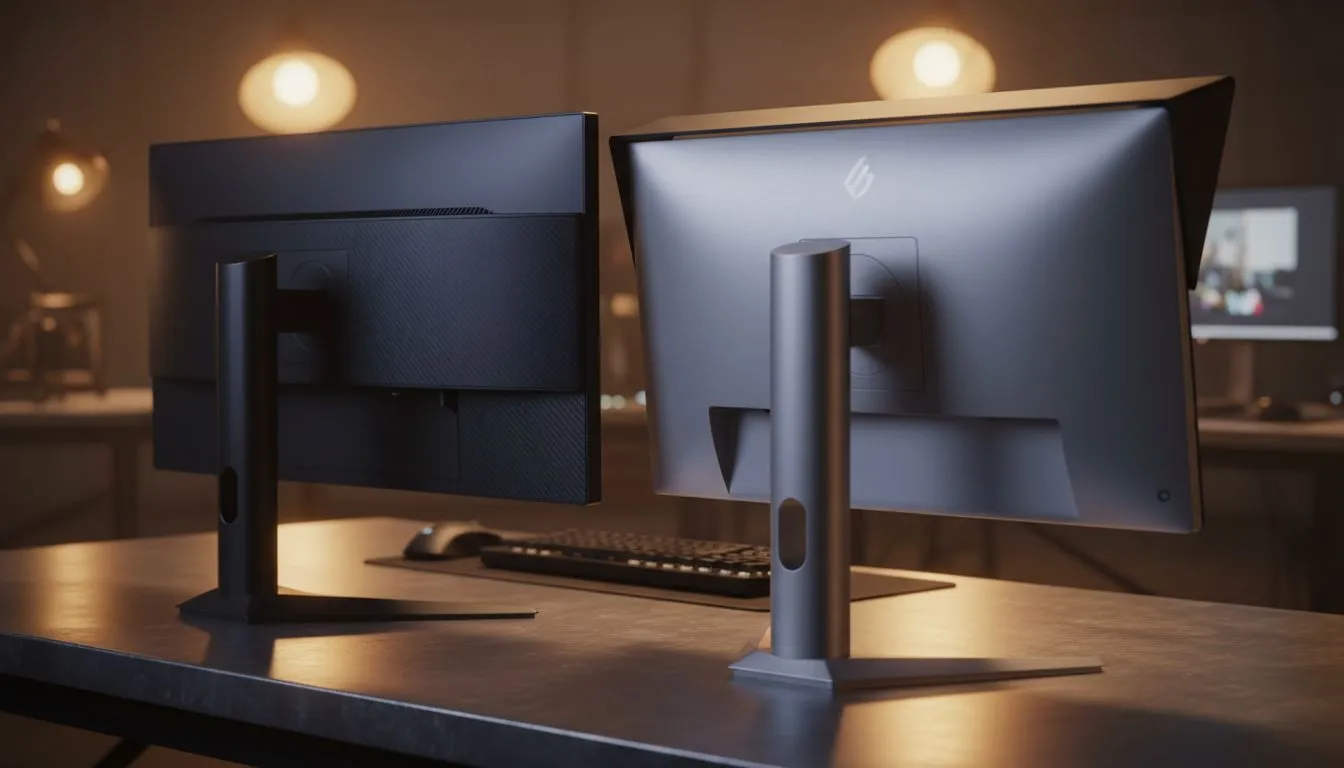
Leveling up your battlestation in South Africa usually starts with a GPU upgrade. But if you are still squinting at a single 60Hz screen, you are missing out on half the experience. A high-refresh 1080p dual monitor setup is the sweet spot for competitive gamers and local streamers who need performance without breaking the bank. It offers the perfect balance of speed and screen real estate. ⚡
Why 1080p is the Performance King for Dual Displays
Modern graphics cards can push incredible frame rates at 1920x1080. When you choose a high-refresh 1080p dual monitor setup, you ensure that your secondary tasks do not tank your FPS. Checking the latest best pc monitor deals ensures you get the most value for your Rands. This creates a seamless visual flow across your desk.
While standard PC monitors are great for spreadsheets, they often lack the response times needed for gaming. High refresh rates are vital for modern gaming... giving you a distinct advantage in titles like Valorant or Apex Legends. You can browse all gaming monitors to find panels with 1ms response times. 🔧
Achieving the Perfect Ergonomics and Layout
Running two screens requires more than just desk space. To truly optimise your high-refresh 1080p dual monitor setup, you should consider how they are mounted. Many pros choose to buy curved monitors to help with peripheral vision during intense matches.
Refresh Rate Check ⚡
Always remember to manually set your refresh rate in Windows Display Settings. Many users buy a 144Hz screen but leave it running at 60Hz by mistake. Right-click your desktop, go to Display Settings, and ensure both screens in your high-refresh 1080p dual monitor setup are running at their maximum rated speed.
If you are limited on space or enjoy gaming on the go, you might buy portable monitors to act as a secondary chat window. For those with a larger budget, some might buy 5k 4k monitors for their main screen... but keeping both at 1080p ensures consistent scaling.
To keep your desk tidy, you should buy monitor accessories like gas-spring arms. These allow you to stack screens or tilt them vertically for coding or Discord. A clean setup helps you focus on the game. 🚀
Maximising Your Competitive Edge
A high-refresh 1080p dual monitor setup is about more than just looks. It is about information density. You can have your game on the primary screen and your stream chat or map on the second. This configuration is the standard for a reason. It provides the best frames-per-second for your budget while giving you the utility of a professional workstation. ✨
Ready to Upgrade Your View? A dual monitor setup is the ultimate way to boost your gaming performance and productivity in South Africa. Explore our massive range of monitor specials and find the perfect pair to complete your dream battlestation.











