


You just dropped serious ZAR on a monster rig. You have top-tier graphics and a processor that chews through tasks. Yet... you are still rubber-banding across the map in Warzone. It is incredibly frustrating. If you want to fix gaming lag on a high-end PC, throwing more RAM at the problem will not help. Your network is the true bottleneck. Let us optimise your connection. ⚡
Why Does My High-End PC Still Suffer From Lag?
A beefy graphics card renders frames beautifully. However... it cannot force data packets through a congested fibre line any faster. High ping and packet loss ruin the competitive experience. To truly fix gaming lag on a high-end PC, we must look beyond the chassis. Local processing power does not equal network stability. The issue usually comes down to poor routing, outdated hardware, or wireless interference.
The LAN Cable... Your First Line of Defence
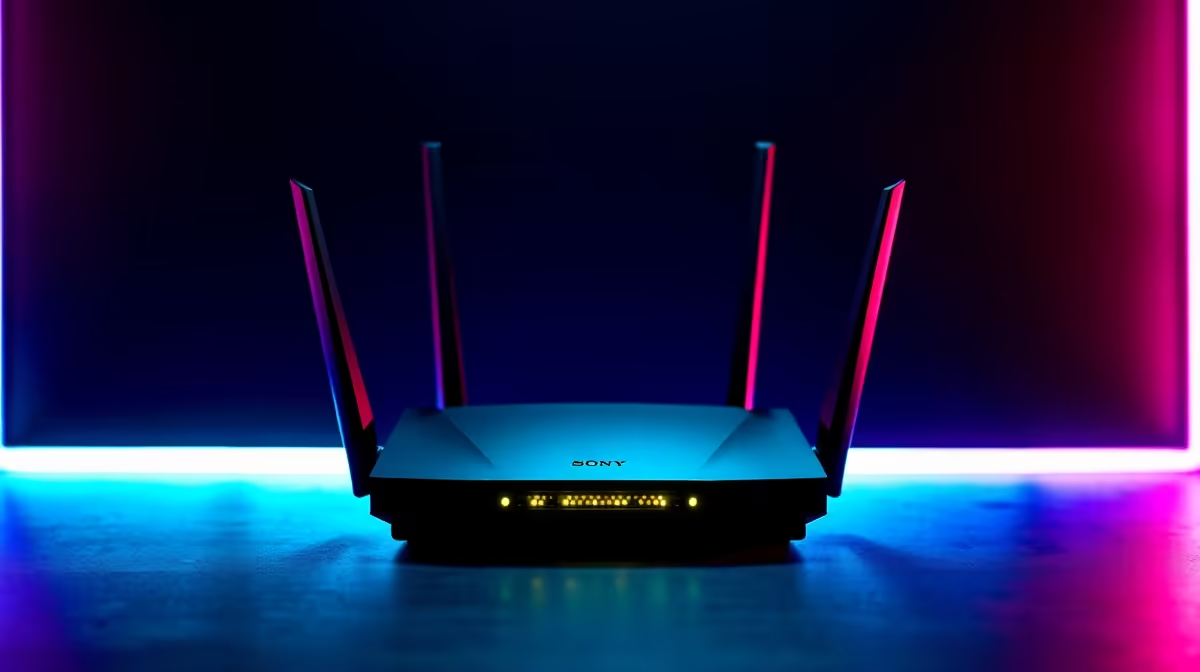
For pure stability... nothing beats a physical cable. A solid Cat6 ethernet connection eliminates wireless interference completely. It delivers a direct line from your PC to the web. If you are serious about competitive play, wiring up is non-negotiable. Sometimes your default ISP router lacks the processing power to handle heavy traffic. Upgrading your core hardware is a highly effective solution. You can easily browse robust networking routers to establish a rock-solid wired foundation. A dedicated router handles intense data loads without breaking a sweat.
Embracing the Future with Wi-Fi 7 🚀
Drilling holes through your living room walls is not always an option. Thankfully... wireless technology has evolved massively. Wi-Fi 7 introduces unprecedented speeds and drastically reduced latency. It handles multiple connected devices flawlessly. If your household is streaming 4K video while you game, a modern setup is essential. Older wireless standards simply cannot keep up with high-bandwidth demands. Investing in one of the latest high-performance Wi-Fi routers will keep your ping low and stable. You get the freedom of wireless with the reliability of a wired connection.
Network Tuning Pro Tip 🔧
Log into your router admin panel and enable QoS (Quality of Service). Prioritise your gaming PC's MAC address. This ensures your gaming packets get VIP treatment over background updates... instantly reducing latency spikes during crucial matches.
Smart Network Tuning Tips for South African Gamers
Hardware is only half the battle. Software tuning makes a massive difference to your overall experience. Always pause background downloads before launching competitive titles. Ensure you connect to local South African servers whenever possible. Playing on European servers will always result in a 160ms ping... no matter your hardware.
Updating your motherboard LAN drivers is another quick fix. Outdated drivers often cause micro-stutters during intense multiplayer sessions. A quick visit to your motherboard manufacturer's website takes five minutes. It can save you hours of frustration.
You should also check your DNS settings. Switching to a faster DNS provider can slightly improve routing times. Upgrading your setup does not have to drain your wallet either. You can always check out our latest tech specials to find networking gear at unbeatable ZAR prices. A small investment in the right equipment transforms your online experience. ✨
Ready to Eliminate Lag for Good? A premium gaming PC deserves a premium connection. Stop letting network drops ruin your rank. Explore our massive range of networking gear and find the perfect upgrade to conquer your online matches.











