

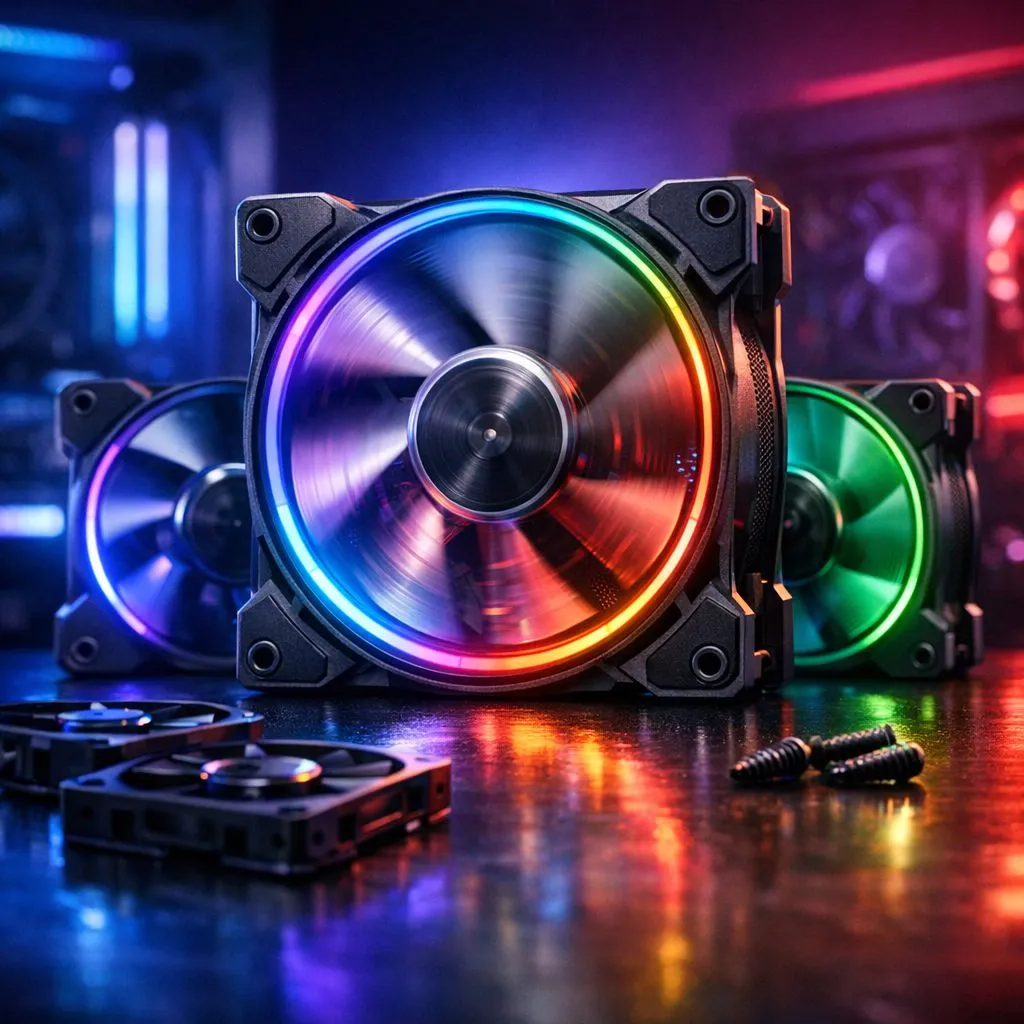
Building a gaming rig in South Africa means respecting the heat. When you ask, "How many case fans do I need for a gaming PC," you are looking for that perfect balance between icy temperatures and a quiet room. Too few fans and your GPU throttles... too many and your room sounds like a jet engine taking off from OR Tambo. Let's find your cooling sweet spot. 🔧
Finding the Cooling Sweet Spot
For the vast majority of South African gamers, the magic number is three. A setup featuring two intake fans at the front and one exhaust fan at the rear creates a consistent "wind tunnel" effect. This ensures that cool air reaches your components before being swept out the back. If you are starting from scratch, browsing a wide selection of case fans will show you that even a modest investment can significantly lower your internal temperatures.
Airflow Pro Tip ⚡
Always ensure your front fans are acting as intakes (pulling air in) and your rear or top fans are exhausts (pushing air out). A simple way to check is to look at the fan "cage" or frame... air almost always flows towards the side with the plastic cross-frame.
Why Fan Size and Brand Matter
Not all fans are created equal. If your chassis supports them, 140mm fans are generally superior to the standard 120mm fans. Because they are larger, they can move the same amount of air while spinning at a lower speed... which means a much quieter experience during those late-night sessions.
When it comes to value, Deepcool fans have become a local favourite. They offer high static pressure and reliable bearings without breaking the bank, with some single units starting well under R200. 🚀
Aesthetics: RGB vs. Stealth
Once you have decided how many fans you need, you have to choose a style. If you want your setup to be the centrepiece of your room, RGB fans offer millions of colour combinations to match your vibe. However, if you prefer a professional, understated look, high-performance non-LED fans focus entirely on airflow and silence.
For those who want the ultimate in customisation and software control, CORSAIR fans are the gold standard. Their iCUE ecosystem allows you to synchronise your cooling speeds with your component temperatures automatically... ensuring your PC stays cool only when it needs to. ✨
The Verdict on Fan Counts
So, how many case fans do I need for a gaming PC?
- Budget Builds: 2 fans (1 Intake, 1 Exhaust).
- Gaming Sweet Spot: 3-4 fans (2 Intake, 1-2 Exhaust).
- Enthusiast/Overclocked: 5-6 fans (3 Intake, 2-3 Exhaust).
Going beyond six fans usually results in diminishing returns where the extra noise outweighs the 1 or 2-degree temperature drop. Stick to the sweet spot and your hardware will thank you for years to come.
Ready to Chill Your Build? Thermal throttling is the enemy of high frame rates. Whether you need silent performance or a light show that would rival a Durban festival, we have the cooling gear for you. Browse our full range of case fans and keep your gaming PC running at its peak.











