

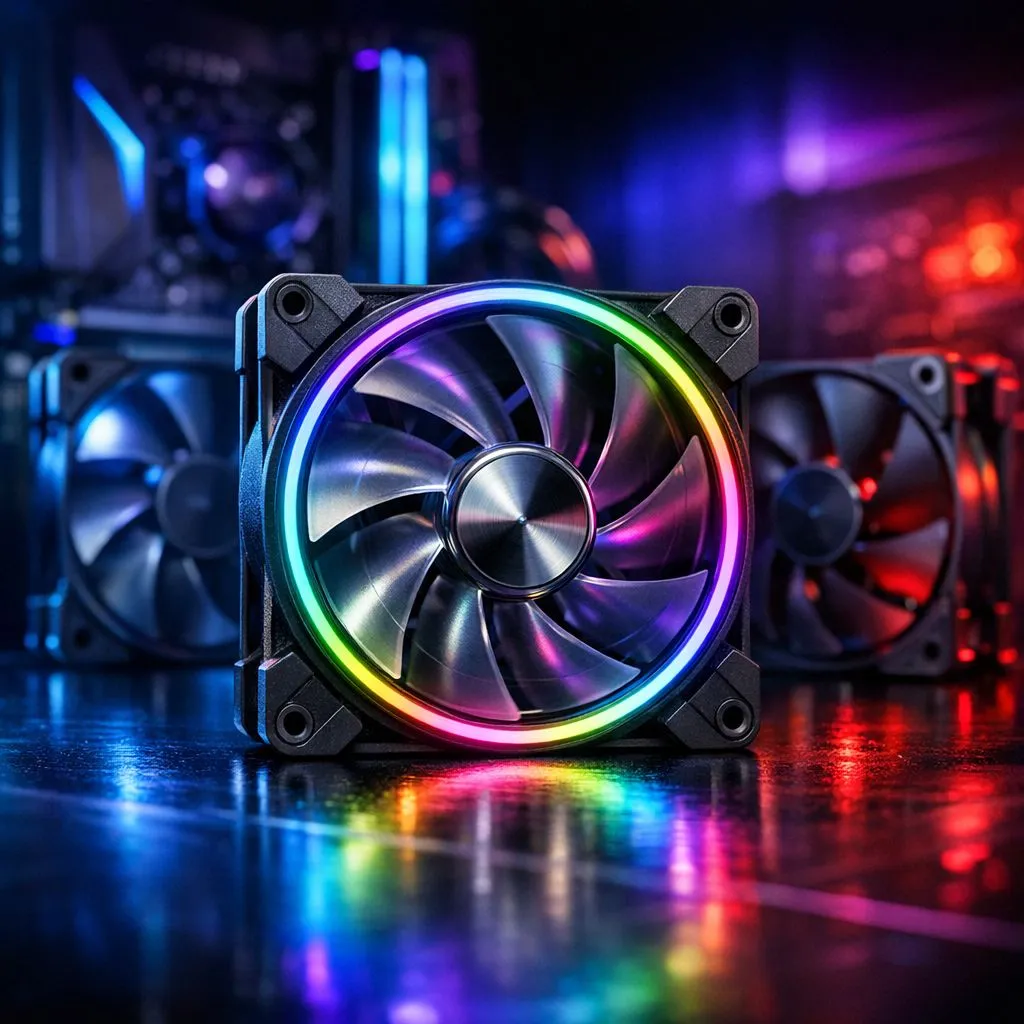
Finding the Sweet Spot for Your PC Airflow
Building a PC in South Africa means battling more than just high ping. When the December heat hits, your high-end GPU starts sounding like a jet engine taking off from OR Tambo. Understanding how many case fans do you need for optimal PC airflow is the difference between a silent, cool machine and a thermal-throttling nightmare that cuts your gaming session short. 🔧
The general rule of thumb for most mid-range builds is two to three fans. One intake fan at the front and one exhaust fan at the rear provide the basic "push-pull" effect. This setup creates a steady stream of air over your components. However, if you are running a high-TDP processor or a power-hungry graphics card, adding a second intake fan at the front often yields the best results for temperature management. Beyond three fans, you start to see diminishing returns where adding more fans only increases noise without significantly lowering temperatures.
Quality Over Quantity in Computer Cases
Not all chassis are created equal. Choosing the right computer cases is the first step toward a cool system. A case with a mesh front panel will always outperform a solid glass front, regardless of how many fans you strap inside. If you are on a tight budget, looking for affordable gaming cases under R1500 is a smart move. Many of these entry-level options include pre-installed fans, saving you the extra cost of buying them separately.
Brands like Gamdias gaming cases provide excellent value for money by focusing on high-airflow designs that do not break the bank. On the other hand, if you want the gold standard in thermal engineering, Fractal Design PC cases are legendary for their whisper-quiet operation and superior internal layouts. ⚡
Airflow Pro Tip ⚡
Always aim for 'Positive Pressure' in your case. This means having more intake fans than exhaust fans. This setup forces air out of every small gap in the chassis, which prevents dust from being sucked into the nooks and crannies of your expensive hardware. It keeps your PC cleaner for much longer.
Balancing Intake and Exhaust
The goal is to move heat away from your components as quickly as possible. If you have too many exhaust fans, you create a vacuum that pulls dust through unfiltered gaps. If you have too many intake fans, the hot air might linger inside the case for too long. 🚀
For a standard ATX build, two 140mm intake fans at the front and one 120mm exhaust fan at the rear is often the "Goldilocks" configuration. It provides enough fresh air to keep the GPU happy while ensuring the CPU cooler is not breathing in recycled heat. Remember to check your fan curves in the BIOS to ensure they are not spinning at 100% while you are just browsing the web... your ears will thank you later. ✨
Ready to Chill Your Rig? Don't let heat throttle your performance. Whether you need a budget-friendly setup or a premium airflow powerhouse, we have the stock to keep you cool. Upgrade your PC case today and experience the Evetech difference.











