The Thermal Reality of Gaming in South Africa
Summer in South Africa doesn't just melt your ice cream... it throttles your CPU. When the mercury hits 35 degrees in Pretoria or the humidity peaks in Durban... your PC feels every bit of it. You might be wondering how many case fans for gaming you actually need to survive the heat. Is a 12-fan case support setup overkill or a necessity for our harsh climate? Let’s dive into the thermal reality. ☀️
Finding the Balance for Airflow
Most standard builds thrive with three to four fans. However... South African summers demand more thermal headroom. If you are browsing computer cases for a new build... you must prioritise intake versus exhaust. A common mistake is having too much exhaust... which creates a vacuum that pulls dust through every unfilitered crack in your chassis.
For most gamers... two 140mm intake fans and one 120mm exhaust fan is the baseline. But when you are pushing 4K frames... that heat builds up fast. This is why many local enthusiasts are looking toward chassis with high fan counts to keep internal temperatures stable without making the PC sound like a jet engine.
Airflow Pro Tip ⚡
Always aim for 'positive pressure' in your case. This means having more air being blown into the case than being sucked out. It helps keep South African dust out of your components... ensuring your GPU stays clean and cool during those long December gaming sessions.
Why 12-Fan Case Support is Trending
More fans do not always mean more noise. In fact... twelve fans running at low RPMs can be significantly quieter than three fans screaming at maximum speed. This is where Gamdias gaming cases shine... providing massive mounting points for total airflow coverage across your motherboard and VRMs. 🔧
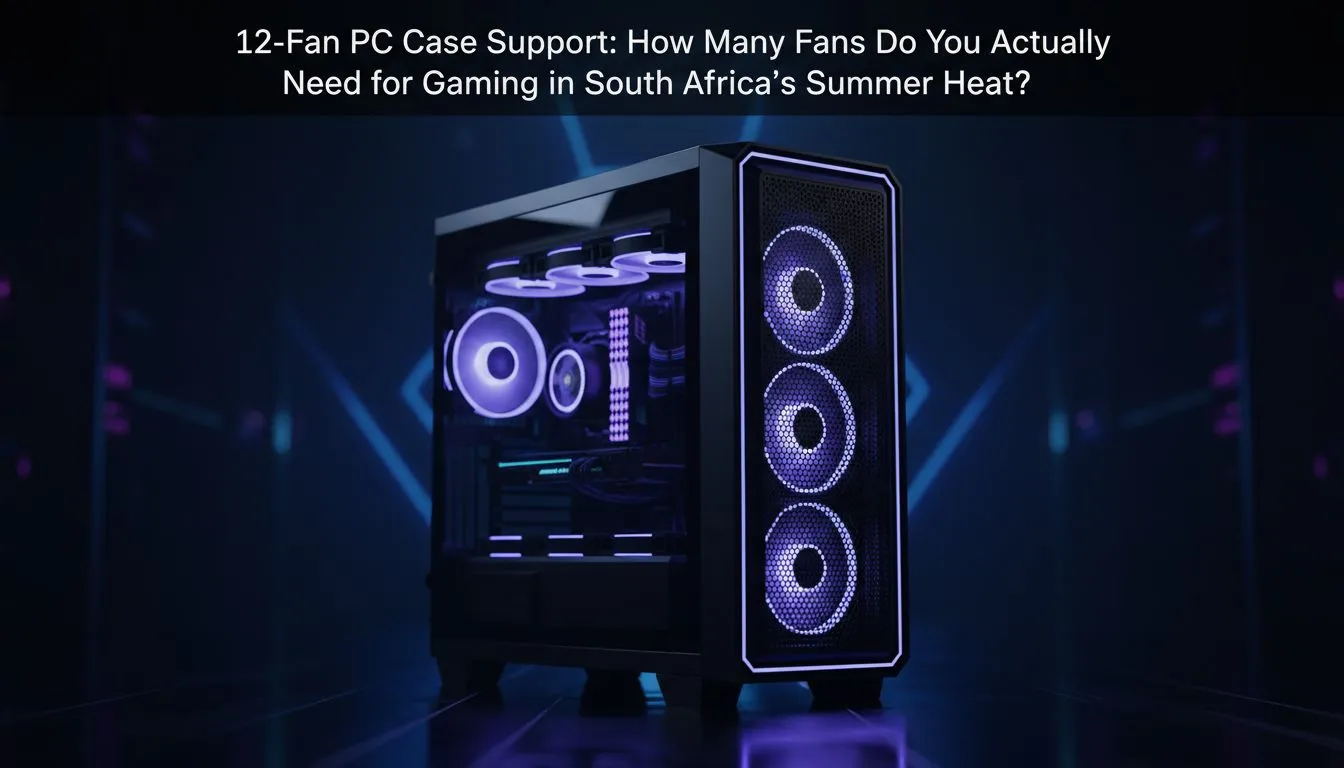
A 12-fan case support layout usually includes side-mounted intakes and bottom-mounted fans that blow cool air directly into the GPU fans. This "chimney effect" is incredibly effective for high-end builds that generate significant heat. It ensures that no pocket of stagnant hot air lingers near your expensive hardware. 🚀
Premium Cooling vs Budget Solutions
You do not need to spend a fortune to stay cool. There are excellent affordable gaming cases under R1500 that offer great fan mounting options for budget-conscious builders. These cases allow you to add more fans over time as your budget allows.
For those who prefer premium aesthetics and world-class engineering... Fractal Design PC cases provide some of the best thermal layouts in the industry. They focus on unhindered paths for air to travel... making every fan count toward lower decibels and better frames. Whether you go for a minimalist look or a full RGB spectacle... the goal remains the same: keeping your silicon frosty when the SA sun is at its peak. ✨
Ready to Beat the Heat?
Don't let thermal throttling ruin your win streak this summer. Whether you need a high-airflow beast or a sleek silent killer... we have the right chassis for your build. Explore our massive range of computer cases and find the perfect match to keep your components cool and performing at their best.